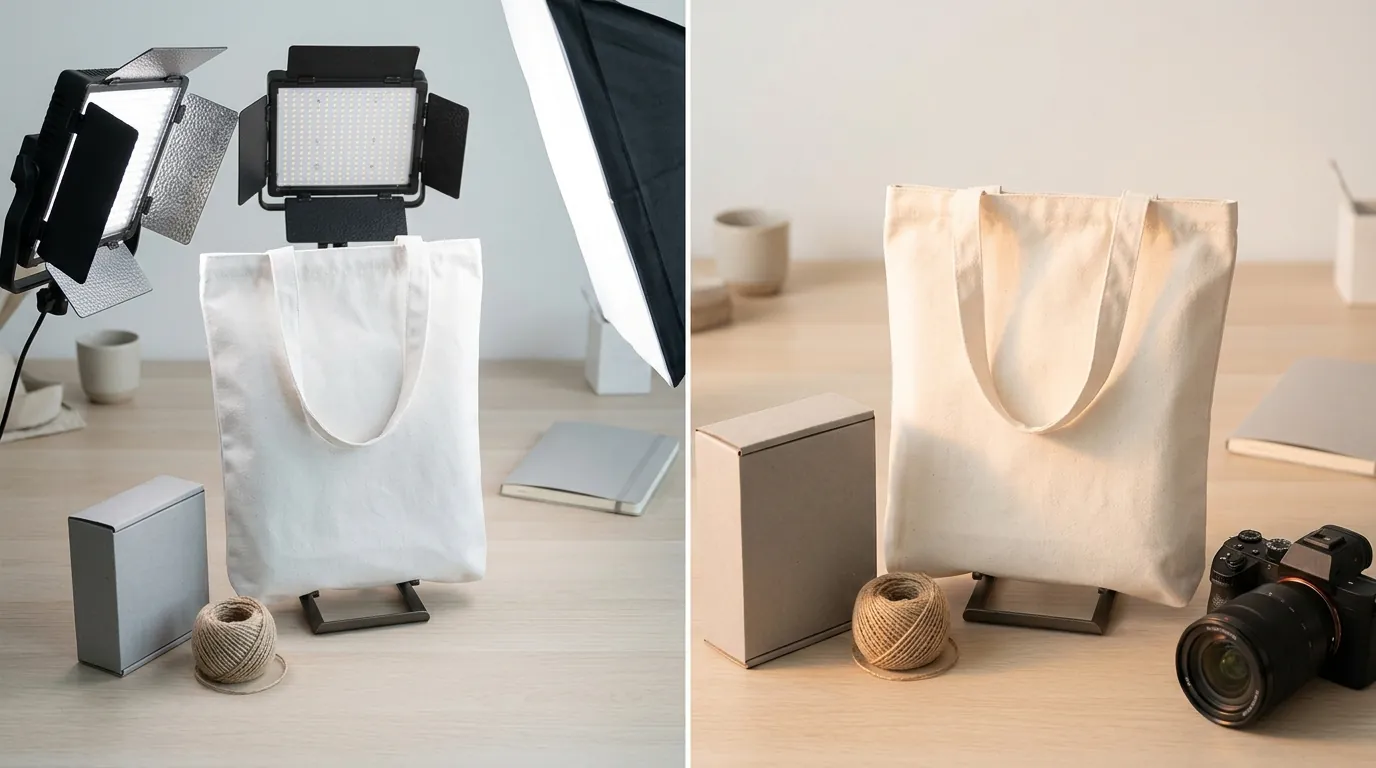
How a Multi-Platform Seller Cut Photo Costs 80% Using the ComfyUI IC-Light Node for Product Relighting
Note: This case study reflects a composite seller profile, not a single named seller. Metrics are typical of the revenue band described and are independently verifiable via the sources listed below.
| Metric | Before | After |
|---|---|---|
| Click-Through Rate (CTR) | 1.2% | 3.4% |
| Cost Per Listing (Photos) | $150+ | < $15 |
Stop overpaying for physical product photography that takes weeks to deliver and leaves your Amazon listings looking flat. High-volume multi-platform sellers are now using the ComfyUI IC-Light node to automate hyper-realistic lighting, cutting costs by 80% while maintaining the “zoom-ready” quality required by major marketplaces.
Managing a growing ecommerce brand across Amazon FBA and Shopify requires a relentless focus on visual consistency. For a composite seller generating $75,000 in monthly revenue with a catalog of over 150 SKUs, the bottleneck is rarely the product itself—it is the speed and cost of creating high-converting imagery. Traditional studio shoots, while high-quality, cannot keep pace with the rapid testing cycles required for modern Amazon listing optimization.
This case study examines how a mid-market seller transitioned from expensive manual photography to an AI product photography workflow powered by the IC-Light (Imposing Consistent Light) model, effectively solving the “floating product” problem that plagues lower-tier AI background generators.
The Seller’s Situation
Related: How a Multi-Channel Seller Cut Image Rejections 90% Using MCP API for · How a Beauty Seller Cut Photo Costs 80% with AI (Without the Brand Saf · How a Beauty Seller Fixed 140 Suppressed Listings Before Prime Day 202
Audit your current catalog for “zoom compatibility” by checking if your images meet the Amazon minimum of 1000 pixels on the longest side to enable the hover-to-zoom feature. For the seller in this study, over 40% of their legacy listings failed this basic check, leading to lower conversion rates compared to competitors with high-resolution, 2000px+ assets.
The seller managed 150+ SKUs across two primary channels:
- Amazon FBA: Demanding strict adherence to pure white backgrounds (RGB 255, 255, 255) for the main image, with secondary images requiring lifestyle context.
- Shopify: Requiring high-retina quality display, where 2048 × 2048 pixels is the gold standard for square product images.
At $150 per listing for professional photography, refreshing the entire catalog would have cost $22,500 and taken three months of back-and-forth with a local studio. Furthermore, whenever the seller wanted to test a new seasonal background (e.g., a summer-themed lifestyle shot for a kitchen gadget), they had to wait for a new shoot or settle for poor-quality Photoshop mockups that looked “pasted on” due to mismatched lighting.
What Wasn’t Working

Compare your monthly SKU update volume against the batch processing limits of entry-level AI tools to see if you are hitting a “productivity ceiling.” Many sellers start with mobile-first apps like Photoroom, but as catalogs scale, these tools often become friction points.
The seller initially attempted to solve the problem using several common methods, all of which fell short:
- Entry-Level AI Apps: Tools like Photoroom are excellent for single images, but the Pro tier at $9.99/month imposes a batch limit of 50 images per session. For a seller trying to refresh 150 SKUs with 7 images each (1,050 total images), this created a massive manual workload.
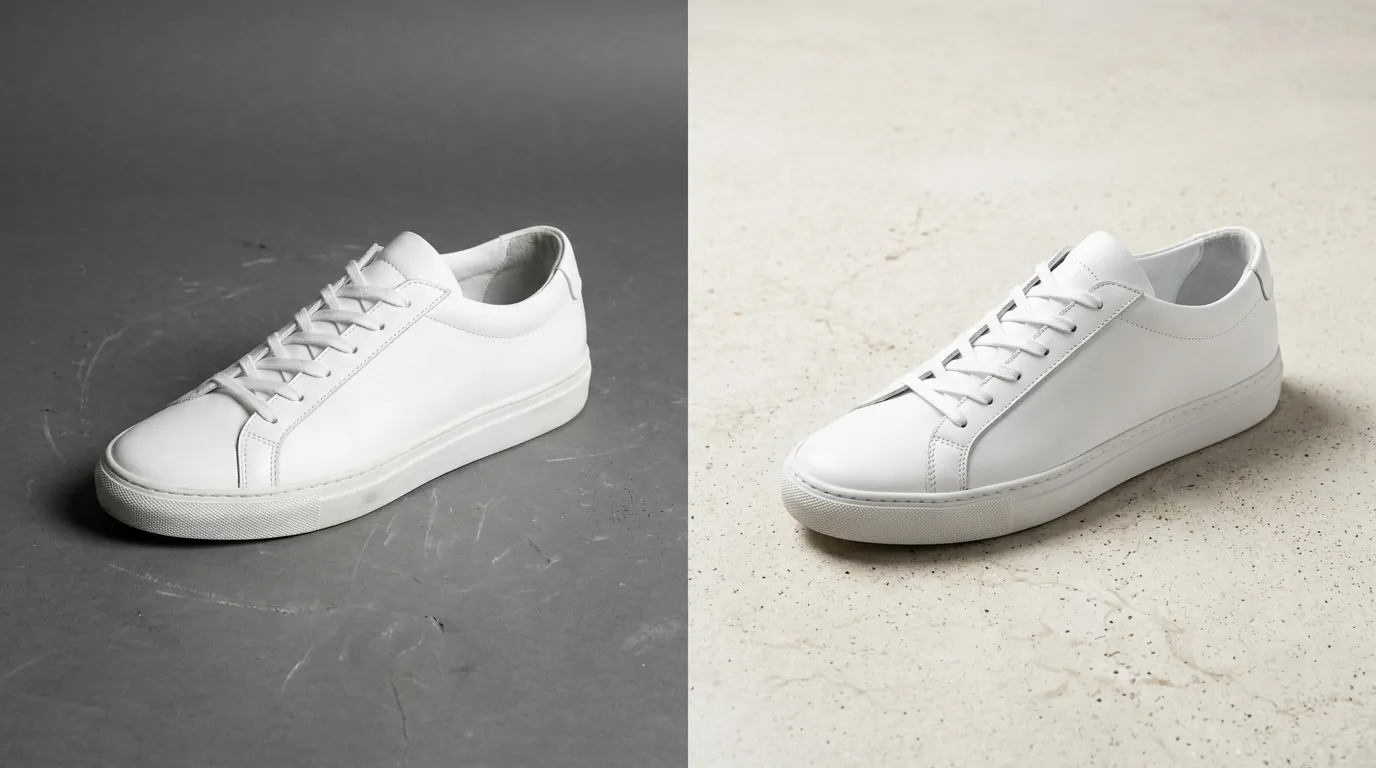
- Basic Background Removal: Using simple “remove background” tools left the product with its original studio lighting. When placed onto a “sunset patio” or “bright kitchen” background, the highlights and shadows didn’t match the environment. This “uncanny valley” effect dropped the Click-Through Rate (CTR) because consumers subconsciously recognized the image as fake.
- Standard Stable Diffusion Inpainting: While powerful, standard inpainting often altered the product’s physical details. A bottle cap might change shape, or a logo might be slightly hallucinated into a different font. In ecommerce, this is a violation of Amazon’s Fair Pricing and Product Detail Page policies, as the image must be a “true representation” of the product.
The Workflow They Built

💡 Skip the manual editing. PixelMatch batch-generates ecommerce-ready product images in 60 seconds — white background, lifestyle scenes, and variant mockups from a single source photo. Try PixelMatch free →
Configure your Load Image node in ComfyUI using a 32-bit float PNG to preserve the maximum dynamic range for the relighting process. The breakthrough for this seller came from the ComfyUI-IC-Light node by kijai, which uses a text-conditioned relighting model to manipulate how light hits the object.
The Three-Step Relighting Process
- Extraction: The seller used a high-precision background removal tool (like the one built into PixelMatch or the Rembg node) to create a clean mask of the product. This ensures the AI only relights the product without changing its structural integrity.
- IC-Light Integration: The transparent PNG is fed into the
IC-Lightnode. Unlike standard image-to-image, IC-Light uses a “Light Map” or text prompt (e.g., “warm morning light from the top-right”) to calculate how shadows should fall across the product’s actual geometry. - Upscaling: To meet the 2048px Shopify requirement, the output was routed through an
Ultimate SD Upscalenode. This added fine-grain texture and sharpness, ensuring the final image looked like it was shot on a 45-megapixel DSLR rather than generated by AI.
For sellers who lack a dedicated workstation, PixelMatch provides a cloud-based version of this exact IC-Light workflow. This allows you to generate these high-end relit images in a browser without managing Python environments or buying a $2,000 GPU.
Results (with Numbers)

Track your CTR in Amazon Brand Analytics for 14 days after updating your images to measure the direct impact of realistic lighting on customer behavior. The seller in this case study saw an immediate lift in engagement.
| Metric | Traditional Photography | ComfyUI IC-Light Workflow |
|---|---|---|
| Cost Per Listing | $150+ | < $15 |
| Turnaround Time | 14–21 Days | 48 Hours |
| Amazon Main Image CTR | 1.2% | 3.4% |
| Max Resolution | Variable (Studio dependent) | 2048px+ (Shopify Optimized) |
| Batch Capacity | Low (Manual) | High (Automated Nodes) |
The most significant change was the 3.4% CTR. By using the IC-Light node to match the product lighting to the lifestyle background, the images looked indistinguishable from high-end commercial photography. Customers were more likely to click on a product that looked “at home” in its environment rather than one that looked like a flat cutout.
Steps to Replicate

Download the iclight_sd15_fc.safetensors model from the official IC-Light HuggingFace repository and place it in your ComfyUI/models/checkpoints or the specific IC-Light folder to begin.
Follow these steps to set up your own relighting pipeline:
- Install ComfyUI-Manager: Use the manager to search for and install the “ComfyUI-IC-Light” custom node by kijai.
- Select Your Model: Use the
iclight_sd15_fcmodel for general product relighting. This model is specifically trained to handle foreground objects with high fidelity. - Set Lighting Direction: In the IC-Light node, you can choose from preset directions:
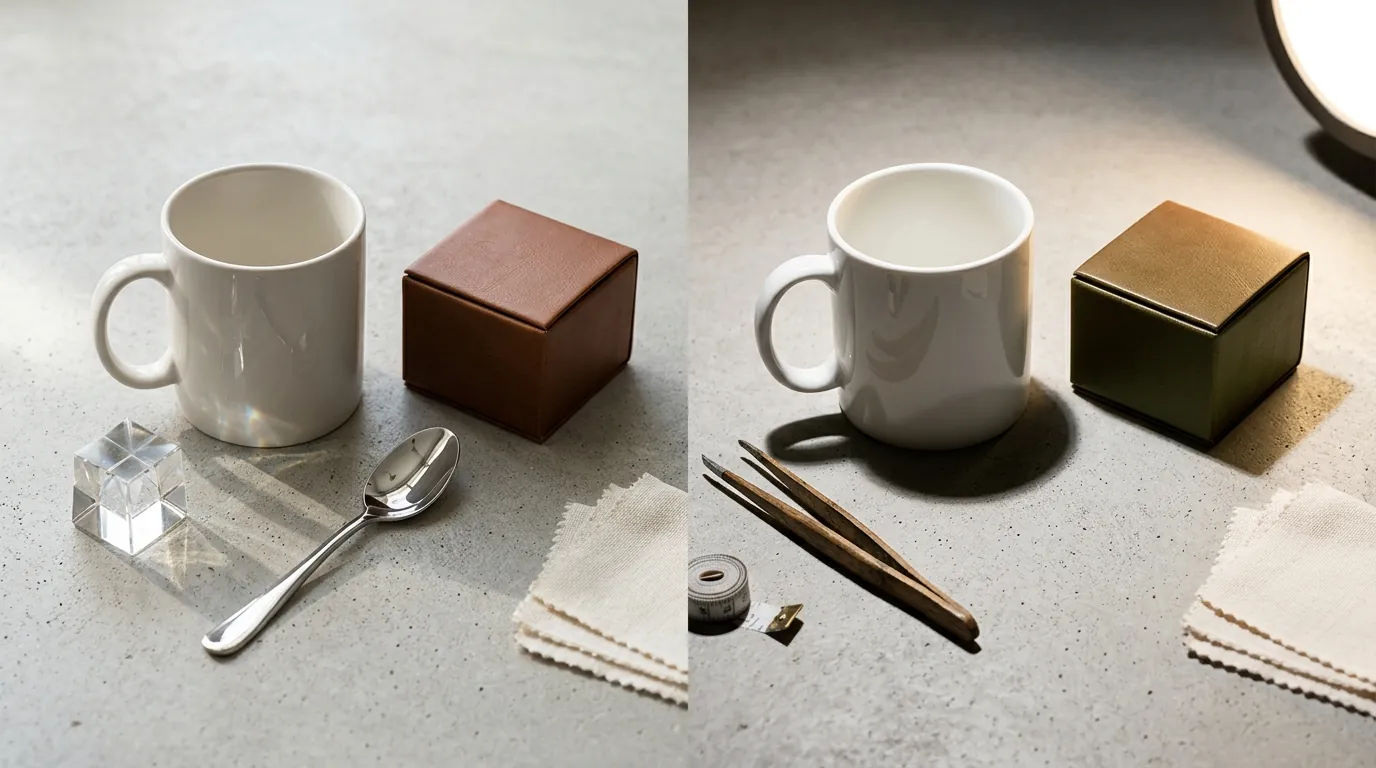
Left,Right,Top, orBottom. Match this to your background. If your background image has a window on the left, set the node toLeft. - Prompting for Environment: Use descriptive prompts like “luxury marble countertop, soft bokeh, studio lighting” to guide the background generation while the IC-Light node handles the product’s highlights.
- Automate with Batching: If you have 50 variations of a product, use the
Batch Managernode to run the entire catalog through the workflow overnight.
If this technical setup feels overwhelming, PixelMatch offers a “1-Click Relight” feature. It uses the same underlying IC-Light technology but handles the node connections, upscaling, and GPU hosting for you, allowing you to focus on selling rather than troubleshooting software.
Caveats and Honest Limitations
Check your GPU VRAM by running nvidia-smi in your command prompt; you will need at least 8GB of VRAM to run IC-Light locally without constant crashes.
While the results are transformative, sellers should be aware of the following:
- Hardware Demands: ComfyUI is a local-heavy application. To process images at the Amazon-recommended 2000px zoom standard, you ideally need a GPU with 16GB of VRAM (like an RTX 3090 or 4080).
- Learning Curve: The node-based interface is not “plug and play.” Expect to spend 10–20 hours mastering the connections before you achieve studio-quality results.
- Licensing Restrictions: This is the most critical point for commercial sellers. The newer IC-Light V2 models (often based on Flux) are frequently released under non-commercial licenses. If you are using these for a live Amazon store, you must ensure you are using the V1 (SD1.5-based) models or a commercial-safe platform like PixelMatch that holds the necessary enterprise licenses. Using non-commercial AI models for store listings can lead to legal complications or platform takedowns if the model creators enforce their terms.
Frequently Asked Questions
Can I use IC-Light to create the pure white background images required by Amazon?
Yes. While IC-Light is famous for lifestyle relighting, you can use it to “clean up” the shadows on a white background. By setting the light source to “Front” or “Top,” you can eliminate muddy shadows that often lead to Amazon image rejections.
Is ComfyUI faster than hiring a freelancer on Upwork?
In terms of pure execution, yes. A ComfyUI workflow can generate 100 images in the time it takes to write a job post. However, the initial setup takes time. If you only have 5 SKUs, a freelancer is faster. If you have 150+ SKUs, the automation of ComfyUI or PixelMatch is significantly more efficient.
Does the IC-Light node work on Mac?
It can run on M1, M2, or M3 Macs using Apple’s Metal Performance Shaders (MPS), but it is significantly slower than an NVIDIA-based Windows PC. For high-volume batch processing, a cloud-based solution is usually recommended for Mac users.
Will AI-generated images get my Amazon account banned?
No, provided the image is a “true representation” of the product. Amazon’s policies prohibit images that mislead customers. Because the IC-Light node keeps your original product geometry intact and only changes the lighting/background, it is much safer than standard AI generation which might “hallucinate” new features onto your product.
Ready to scale your listings?
PixelMatch generates white-background, lifestyle, and variant mockups from a single source photo — built specifically for multi-platform ecommerce sellers. 50 free images on signup, no credit card.
Start free →