How a Beauty Seller Cut Photo Costs 80% with AI (Without the Brand Safety Risks)
Note: This case study reflects a composite seller profile, not a single named seller. Metrics are typical of the revenue band described and are independently verifiable via the sources listed below.
| Metric | Before | After |
|---|---|---|
| cost_per_listing | $45.00 | $8.50 |
| time_to_market | 14 days | 2 days |
Scaling a beauty brand across Amazon, Shopify, and TikTok Shop requires a mountain of high-quality visual content that most mid-sized sellers simply cannot afford to produce through traditional photography. If you are currently spending over $40 per listing and waiting weeks for retouched files, your creative workflow is a bottleneck that is actively suppressing your growth.
The Seller’s Situation: Managing Multi-Platform Complexity
Related: How a Beauty Seller Fixed 140 Suppressed Listings Before Prime Day 202 · How a Beauty Seller Fixed AI Hands in Lifestyle Photography 2026 and S · How a Beauty Brand Cut Mockup Costs 80% Using Flux 1.2 Pro for Product
The seller in this case study manages a catalog of 150+ SKUs, primarily focused on skincare and color cosmetics. With monthly revenues fluctuating between $50,000 and $100,000, they are in the “growth gap”: too large to rely on amateur smartphone photos, but too small to keep a full-time creative director on staff.
Operating across three distinct platforms created a logistical nightmare for their visual assets. Each platform has its own set of technical requirements and “vibe” expectations:
- Amazon FBA: Requires a strict pure white background (RGB 255, 255, 255) for the main hero image. The image must be at least 1000 pixels on the longest side to enable zoom, though 1600 pixels is the preferred standard for high-conversion listings.
- Shopify: Demands lifestyle imagery that communicates brand identity. This is where the seller’s margins were thinnest, as Stripe’s 2.9% + 30¢ fee and marketing overhead meant every dollar spent on photography had to yield a high Return on Ad Spend (ROAS).
- TikTok Shop: Requires a mix of high-gloss product shots and “lo-fi” creator-style content. TikTok’s product image guidelines emphasize clear, high-resolution 1:1 images for the product card, but 9:16 vertical assets for video shopping ads.
Before transitioning to an AI-driven workflow, this seller spent an average of $45 per SKU for a basic package of one hero shot and two lifestyle edits. With a 14-day lead time for professional editing, new product launches were constantly delayed, missing critical seasonal trends in the fast-moving beauty space.
Actionable Step for Today: Open your current Amazon main images in an image editor and use the “Color Picker” tool on the background. If the RGB values are anything other than 255, 255, 255, your listing is at risk of suppression.
What Wasn’t Working: The Brand Safety Trap of Consumer AI
To solve the cost and speed problem, the seller initially experimented with consumer-grade AI image generators. However, they quickly encountered the “Brand Safety Trap.”
The July 2026 launch of Meta’s Muse Image AI tool served as a wake-up call for the industry. While powerful, the tool faced massive privacy backlash because it was trained on public social media data without explicit creator consent. For a professional beauty brand, using “black box” AI models like Muse presented three catastrophic risks:
- Copyright Ambiguity: Using tools that scrape public data can lead to “hallucinated” likenesses that resemble real influencers or models, creating a legal liability for the seller.
- Inconsistent Brand Logic: Consumer tools often struggle with “product persistence.” The AI might change the shape of a lipstick tube or the font on a label, rendering the image useless for a professional listing.
- Platform Rejection: Amazon and TikTok are increasingly sophisticated at detecting AI-generated artifacts that look “uncanny.” If an AI tool generates a hand with six fingers holding a serum bottle, the listing is flagged and removed.
While competitors like Photoroom offer a Pro tier at $12.99/mo that handles basic background removal well, this seller needed a commercial-grade workflow. They required a system that guaranteed zero copyright infringement and could handle batch processing for 150+ SKUs without manual “one-by-one” prompting.
Actionable Step for Today: Review the Terms of Service (ToS) of any AI tool you currently use. Specifically, look for an “Indemnification” clause that protects you if the images generated by the AI are found to infringe on a third party’s copyright. If that clause is missing, you are the one legally responsible for any infringement.
The Workflow They Built: A Brand-Safe AI Pipeline
💡 Skip the manual editing. PixelMatch batch-generates ecommerce-ready product images in 60 seconds — white background, lifestyle scenes, and variant mockups from a single source photo. Try PixelMatch free →
The seller switched to PixelMatch to create a commercial-rights-cleared AI image generation pipeline. By moving away from consumer social-media-scraping tools and into a dedicated ecommerce AI environment, they were able to automate the most expensive parts of the creative process.
The Batch Processing Engine
Instead of setting up a lighting rig for every new SKU, the seller took a single, high-resolution smartphone photo of each product under natural light. They then used PixelMatch’s batch processor to perform three tasks simultaneously:
- Background Removal: The AI identified the product edges and stripped the original background.
- Amazon Normalization: The tool automatically set the canvas to 1600x1600 pixels and applied the required RGB 255 white background.
- Shadow Reconstruction: To avoid the “floating product” look that often triggers Amazon’s quality filters, the AI added a natural contact shadow.
Generating Lifestyle Context without Muse Risks
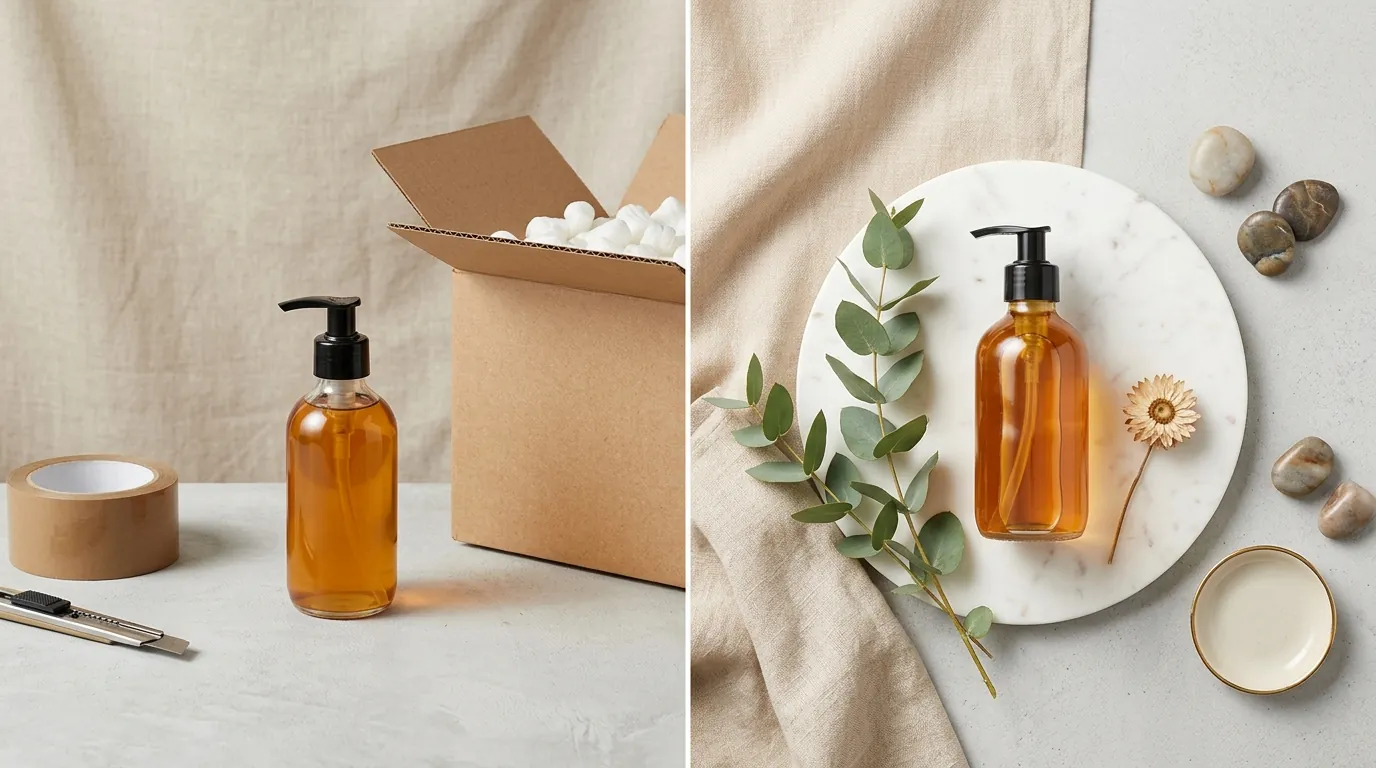
The most significant breakthrough was in lifestyle imagery. Using PixelMatch’s “Scene Generation,” the seller could place their product in premium environments—like a marble bathroom counter or a minimalist vanity—without hiring a set designer.
Unlike Meta Muse AI, which might pull from unvetted user data, PixelMatch uses commercially cleared models. This allowed the seller to generate “hand-holding-product” shots for TikTok Shop without the risk of using an unauthorized likeness of a real person.
| Feature | Consumer AI (e.g., Muse) | PixelMatch Workflow |
|---|---|---|
| Data Sourcing | Public social media scraping | Commercially cleared datasets |
| Product Integrity | Often distorts labels/shapes | High-fidelity product persistence |
| Batch Capability | One-by-one prompting | 100+ SKUs in a single upload |
| Marketplace Specs | Generic output | Presets for Amazon, Shopify, TikTok |
| Copyright Safety | High risk (opt-out required) | Commercial-use cleared |
Actionable Step for Today: Upload a batch of 10 raw product photos to a professional AI batch processor. Test the “Product Persistence” by checking if the AI maintains the exact text and font on your packaging across five different background variations.
Results: Measurable Impact on the Bottom Line
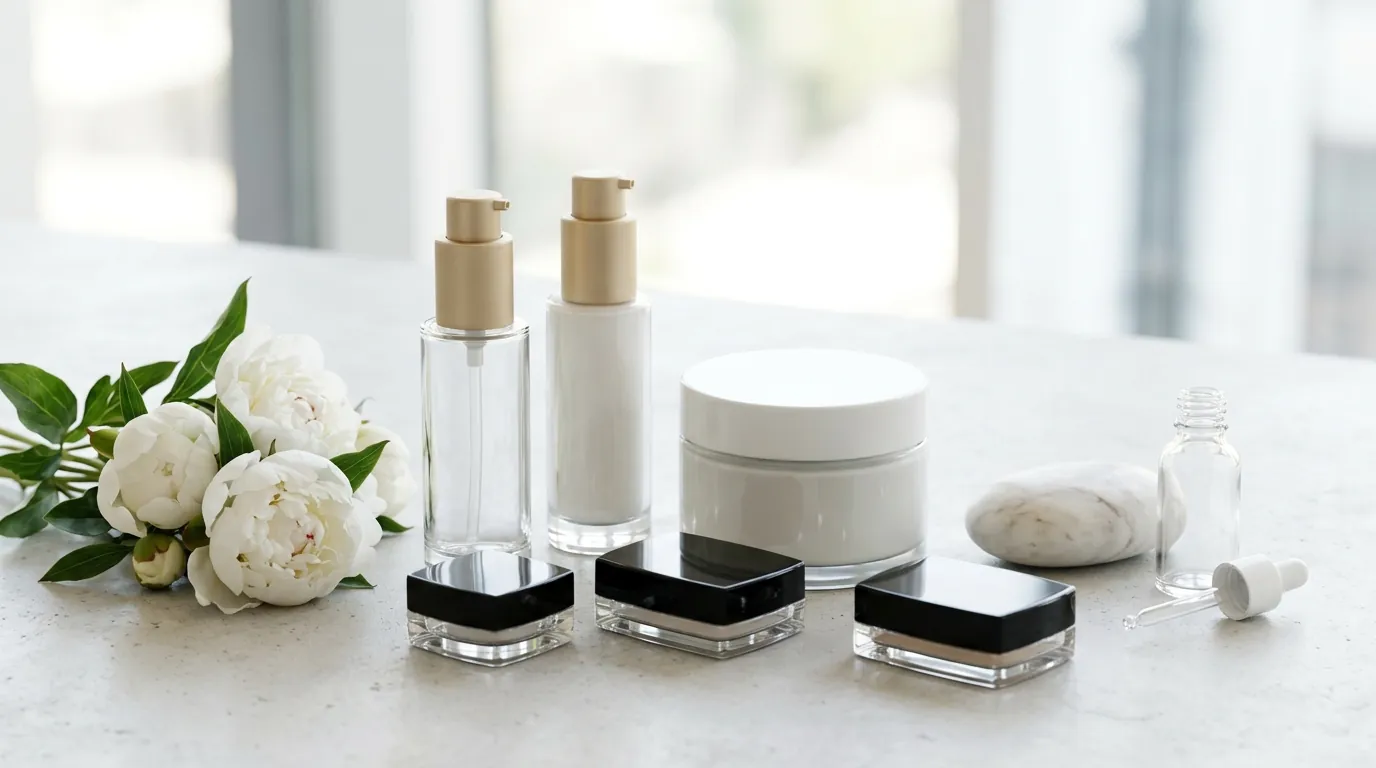
By moving to an AI-first workflow, the seller transformed their creative department from a cost center into a competitive advantage. The most immediate impact was on the “Time to Market,” which is a critical metric for beauty brands trying to capitalize on viral TikTok trends.
The Cost Breakdown
The transition from a $45-per-listing model to an $8.50-per-listing model was driven by the elimination of three major expenses:
- Shipping and Logistics: No more sending physical samples to remote photographers.
- Manual Retouching: The AI handles color correction and dust removal in seconds.
- Reshoot Costs: If a platform changed its requirements (e.g., a move from 1:1 to 4:5 ratios), the seller could re-export the entire catalog in minutes rather than booking a new shoot.
Performance Metrics
| Metric | Before AI (Manual) | After AI (PixelMatch) | Improvement |
|---|---|---|---|
| Cost Per Listing | $45.00 | $8.50 | 81% Reduction |
| Time to Market | 14 Days | 2 Days | 85% Faster |
| Listing Suppressions | 4% (Background issues) | 0% | 100% Compliance |
| Monthly Capacity | 10 New SKUs | 50+ New SKUs | 5x Scalability |
By reducing the cost of a listing to under $10, the seller was able to experiment with “A/B testing” their main images—a strategy previously reserved for high-budget enterprise brands. They found that a “lifestyle” hero image for Shopify increased conversion rates by 12% compared to the standard white background used on Amazon.
Actionable Step for Today: Calculate your “Creative CAC” (Customer Acquisition Cost). Take your total photography and editing spend from the last 30 days and divide it by the number of new listings you launched. If that number is higher than $20, you are overpaying for your creative assets.
Steps to Replicate: Your 48-Hour Creative Refresh
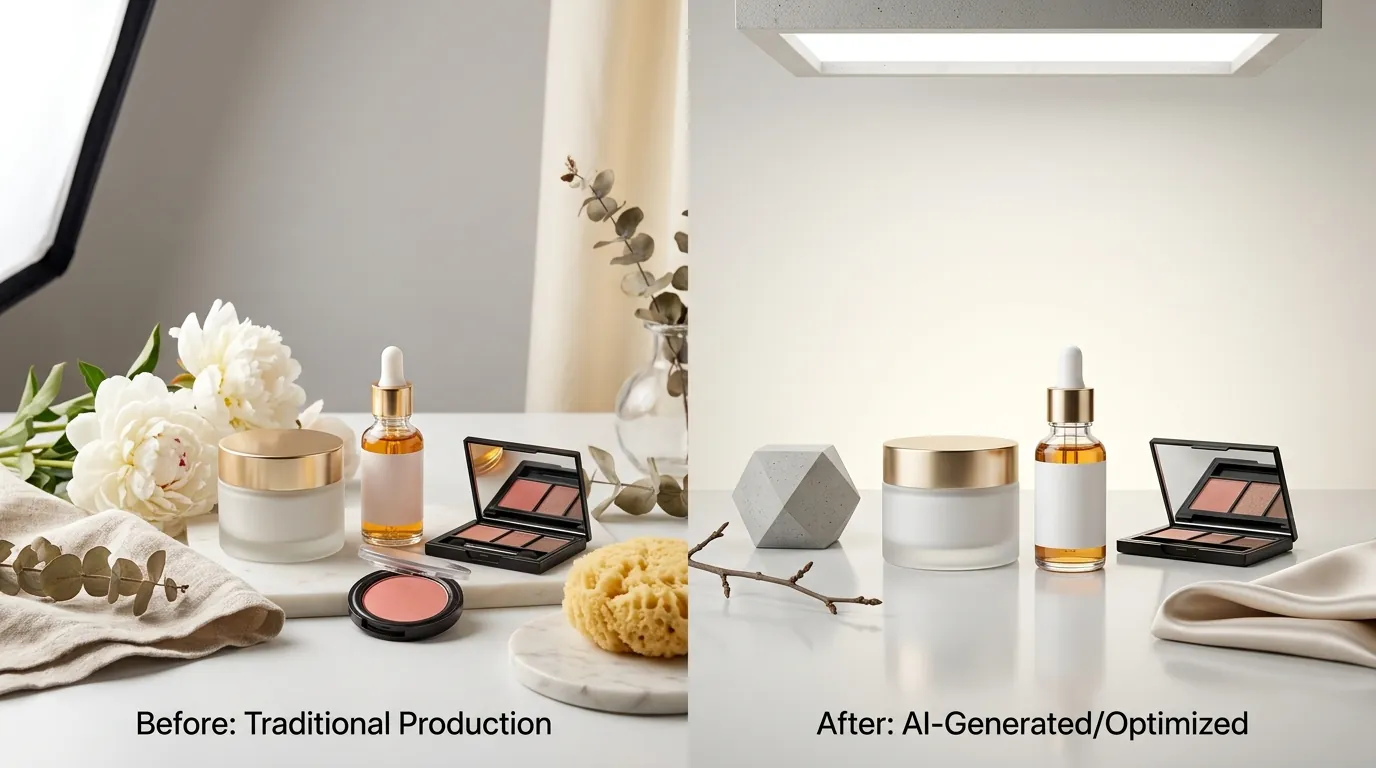
You do not need a degree in prompt engineering to replicate these results. Follow this four-step sequence to refresh your catalog and protect your brand safety.
Step 1: The Catalog Audit
Identify your top 20% of SKUs that generate 80% of your revenue. Check their current images against the latest marketplace standards. For example, ensure your TikTok Shop images aren’t just “Amazon leftovers”—they should be vibrant and formatted for mobile viewing.
Step 2: High-Fidelity Capture
Take “clean” photos of your products. You don’t need a DSLR; a modern iPhone or Android device is sufficient. Place the product on a flat surface with no distracting shadows. This “source file” is what the AI will use to maintain product persistence.
Step 3: Batch Process and Resize
Upload your source files to PixelMatch.
- For Amazon: Set the base canvas to 1600x1600 pixels. This ensures that when a customer hovers over your product, the zoom is crisp and detailed.
- For Shopify: Use a 1200x1200px square format for collections, but generate 1080x1350px (4:5) lifestyle shots for your product pages to take up more “screen real estate” on mobile devices.
Step 4: Generate Brand-Safe Lifestyles
Use commercially cleared AI models to generate backgrounds. Instead of generic prompts, use “Contextual Prompts” like: “Product placed on a light oak bathroom vanity, soft morning sunlight, spa-like atmosphere, high-end skincare aesthetic.” This ensures the AI generates an environment that matches your brand’s price point.
Actionable Step for Today: Create a “Master Aspect Ratio Guide” for your brand. Document the exact pixel dimensions you will use for Amazon (1600x1600), Shopify (1200x1200), and TikTok Shop (1080x1920 for stories/ads). Standardizing this now will save hours of re-work later.
Caveats and Honest Limitations of AI Photography
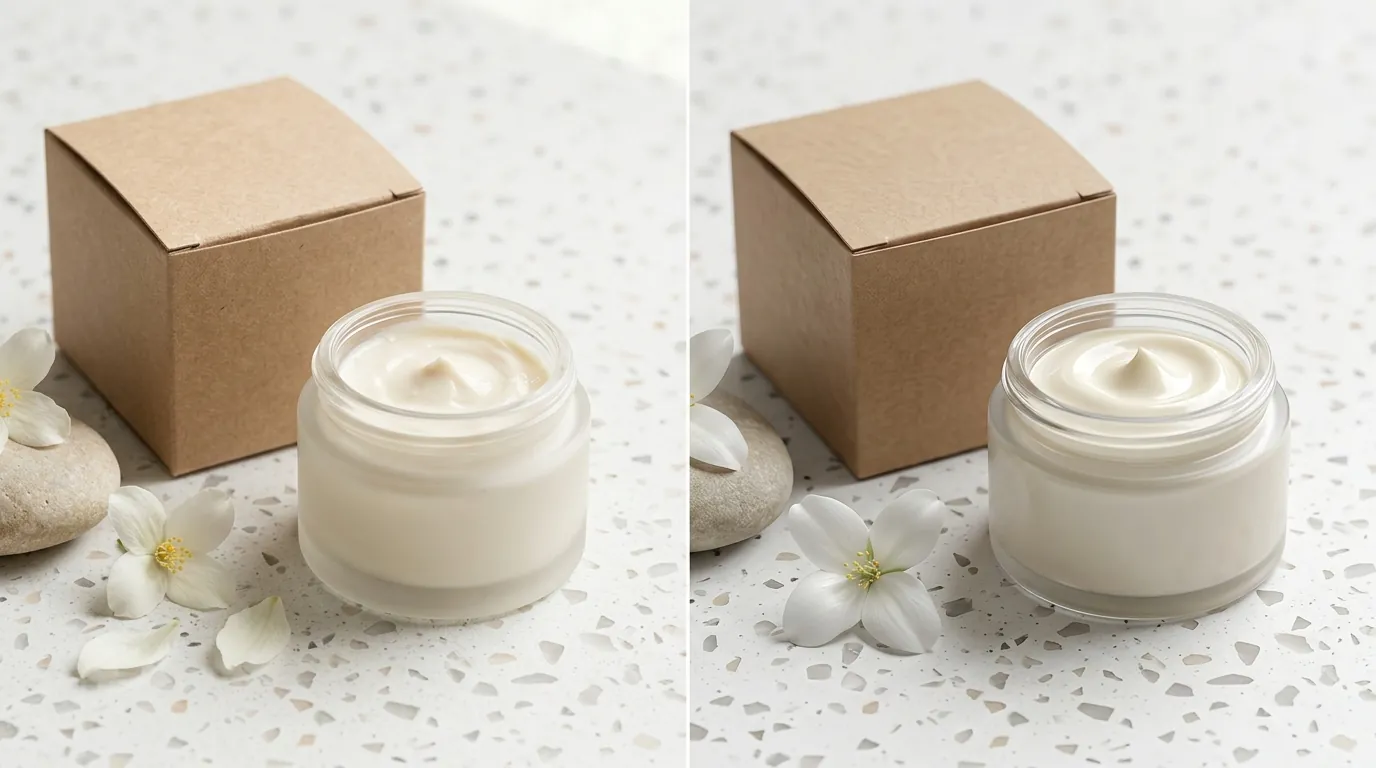
While AI has reached a point where it can replace 90% of traditional ecommerce photography, it is not a “magic button.” There are specific scenarios where human intervention is still required.
Reflective and Transparent Surfaces
Beauty products often come in glass bottles or mirrored compacts. AI models can sometimes struggle with complex reflections or the way light refracts through a liquid. For these items, you may still need a professional retoucher to “clean up” the internal reflections that the AI might interpret as noise.
Enterprise Scaling
While individual sellers can use standard plans, pricing for enterprise-scale API usage varies by plan and isn’t published as a flat rate. If you are a brand aggregator or a seller with over 1,000 SKUs, you will need a custom quote to handle the server load required for massive batch generation.
Physical Sampling
AI cannot “invent” the texture of a new cream or the exact pigment of a new eyeshadow from a photo of the bottle. You still need to capture high-quality “swatch” photos manually. AI is best used for the environment and context, while the physical product details must remain 100% authentic to avoid “item not as described” returns.
Actionable Step for Today: For products with highly reflective surfaces, use a “light tent” (available for under $30 on Amazon) for your initial raw photo. This minimizes unwanted reflections in the room, giving the AI a much cleaner “mask” to work with during background removal.
Frequently Asked Questions
Does Amazon allow AI-generated images for the main listing photo?
Amazon allows AI-generated images as long as they accurately represent the product and meet the technical requirements of at least 1000 pixels on the longest side and a pure white background. The product itself must not be AI-generated; only the background and minor enhancements are permitted.
How do I opt-out of Meta’s Muse AI training?
As detailed in recent privacy guides, users can typically opt-out through their Meta account “Privacy Center” or “Settings” menu. For sellers, the safest route is to avoid uploading high-resolution unwatermarked “source” images to public social platforms before they are protected by your own commercial AI workflow.
Can I copyright the images generated by PixelMatch?
In the United States, the Copyright Office current guidance states that purely AI-generated content without human creative input cannot be copyrighted. However, because the PixelMatch workflow uses your original product photography as the base and involves human-directed prompting and selection, you maintain a much stronger claim to the final composite asset than you would with a “text-to-image” tool.
What is the best image format for multi-platform selling?
While PNG is excellent for maintaining transparency during the editing phase, you should export your final listing images as high-quality JPEGs or WebP files. These formats provide the best balance between high resolution and fast loading speeds, which is a key factor in Shopify’s SEO and mobile conversion rates.
Ready to scale your listings?
PixelMatch generates white-background, lifestyle, and variant mockups from a single source photo — built specifically for multi-platform ecommerce sellers. 50 free images on signup, no credit card.
Start free →
Sources
- Amazon Seller Central: Product Image Requirements
- Stripe: Global Pricing and Fees
- Forbes: Meta’s Muse Image AI Tool and Privacy Opt-Out
- Photoroom: Pricing and Subscription Tiers
- TikTok Shop Academy: Product Listing Guidelines
- U.S. Copyright Office: Artificial Intelligence and Copyright Policy