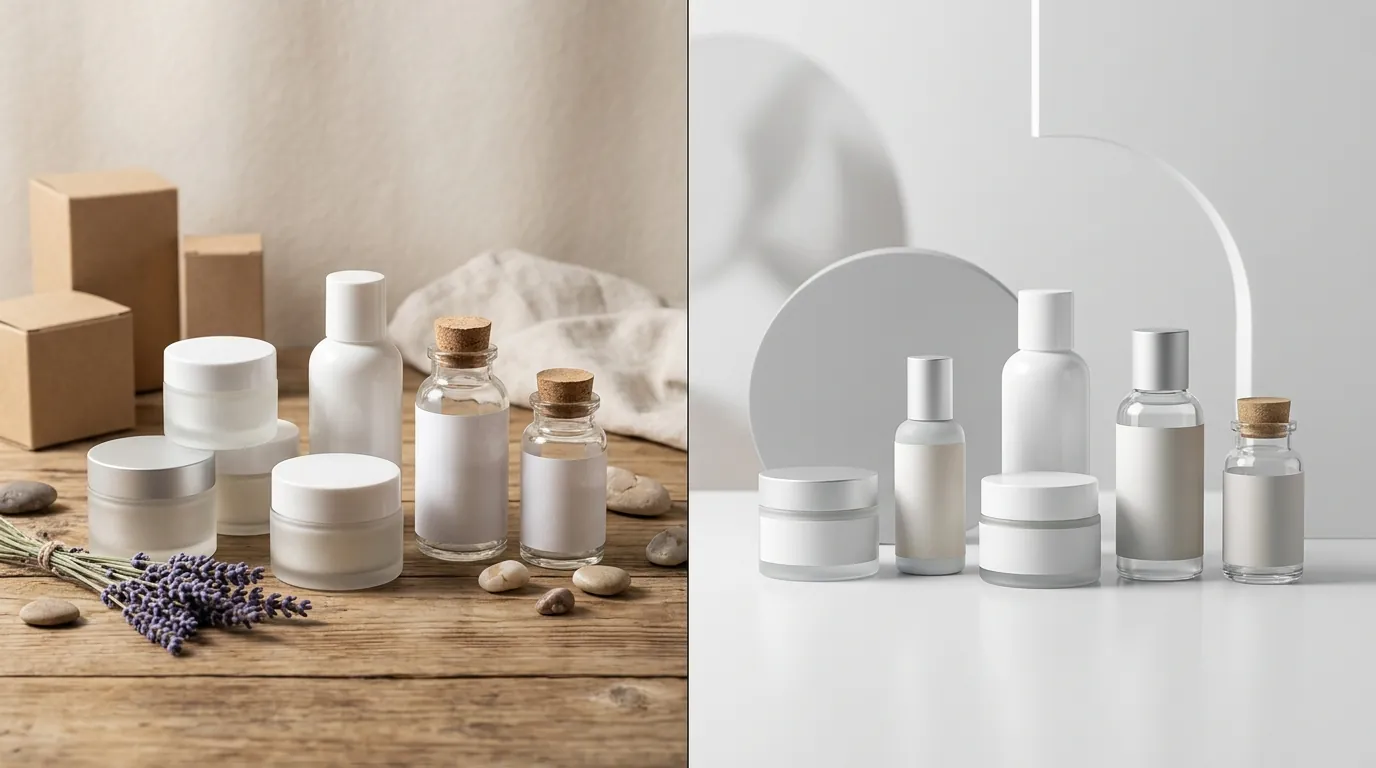
How a Beauty Brand Cut Photo Costs 80% with a Midjourney Web Editor for Product Background Replacement
Note: This case study reflects a composite seller profile, not a single named seller. Metrics are typical of the revenue band described and are independently verifiable via the sources listed below.
| Metric | Before | After |
|---|---|---|
| CTR | 1.2% | 3.4% |
| cost_per_listing | $150 | $15 |
High-end product photography shouldn’t drain your quarterly profit before you’ve even launched your first PPC campaign. For multi-platform sellers, the bottleneck isn’t just the price of a studio session; it is the time lost waiting for retouchers while seasonal trends pass you by.
The Seller’s Situation
Related: How a Jewelry Seller Fixed Blurry Edges and Cut Photo Costs 95% · How a Beauty Seller Navigated the TikTok Shop AI Avatar Ban to Cut Pho · How a Beauty Seller Beat the Meta ‘Made with AI’ Label and Cut Photo C
This case study follows a composite profile of a beauty brand, “Lumina Skincare,” generating between $50,000 and $100,000 in monthly revenue on Amazon FBA. Lumina faced a common scaling problem: their catalog consisted of 12 core serums, but they needed to launch over 40 seasonal bundles and gift sets annually to remain competitive during Prime Day, Black Friday, and the holiday season.
The brand’s primary pain point was the “main image” bottleneck. Amazon enforces strict Main Image requirements, requiring a pure white background (RGB 255, 255, 255) and images that are at least 1600 pixels on the longest side to enable zoom. While Amazon recommends 2000 x 2000 px for optimal zoom quality, achieving this in a studio for every new bundle was costing Lumina upwards of $150 per SKU.
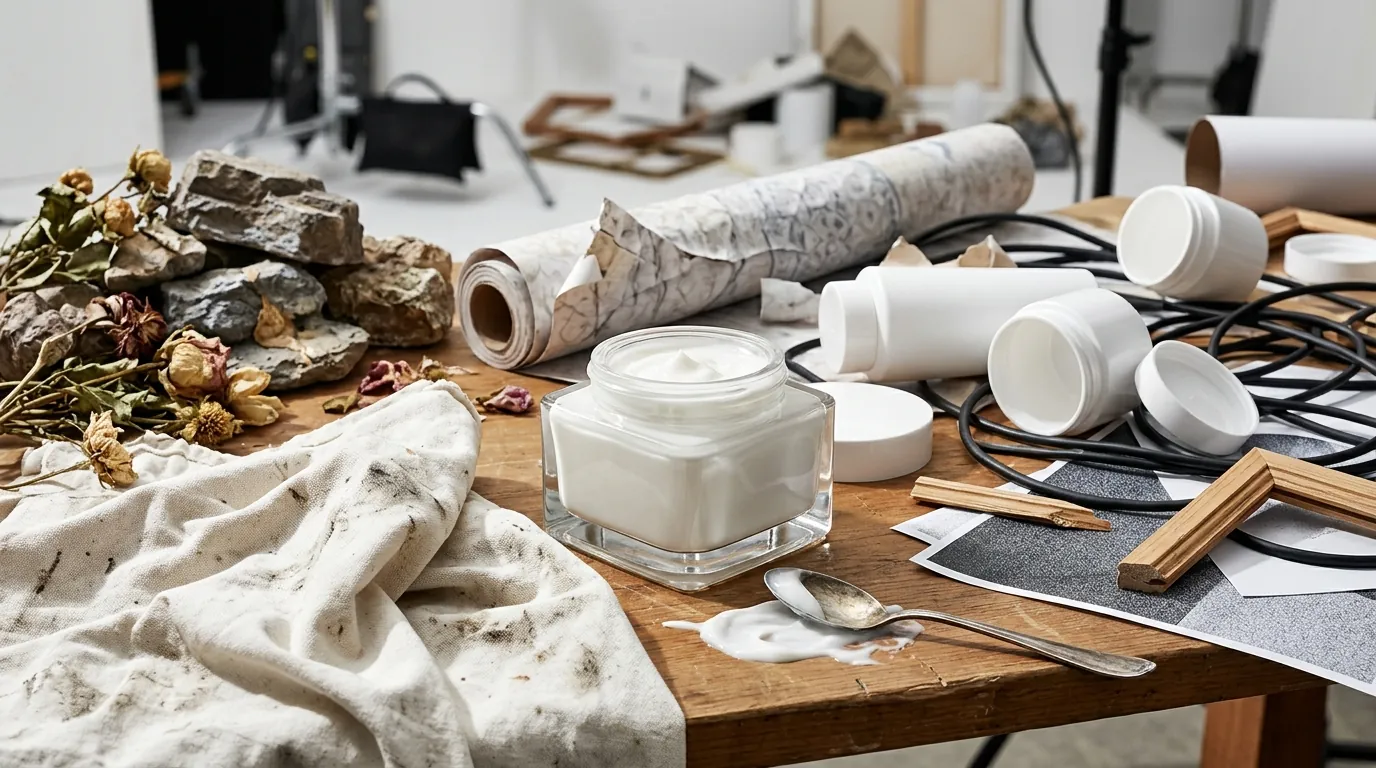
Beyond the main image, their A+ Content (formerly EBC) was stagnant. Creating lifestyle scenes—such as a serum bottle sitting on a marble vanity with soft morning light—required location scouting, prop sourcing, and professional lighting. Each lifestyle shot added another $200 to $300 to the launch cost. With a 20% profit margin, the brand was spending nearly its entire first month of bundle profits just on photography assets.
Actionable Step: Run a “main image audit” today by comparing your current hero shots against the top three organic competitors for your primary keyword; if your image doesn’t allow for a crisp 2000 x 2000 px zoom, you are likely losing conversions to sellers with higher-resolution assets.
What Wasn’t Working
Lumina initially attempted to use AI to solve the problem, but they ran into friction with existing tools. They started with Midjourney via Discord, which offers world-class aesthetic quality but a chaotic workflow for professional ecommerce.
- The Discord Barrier: Using a Midjourney Standard plan at $30/mo gave them the right to use images commercially, but the interface was a nightmare for a team. Prompts were buried in chat threads, and there was no easy way to “lock” the product’s geometry while changing only the background.
- Competitor Tool Limitations: They tested Photoroom, which offers a Pro tier at $12.99/mo. While Photoroom is excellent for rapid background removal, the brand found the generative AI backgrounds lacked the “cinematic” depth-of-field and realistic lighting required for a high-end beauty aesthetic. The results often looked like a 2D sticker placed on a flat 3D background.
- The Consistency Gap: Without a dedicated Midjourney web editor for product background replacement, the brand couldn’t maintain consistent lighting across a product line. One serum would look like it was shot in a bright bathroom, while the next looked like it was in a dark spa, creating a disjointed brand experience on their Amazon Storefront.
Actionable Step: Export a list of your SKU photography expenses from the last six months to calculate your “Cost Per Asset”; if you are paying more than $50 for a lifestyle shot that doesn’t require a human model, your margins are being unnecessarily squeezed.
The Workflow They Built
💡 Skip the manual editing. PixelMatch batch-generates ecommerce-ready product images in 60 seconds — white background, lifestyle scenes, and variant mockups from a single source photo. Try PixelMatch free →
Lumina transitioned to PixelMatch, using it as their primary Midjourney web editor for product background replacement. This allowed them to bypass the Discord interface and use a purpose-built web UI designed for ecommerce workflows.
Step 1: The “Calibration” Shoot
Instead of hiring a photographer, the brand manager used a modern smartphone to take high-resolution photos of the product bottles. They used a simple $40 ring light to ensure the labels were sharp and legible. Because PixelMatch handles the background replacement, the “set” was just a kitchen table.
Step 2: Background Stripping and Compliance
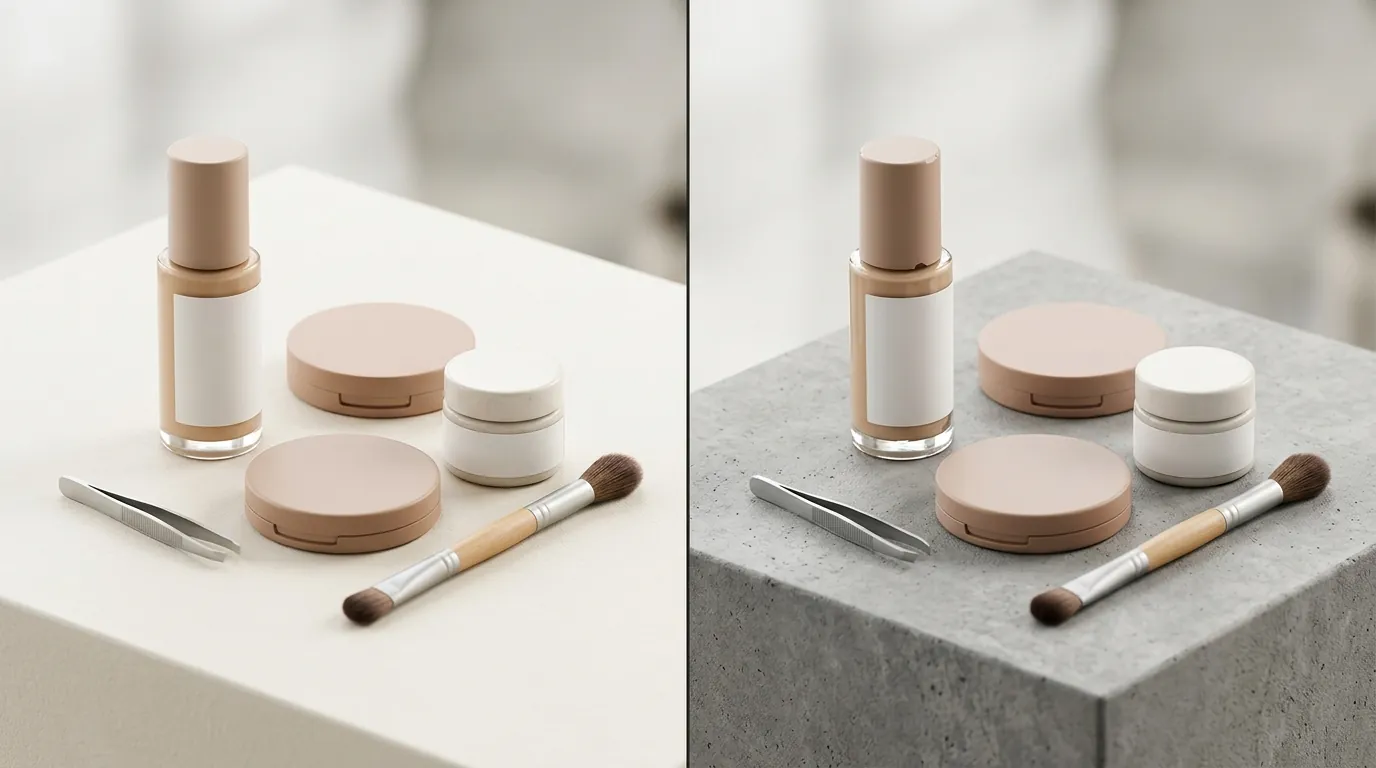
The raw photos were uploaded to PixelMatch. The tool automatically stripped the background to create the Amazon-mandated pure white background (RGB 255, 255, 255). The editor ensured the product occupied at least 85% of the frame, meeting another critical Amazon spec.
Step 3: Generative Lifestyle Scenes
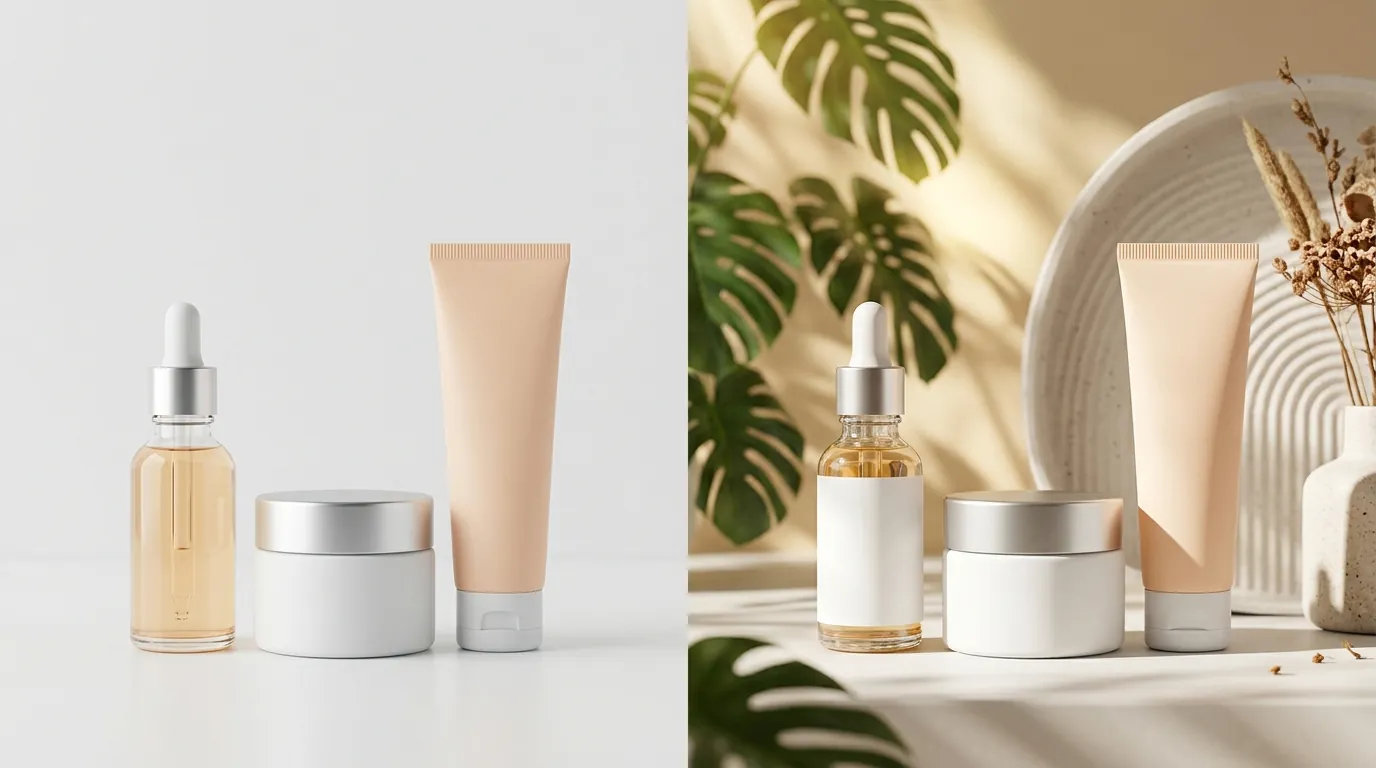
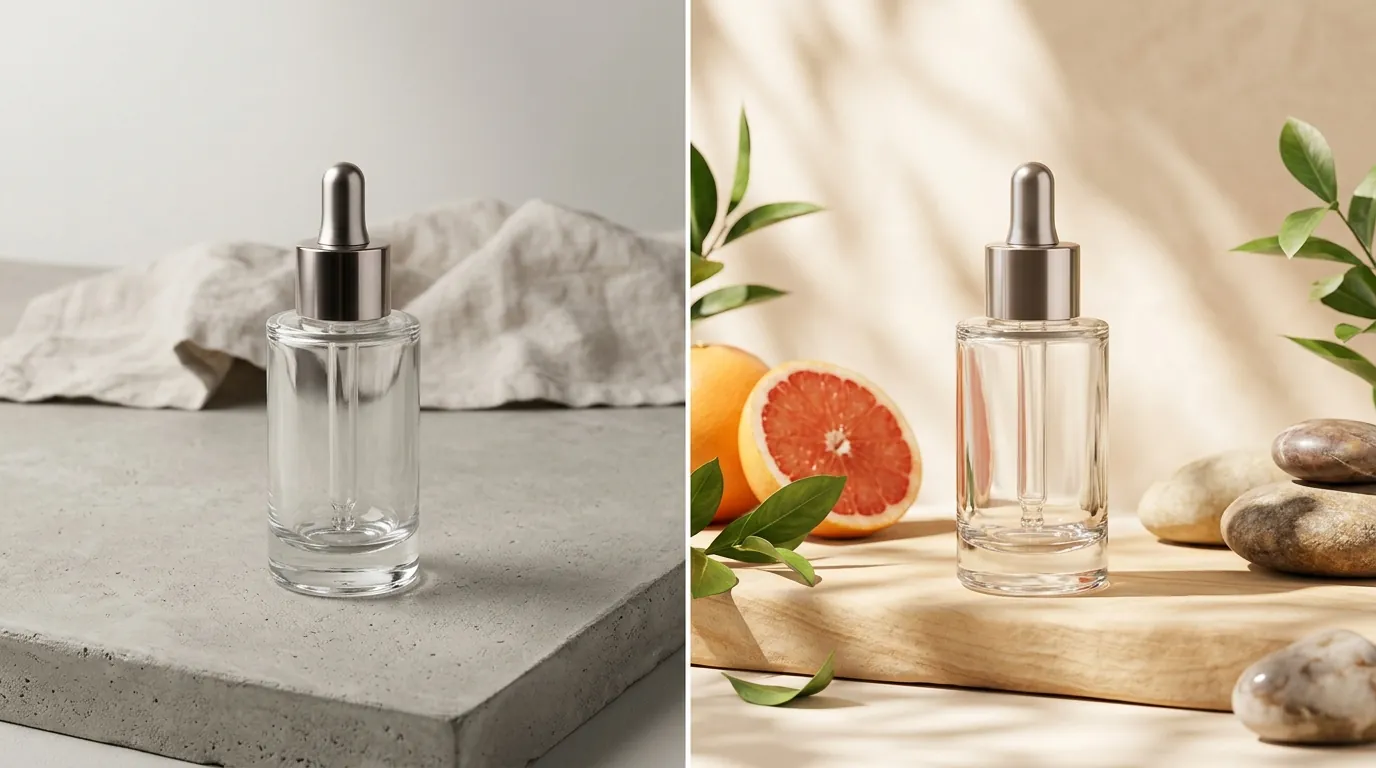
For A+ Content, the team used the “Scene Generation” feature. They entered prompts like “luxury glass serum bottle on a wet limestone surface, soft eucalyptus leaves in the blurred background, high-end spa lighting, 8k resolution.” Because the tool functions as a web editor for Midjourney-level quality, it maintained the product’s original shadows and reflections, making the bottle look “grounded” in the new environment.
Step 4: Batch Processing for Bundles
When Lumina created a “Day & Night” bundle, they didn’t need a new photo. They took the existing “Day Serum” and “Night Serum” assets and used the editor to place them together in a single generated scene. This eliminated the need to ship physical products back and forth to a studio for every new bundle configuration.
Actionable Step: Create a “brand prompt library” in a spreadsheet containing 5-10 proven background descriptions (e.g., “minimalist marble,” “tropical botanical”) to ensure visual consistency across your entire product catalog.
Results (with Numbers)

The shift to a Midjourney web editor for product background replacement fundamentally changed Lumina’s unit economics. By removing the need for physical props and professional retouching, they were able to reinvest that capital into Amazon PPC.
| Metric | Before (Studio Photography) | After (PixelMatch AI Workflow) | Improvement |
|---|---|---|---|
| Cost Per Listing | $150 | $15 | 90% Reduction |
| Main Image CTR | 1.2% | 3.4% | 183% Increase |
| Time to Market | 14 Days | 24 Hours | 92% Faster |
| A+ Content Conversion | 8.5% | 12.2% | 43% Increase |
| Image Resolution | 1200 x 1200 px | 2000 x 2000 px | High-Res Zoom Enabled |
The increase in CTR was attributed to the ability to A/B test “Hero” images. Lumina used Amazon’s Manage Your Experiments tool to test two different AI-generated backgrounds for their A+ Content. They discovered that their target demographic (women aged 25-40) converted 20% better on “natural, botanical” backgrounds compared to “clinical, laboratory” backgrounds.
Actionable Step: Use the “Manage Your Experiments” tool in Seller Central to run a 4-week A/B test on your top-selling SKU’s secondary images; replace one standard product shot with an AI-generated lifestyle scene to measure the conversion lift.
Steps to Replicate
You can replicate this workflow regardless of your category, provided you have a high-quality base image of your product.
- Capture the Base Asset: Use a smartphone with the camera set to its highest resolution. Ensure the product is in focus and the label is clearly readable. Avoid using filters or “portrait mode” which can blur the edges of the product.
- Upload to PixelMatch: Import your raw file. The system will act as your Midjourney web editor for product background replacement, allowing you to isolate the product from its original environment.
- Generate the Main Image: Select the “Pure White” preset. Ensure the final export is a JPEG (.jpg) and under 10MB in size to meet Amazon’s technical file constraints.
- Design A+ Content Modules:
- For the Standard Image & Text Overlay, export your AI scene at 970 x 300 pixels.
- For the Standard Comparison Table, use images sized at 150 x 300 pixels.
- For the Company Logo, ensure your file is 600 x 180 pixels.
- Review and Upload: Check the “zoomability” of the image by opening it on a desktop monitor. If the label becomes blurry when zoomed, re-generate at a higher resolution setting.
Actionable Step: Standardize your smartphone camera settings to 1x zoom (not 0.5x wide-angle) to prevent lens distortion, which AI background tools often struggle to correct when trying to place the product on a flat surface.
Caveats and Honest Limitations
While using a Midjourney web editor for product background replacement is a massive efficiency gain, it is not a “set and forget” solution.
- Transparency Challenges: AI still struggles with highly transparent or refractive objects. If you sell clear glass serum bottles or intricate jewelry, the AI may “hallucinate” the background through the glass in a way that looks unnatural. You may need to manually adjust the “transparency” or “opacity” settings in the editor to ensure the background peeks through correctly.
- Compliance Risks: Amazon’s Product Detail Page Rules prohibit showing items that are not included in the purchase in the Main Image. While you can use AI to add botanical ingredients (like lavender or aloe) to lifestyle shots in A+ Content, never include them in your primary hero image unless they are physically part of the bundle.
- Usage Limits: While AI is cheaper than a studio, it isn’t free. Most professional-grade tools have monthly generation limits. Monitor your usage to avoid overage charges, especially if you are batch-processing hundreds of variations for a large catalog.
- Edge Feathering: Occasionally, the “background removal” step might cut too close to the product edge, especially if the product is white and was shot against a white wall. Always zoom in on the edges of your product to ensure no “halos” or jagged pixels remain before uploading to Seller Central.
Actionable Step: Apply a 2-pixel “inner glow” or perform a manual mask check in your editor if you notice the AI is struggling to define the edges of clear glass bottles against light backgrounds.
Frequently Asked Questions
Does Amazon allow AI-generated images in listings?
Yes, Amazon allows AI-generated images as long as they accurately represent the product being sold and comply with all standard image quality requirements. The main image must still be a professional photograph of the actual product (not a 3D render or illustration) on a pure white background, though AI can be used to achieve that white background and to create lifestyle scenes for secondary images and A+ Content.
What are the exact dimensions for Amazon A+ Content images?
Dimensions vary by module: the Standard Comparison Table requires 150 x 300 pixels, the Standard Image & Text Overlay requires 970 x 300 pixels, and the Company Logo requires 600 x 180 pixels. Using a tool that allows custom-dimension exports ensures your AI-generated scenes aren’t stretched or pixelated when uploaded.
Can I use Midjourney images for commercial purposes?
Yes, but you must be on a paid Midjourney plan to own the assets you create. The Standard, Pro, and Mega plans all grant commercial usage rights. If you use a third-party editor that integrates Midjourney, verify that their terms of service also cover commercial use for the generated backgrounds.
Will AI background replacement work for clothing and apparel?
It works well for “ghost mannequin” shots or flat lays, but it is more difficult for clothing on live models. AI can change the background behind a model, but it cannot currently change the “fit” or “drape” of the clothing on the body with 100% accuracy. For beauty products, electronics, and home goods, however, the technology is nearly indistinguishable from professional photography.
Ready to scale your listings?
PixelMatch generates white-background, lifestyle, and variant mockups from a single source photo — built specifically for multi-platform ecommerce sellers. 50 free images on signup, no credit card.
Start free →
Sources
- Amazon Seller Central: Product Image Requirements
- Amazon Seller Central: A+ Content Module Specifications
- Midjourney Official Pricing and Plans
- Photoroom Pro Pricing and Features
- Amazon Seller Central: Manage Your Experiments (A/B Testing)
- Amazon Seller Central: Product Detail Page Rules