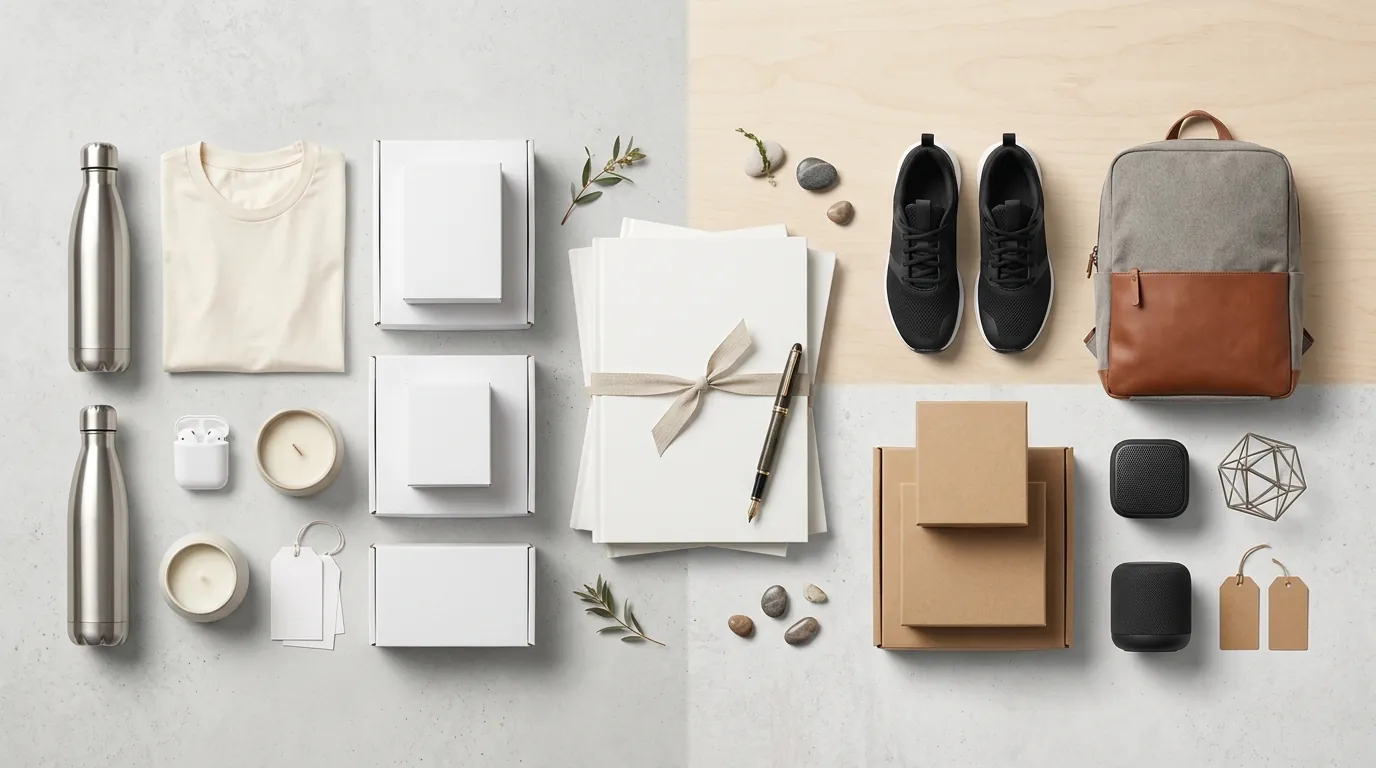
Runway Gen 3 vs Luma Dream Machine for Ecommerce: 2026 Policy Guide
Stop wasting thousands on lifestyle videographers for 10-second social clips when AI can generate photorealistic b-roll for the price of a single studio light. Using Runway Gen-3 or Luma Dream Machine incorrectly, however, will get your Amazon listing suppressed or your TikTok Shop account flagged for “Inconsistent Product Promotion.”
For ecommerce, Luma Dream Machine’s Plus plan at $29.99/mo offers faster product visualization, while Runway Gen-3’s $15/mo standard tier excels at cinematic b-roll. Both require strict adherence to TikTok Shop’s AIGC labeling rules and Amazon’s AI disclosure policies to avoid listing suspension.
Quick Reference Table
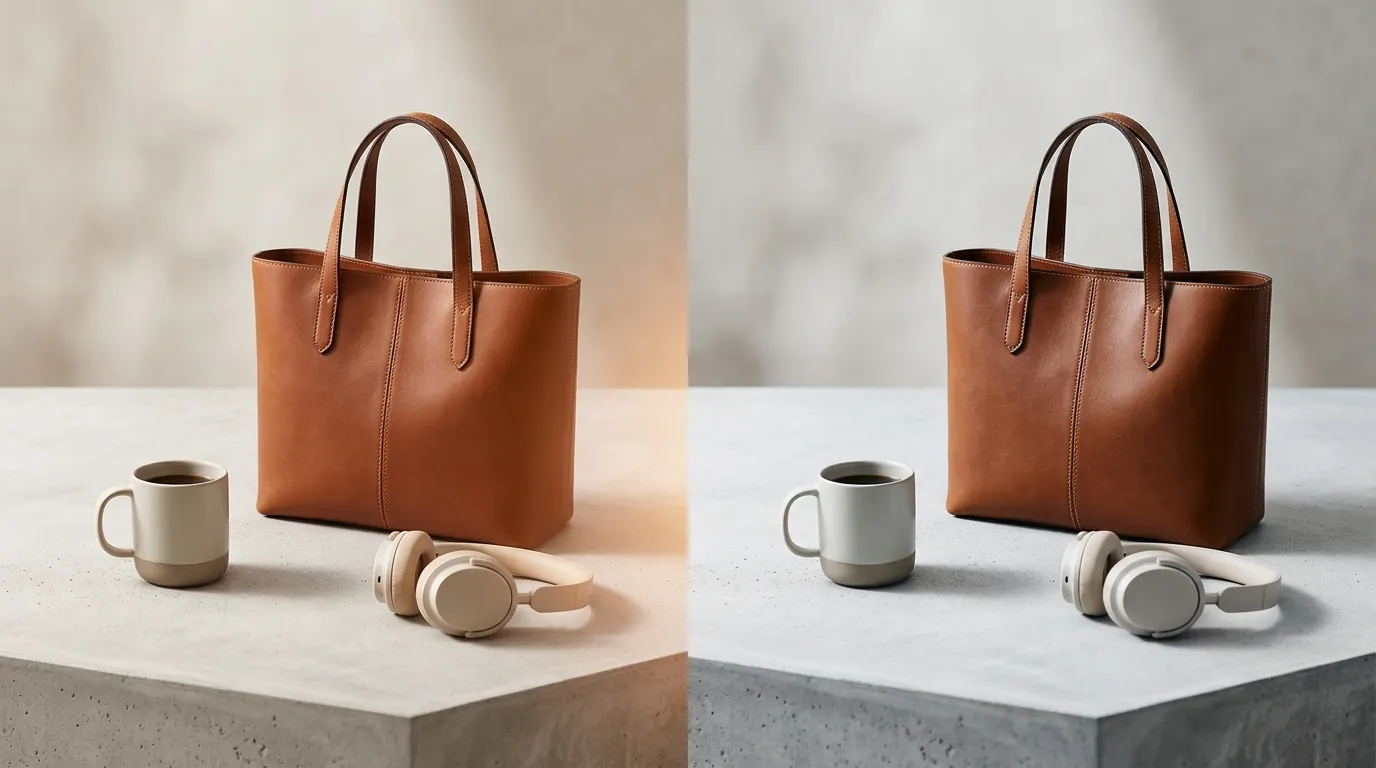
Related: Opt Out of Meta AI Training for Instagram Product Photos · EU AI Act Disclosure Requirements for Ecommerce Images (2026) · Using Flux 1.2 for Glass Bottle Reflections: 2026 Marketplace Rules
Audit your current creative budget against these two platforms to determine which fits your SKU volume. If you are a high-volume seller on TikTok Shop, the “Unlimited” tiers are often more cost-effective than paying per-generation “credits” which can fluctuate in value.
| Feature | Runway Gen-3 Alpha | Luma Dream Machine |
|---|---|---|
| Entry Price (Monthly) | $15 (Standard) | $9.99 (Lite) |
| Commercial Use Tier | Standard ($15/mo) and up | Plus ($29.99/mo) and up |
| Max Clip Duration | 10 Seconds | 5 Seconds (Extendable to 9s) |
| Best For | Cinematic lighting and camera control | High-fidelity product consistency |
| Native Resolution | 1280 x 720 (High-res upscaling available) | 720p (1280 x 720) |
| Key Ecommerce Feature | Motion Brush / Slider | Keyframe-to-Keyframe generation |
Actionable Step: Download your top-performing static lifestyle image today and run a “5-second motion test” in Luma’s free tier to see if the AI maintains your product’s logo integrity before committing to a paid commercial license.
Detailed Requirements

Multi-platform selling requires navigating a fragmented landscape of AI disclosure rules. While Shopify is generally permissive regarding AI-generated media, Amazon and TikTok Shop have implemented aggressive automated scanning to detect undisclosed synthetic media.
Amazon AI Video & Image Rules
Amazon recently updated its requirements for sellers using generative AI in product listings. If you use Runway or Luma to create “A+ Content” or video headers, you must comply with Amazon’s AI disclosure requirements.
- Disclosure Checkbox: When uploading a video to the “Upload & Manage Videos” section in Seller Central, look for the disclosure prompt. You must indicate if the content is entirely or partially AI-generated if it depicts realistic people or scenes.
- Technical Specs: Amazon’s video player prefers MP4 or MOV formats at a resolution of 1080p. Since both Runway and Luma default to 720p, you must use an AI upscaler (like Topaz Video AI or Runway’s built-in upscaler) to meet the Amazon Premium A+ Content image size guide and video quality standards.
- Accuracy: Amazon’s Product Detail Page Rules prohibit any media that misleads customers about the product’s performance. If your Runway-generated video shows a vacuum cleaner picking up a spill that it cannot actually handle in real life, you risk a permanent “Inaccurate Website Content” strike.
TikTok Shop Synthetic Media Policies
TikTok Shop is significantly stricter than Amazon due to its focus on “authentic” social commerce. Their AIGC (AI-Generated Content) Policy is designed to prevent “Deepfakes” and misleading product demonstrations.
- Mandatory Labeling: Any video created with Luma or Runway that features “realistic scenes” must have the TikTok AIGC label applied during the upload process. Failure to do so can lead to a “Shadowban” where your content is suppressed from the “For You” feed.
- Health & Beauty Restrictions: TikTok Shop is particularly sensitive to the beauty niche. The policy explicitly forbids using AI to create fake “after” effects like skin smoothing, hair regrowth, or instant teeth whitening. If you are selling a skincare serum, using Luma to “animate” a model’s skin becoming clearer will result in an immediate listing takedown.
- Prohibited Misrepresentation: You cannot use Runway Gen-3 to misrepresent product color, size, or features. If your physical product has a matte finish but the AI makes it look metallic or glossy, the video violates TikTok’s “Product Consistency” policy.
Actionable Step: Before uploading any AI video to TikTok Shop, open the “More Options” menu in the upload screen and toggle the “AI-generated content” switch to “On” to ensure your account remains in good standing.
Common Rejection Reasons
💡 Skip the manual editing. PixelMatch batch-generates ecommerce-ready product images in 60 seconds — white background, lifestyle scenes, and variant mockups from a single source photo. Try PixelMatch free →
Most rejections in 2026 aren’t due to the “quality” of the AI, but rather “hallucinations”—where the AI adds or removes physical features of the product.
Inconsistent Product Promotion
A common failure point occurs when a seller uses a text-to-video prompt like “A person wearing a blue waterproof backpack in the rain.” Runway or Luma may generate a stunning video, but the backpack might have three straps instead of two, or a zipper where your product has a button. This triggers a TikTok Shop policy violation for “Inconsistent Product Promotion” because the video does not match the physical SKU.
Missing AI Disclosures
If you use Luma Dream Machine to create a lifestyle video of a “family at a dinner table” using your kitchenware, and you do not tag it as AI, TikTok’s automated moderators will often flag it. The platform uses digital watermarking (C2PA standards) that Luma and Runway embed in their files. Even if you “strip” the metadata, the visual patterns often trigger the flag.
Misleading Claims and Performance
Using Runway Gen-3 to simulate impossible product performance is a fast track to a “Section 3” suspension on Amazon. For example, if you sell a “water-resistant” watch but use AI to show it surviving a 100-meter deep-sea dive, you are making a fraudulent performance claim. Amazon’s A+ Content guidelines require that all visual demonstrations be substantiated by the product’s actual specifications.
Actionable Step: Create a “hallucination checklist.” Compare your AI-generated video frame-by-frame against your physical product. If the AI added a logo, changed a texture, or altered the number of buttons, discard the clip and re-generate using an image-to-video workflow.
How to Fix Each Issue

The secret to passing platform moderation is moving away from “Text-to-Video” and adopting a “Reference-First” workflow.
Anchor AI Videos with Real Product Photos
Pure text-to-video is too unpredictable for ecommerce. To prevent feature hallucination, always use the Image-to-Video (I2V) feature.
- In Luma Dream Machine, upload a high-resolution photo of your product as the “Start Frame.” This forces the AI to respect the physical geometry of your item.
- In Runway Gen-3, use the “Image + Description” mode. By providing a clear reference, you reduce the chance of the AI “inventing” new parts for your product.
Batch Generate Accurate Source Images
To get the best results from Runway or Luma, you need a perfect “starting frame.” This is where many sellers struggle—they use a messy smartphone photo as the input, and the AI produces a messy video.
You should batch generate accurate source images using PixelMatch to create policy-compliant, accurate product photos on pure white or simple lifestyle backgrounds. Because PixelMatch is designed for “multi-platform ecommerce sellers,” it maintains the exact proportions of your product. Once you have a library of 50+ accurate lifestyle photos from PixelMatch, you can feed those specific images into Runway Gen-3 to animate them. This ensures that the “base” of your video is a verified, accurate representation of your SKU.
Implement Standardized Labeling Workflows
Create a standard operating procedure (SOP) for your virtual assistants or creative team:
- Upscale: Use a tool to bring Luma/Runway’s 720p output to 1080p to meet Amazon’s video specs.
- Metadata Check: Ensure the C2PA metadata is intact so platforms can “read” the AI origin.
- Labeling: Always check the “AI-generated” box in Amazon Seller Central and apply the TikTok AIGC sticker before publishing.
Use Motion Controls for Product Focus
Runway Gen-3’s “Motion Brush” is a critical tool for sellers. Instead of letting the AI animate the product (which can lead to warping), use the brush to animate the background (e.g., flowing water, moving clouds, or walking pedestrians) while keeping the product itself relatively static. This creates a “cinemagraph” effect that is highly engaging but much less likely to be flagged for “inconsistency.”
Actionable Step: When using Runway, set your “Motion Slider” to a lower value (around 3-4). Higher values (7-10) increase the “creativity” of the AI, which often leads to the product morphing into different shapes—a major cause of listing rejections.
Frequently Asked Questions
Do I own the copyright to videos made in Runway or Luma?
Copyright law regarding AI is currently evolving. However, both Runway’s terms and Luma’s terms state that on their paid tiers, they grant you the commercial rights to use the output. Note that the US Copyright Office generally does not allow you to register a copyright for purely AI-generated content without “significant human authorship.”
Can I use AI videos in Amazon Sponsored Brands ads?
Yes, but they must meet higher quality bars than standard A+ content. Amazon’s Ad Policies require that videos be high-resolution (1080p) and free of “distracting elements.” If your AI video has “flickering” or “morphing” artifacts—common in Luma and Runway—the ad will likely be rejected during the manual review process.
Will using AI videos hurt my SEO on TikTok?
No, as long as you use the AIGC Label. TikTok has stated that they do not penalize AI content; they only penalize unlabeled AI content. In fact, the high visual quality of Runway Gen-3 can often lead to better watch time and engagement metrics than a low-quality “real” video.
How do I stop the AI from changing my product’s logo?
This is the most common “rejection” issue. The best fix is to use “Keyframe” mode in Luma Dream Machine. Upload your accurate PixelMatch photo as the first frame and the same photo as the end frame. This “pins” the product in place, forcing the AI to only animate the environment or minor lighting shifts between the two identical frames.
Official Source Links
- Runway Gen-3 Pricing & Specs
- Luma Dream Machine Pricing
- TikTok Shop AI-Generated Content (AIGC) Policy
- Amazon Seller Central AI Guidelines
- Amazon Premium A+ Content Video Requirements
Ready to scale your listings?
PixelMatch generates white-background, lifestyle, and variant mockups from a single source photo — built specifically for multi-platform ecommerce sellers. 50 free images on signup, no credit card.
Start free →