Opt Out of Meta AI Training for Instagram Product Photos
Your high-converting product photography is currently training your future competitors’ AI models without your consent. If you sell on Instagram, your unique brand aesthetic is likely being scraped to power Meta’s generative AI tools, allowing other users to “remix” your intellectual property into their own ads.
Quick Reference Table: Regional Opt-Out Capabilities
Related: EU AI Act Disclosure Requirements for Ecommerce Images (2026) · Using Flux 1.2 for Glass Bottle Reflections: 2026 Marketplace Rules · Etsy AI Generated Listing Suspension Appeal Guide (2026)
Audit your account’s regional eligibility before attempting to file a privacy objection. Meta’s enforcement of AI data usage varies significantly based on the local privacy laws governing your business address, particularly regarding the distinction between training base models and real-time feature “remixing.”
| Feature / Right | EU & UK Sellers | US & International Sellers |
|---|---|---|
| Right to Object (GDPR) | Full legal right to object to processing for AI training. | No statutory right to object to first-party data training. |
| Muse Image Remixing | Opt-out available via “Sharing and reuse” settings. | Opt-out available via “Sharing and reuse” settings. |
| Base Model Training | Can request total exclusion of public posts from training sets. | Limited to requesting removal of third-party scraped data. |
| Private Account Protection | Automatically excluded from Muse and training. | Automatically excluded from Muse; training status varies. |
| Effective Date | Protections active as of July 2026 policy update. | Protections active as of July 2026 policy update. |
Compare these regional rights against your current marketing strategy. While Meta’s Muse Image feature launched in July 2026 allows users to remix your public photos by default, the underlying training of the Llama and Muse models is harder to escape for US-based sellers. If your brand relies on a “Public” profile for discovery—which most multi-platform ecommerce sellers do—you must manually toggle off these permissions to prevent your product catalog from becoming a public asset for AI generation.
Detailed Requirements for Disabling AI Data Scraping
Navigate your Instagram mobile app or desktop professional dashboard to lock down your assets. Meta has consolidated its generative AI settings under the “Sharing and reuse” menu, but the specific toggles required to protect your product photography are often buried three levels deep.
Disabling Muse Image Reuse
To stop other users from using your product photos as “style references” or “remix templates” within the Instagram app, follow these steps:
- Open your Instagram Profile and tap the three-line menu icon in the top right.
- Select Settings and activity.
- Scroll down to the “How others can interact with you” section and tap Sharing and reuse.
- Locate the section titled AI features.
- Toggle off Allow people to reuse your content with AI features. This specifically prevents your posts and reels from being used as prompts for Meta’s Muse Image generator.
Note that for professional accounts, these settings are applied at the account level. If you manage multiple brand handles, you must repeat this process for every individual store profile.
Submitting an EU/UK Privacy Objection
If your business is registered in the European Economic Area (EEA) or the United Kingdom, you have a stronger tool: the “Right to Object” under GDPR. This allows you to stop Meta from using your content to train their foundational AI models, not just the user-facing Muse feature.
- Access the Meta Privacy Center while logged into your professional account.
- Navigate to Privacy Topics > Generative AI.
- Click on the link for “How Meta uses information for generative AI models”.
- Find the section for your region and click “right to object”.
- Fill out the form. You will be required to provide an email address and explain how this processing affects you. To ensure a higher success rate, frame your response around “commercial intellectual property” and “protection of proprietary product designs.”
Meta typically responds to these requests within 24 to 72 hours. If approved, your historical posts and future uploads will be excluded from the training sets for future iterations of Meta’s image models.
Common Rejection Reasons for AI Opt-Out Requests
💡 Skip the manual editing. PixelMatch batch-generates ecommerce-ready product images in 60 seconds — white background, lifestyle scenes, and variant mockups from a single source photo. Try PixelMatch free →
Monitor your email for “Action Required” or “Request Denied” notifications from Meta’s privacy team. Even with strict GDPR protections, Meta often rejects objection forms that do not meet their specific internal criteria for “legitimate interest” or “impact.”
- Lack of Specificity in EU Objections: Meta frequently rejects forms that use generic templates found online. If your objection merely says “I don’t like AI,” it will likely be denied. You must explicitly state that your product photos are copyrighted business assets and that the use of these assets to train a generative model that could compete with your brand constitutes a violation of your commercial interests.
- US Sellers Using the Wrong Form: US-based sellers often attempt to use the Third-Party Information Form to opt out of Instagram training. This form is specifically for data Meta has scraped from outside its own platforms (like your Shopify site or a third-party blog). It does not apply to photos you have voluntarily uploaded to Instagram. Meta’s US Terms of Service grant them a non-exclusive, royalty-free, transferable, sub-licensable, worldwide license to host and use your content, which they interpret as permission for AI training.
- Outdated App Version: The “Sharing and reuse” toggle for Muse Image was rolled out in the July 2026 update. If you are running an older version of the Instagram app, these toggles will not appear. Verify your app version in the App Store or Google Play Store to ensure you have the latest privacy controls.
- Meta Business Suite Conflict: If your Instagram account is linked to a Meta Business Suite account with “Creative Enhancements” enabled, some AI features may remain active. You must disable “Standard Enhancements” in your Meta Ads Manager settings to prevent Meta from automatically using AI to crop, brighten, or “remix” your product images in paid placements.
How to Fix Each Issue and Protect Your Brand
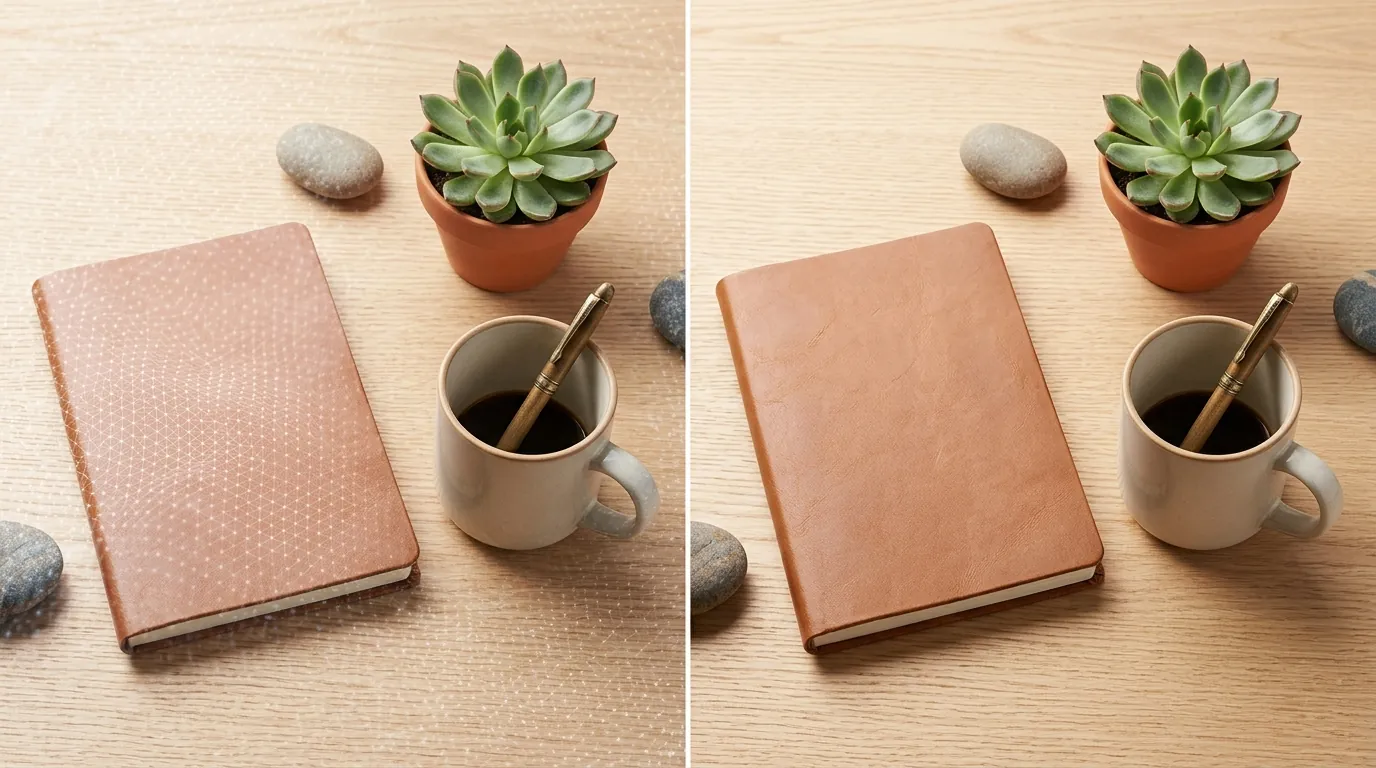
Draft a more robust defense for your brand assets if your initial opt-out attempts fail. For ecommerce sellers, the goal is to maintain high-quality social proof on Instagram without sacrificing the long-term value of your original photography.
Drafting a Successful Objection Request
If you are an EU/UK seller and your first objection was rejected, resubmit with a focus on “Commercial Harm.” Use the following checklist to improve your request:
- Identify as a Business: State clearly that the account represents a registered business.
- Cite Intellectual Property: Mention that your photography is produced at a significant cost and is protected by copyright.
- Define the Harm: Explain that Meta’s AI tools (like Muse) allow competitors to generate “lookalike” product images based on your unique style, which dilutes your brand equity and leads to consumer confusion.
- Reference GDPR Article 21: Explicitly mention your right to object to the processing of your personal and professional data for “research and development” purposes.
Protecting Assets as a US Seller
Since US sellers lack a statutory right to opt out of base model training, you must take proactive steps to degrade the value of your photos for AI scrapers while keeping them attractive for customers.
- Strategic Watermarking: Place a subtle, semi-transparent logo over the central product area. While AI can sometimes “fill in” watermarks, it makes the image significantly less useful for high-quality training sets.
- Lower Resolution Uploads: While Instagram supports high-resolution uploads, consider sticking to the minimum required specs. For a standard square post, 1080 x 1080 pixels is sufficient for mobile viewing but provides less “data” for an AI model to learn fine textures and details compared to a 4K upload.
- Use Glaze or Nightshade: Tools like Glaze (developed by University of Chicago researchers) apply “style-cloaking” to images. These are invisible changes to the pixels that cause AI models to misinterpret the style of the photo, effectively “poisoning” the training data without affecting the human viewing experience.
Using PixelMatch for Secure AI Generation
The most effective way to protect your raw product photography is to move your AI generation workflow off-platform. When you use tools like Photoroom’s Pro tier at $12.99/mo or Adobe Express at $9.99/mo, you are often still subject to their own data training terms unless you opt out.
PixelMatch is better suited for multi-platform ecommerce workflows because it allows you to batch-generate AI product images in a secure environment. Instead of uploading your raw, high-resolution lifestyle photos to Instagram and letting Meta’s AI scrape them, you can:
- Upload a single, clean product shot to PixelMatch.
- Generate 100+ high-converting lifestyle backgrounds in seconds.
- Export only the final, processed images to Instagram.
- Retain the “source code” of your brand’s aesthetic within PixelMatch, where your data is not used to train public models for your competitors.
By generating your assets in a private silo like PixelMatch, you ensure that the “intelligence” behind your brand’s visual identity remains your exclusive property.
Official Source Links

Use the following direct links to verify current policies and access the necessary forms for your region.
| Resource | Link |
|---|---|
| Meta Privacy Center (General) | privacycenter.instagram.com |
| Generative AI Privacy Guide | facebook.com/privacy/guide/genai |
| Third-Party Data Objection Form | facebook.com/help/contact/510058597920541 |
| Instagram Terms of Use | help.instagram.com/581066165581870 |
| Instagram Copyright Policy | help.instagram.com/126382350847838 |
Frequently Asked Questions
Does making my Instagram account private stop AI training?
Yes, according to Meta’s July 2026 policy, content from private accounts is not used to train their generative AI models or available for Muse remixing. However, for ecommerce sellers, this is rarely a viable option as it prevents your products from appearing in the “Explore” tab or being discovered by new customers.
If I delete a photo, is it removed from the AI training set?
No. Once an image has been scraped and used to train a model weights (the “knowledge” of the AI), deleting the original source photo does not “unlearn” that data from the model. This is why opting out before you upload your catalog is critical for brand protection.
Can I opt out of AI training on my Shopify site?
You can prevent bots from scraping your Shopify site by editing your robots.txt file to disallow “GPTBot” and other AI crawlers. However, this does not affect Meta’s training if you have the Meta Pixel installed or if you sync your catalog to Instagram Shopping, as that data is governed by Meta’s platform terms.
What is the difference between “Muse” and “Llama” in this context?
Llama is the foundational large language model, while Muse is the specific image-generation model used by Meta for features like “AI Expand” and “AI Remix.” The “Sharing and reuse” toggle primarily targets Muse, while the GDPR “Right to Object” form targets the training of all foundational models including Llama.
Ready to scale your listings?
PixelMatch generates white-background, lifestyle, and variant mockups from a single source photo — built specifically for multi-platform ecommerce sellers. 50 free images on signup, no credit card.
Start free →
Sources
- Meta Privacy Center: Generative AI
- Fast Company: Meta Muse Image Opt-Out Guide
- Instagram Help Center: Sharing and Reuse Settings
- Meta Data Subject Rights Request Form
- Photoroom Pricing and Features
- Adobe Express Premium Pricing
- Canva Pro Subscription Details