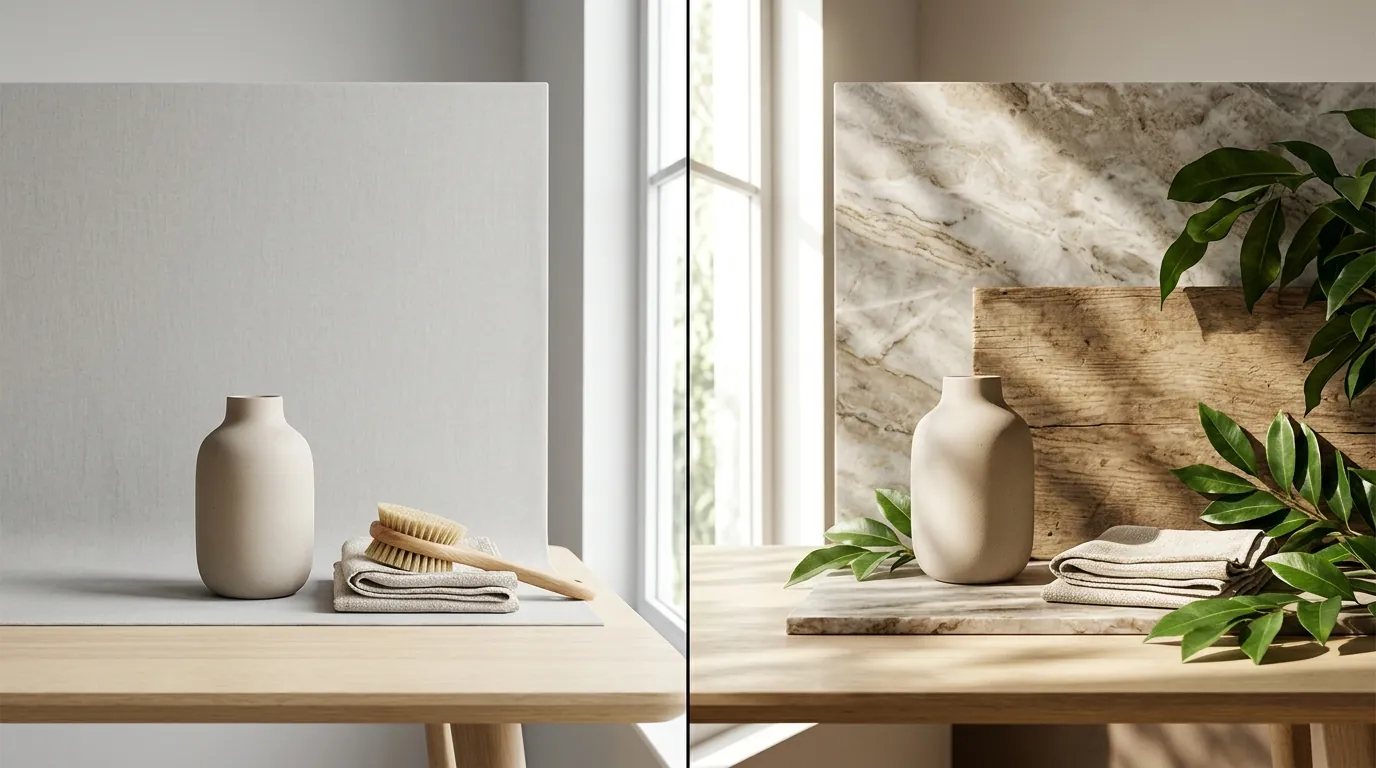
Krea 2 Turbo vs Flux for Product Backgrounds Policy
Stop losing sales to “unrealistic” image flags or slow-loading listings that fail marketplace compliance audits. Choosing between Krea 2 Turbo and Flux.1 determines whether your product backgrounds look like high-end professional photography or a cheap AI hallucination that triggers a manual review.
Quick Reference Table
Related: TikTok Shop AI Label Requirement Update: 2026 Seller Guide · Runway Gen 3 vs Luma Dream Machine for Ecommerce: 2026 Policy Guide · Opt Out of Meta AI Training for Instagram Product Photos
Audit your current image generation speed and quality thresholds before committing to a specific AI model for your 2026 product catalog. High-volume sellers moving hundreds of SKUs per week require the 2-second speed of Krea, while those in high-ticket niches like jewelry or furniture need the architectural precision of Flux.1 to avoid Amazon’s strict “realistic portrayal” rejections.
| Feature | Krea 2 Turbo | Flux.1 [dev] | Ecommerce Impact |
|---|---|---|---|
| Generation Speed | ~2 seconds | ~15-30 seconds | Krea wins for rapid A/B testing; Flux wins for final assets. |
| Model Architecture | 8-step distillation | 12B parameter transformer | Flux handles complex lighting/shadows with higher accuracy. |
| Max Resolution | 1024 x 1024 (native) | Up to 2.0 megapixels | Flux meets Amazon zoom specs without external upscaling. |
| Cost (Estimated) | $10 - $30/mo | ~$0.03 per image (API) | Krea is better for unlimited experimentation. |
| Prompt Adherence | Moderate | Very High | Flux follows complex “product on a marble table with soft morning sun” prompts better. |
| Compliance Risk | Higher (Artifacts) | Lower (Photorealistic) | Flux reduces the risk of “misleading image” flags. |
Krea 2 Turbo: The Speed King for Moodboarding
Run a rapid prototyping session with Krea 2 Turbo when you need to visualize fifty different lifestyle backgrounds in under two minutes. Its 8-step distillation process allows it to bypass the heavy compute cycles of standard diffusion models. For multi-platform sellers, this is the “drafting phase” tool. Use it to decide if your product looks better in a “minimalist kitchen” or a “boho living room” before committing to a high-resolution Flux render.
Flux.1: The Professional Standard for Realism
Switch to Flux.1 when generating final, customer-facing assets for your Shopify or Amazon store. Its 12-billion parameter architecture excels at “physics-aware” rendering. This means shadows cast by your product onto the AI-generated background will align with the light source—a critical factor in passing the “human eye test” that prevents customers from bouncing due to perceived “fakery.”
Detailed Requirements
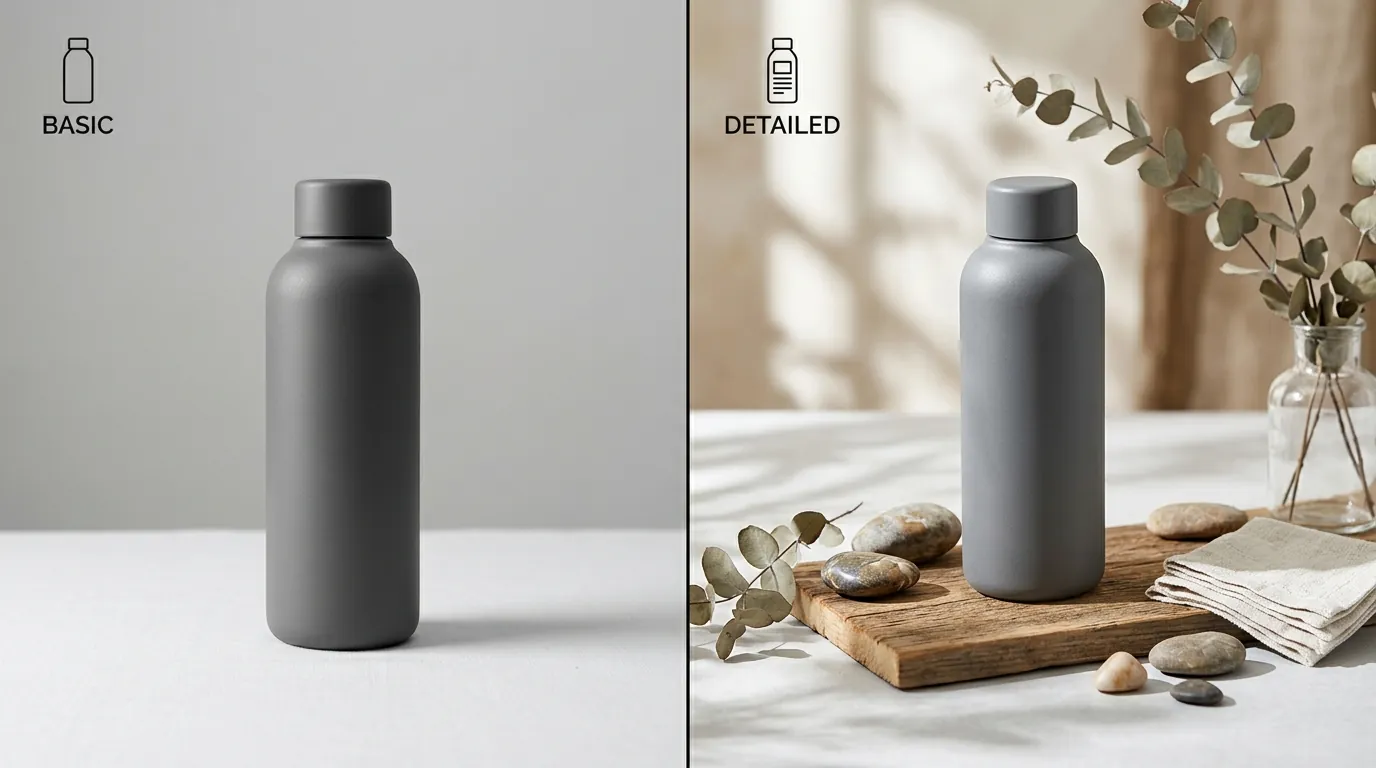
Configure your export settings to match the strictest platform in your stack to avoid redundant work. While Shopify is generally permissive, Amazon and TikTok Shop have rigid technical gates that will prevent your listing from going live if even a single pixel is out of alignment with their Product Image Requirements.
Amazon Main Image Specs
Set your primary image to a pure white background (RGB 255, 255, 255). Amazon is non-negotiable on this: the product must fill at least 85% of the frame. While Krea and Flux are primarily used for lifestyle backgrounds (secondary images), you can use them to generate “clean” studio environments that PixelMatch then converts to pure white to meet these standards.
Amazon recommends a minimum of 1600 pixels on the longest side to enable the zoom functionality. If you use Krea 2 Turbo, you must apply a 2x upscale to reach this threshold, as its native output is often capped at 1024px. Flux.1 [dev] can often generate at higher aspect ratios and resolutions natively, reducing the need for secondary processing.
TikTok Shop & Secondary Image Rules
TikTok Shop requires images to be at least 600 x 600 pixels with a file size under 5MB. For TikTok, the “vibe” is more important than the sterile white background. Use Flux to create “in-use” lifestyle shots—like a water bottle sitting on a gym bench with realistic sweat droplets.
PixelMatch automates this transition by taking your raw AI generation from Flux or Krea and instantly resizing it to TikTok’s preferred 1:1, 3:4, or 9:16 ratios. This prevents the “stretched image” error that commonly occurs when sellers manually drag corners in Canva or Photoshop.
Common Rejection Reasons
💡 Skip the manual editing. PixelMatch batch-generates ecommerce-ready product images in 60 seconds — white background, lifestyle scenes, and variant mockups from a single source photo. Try PixelMatch free →
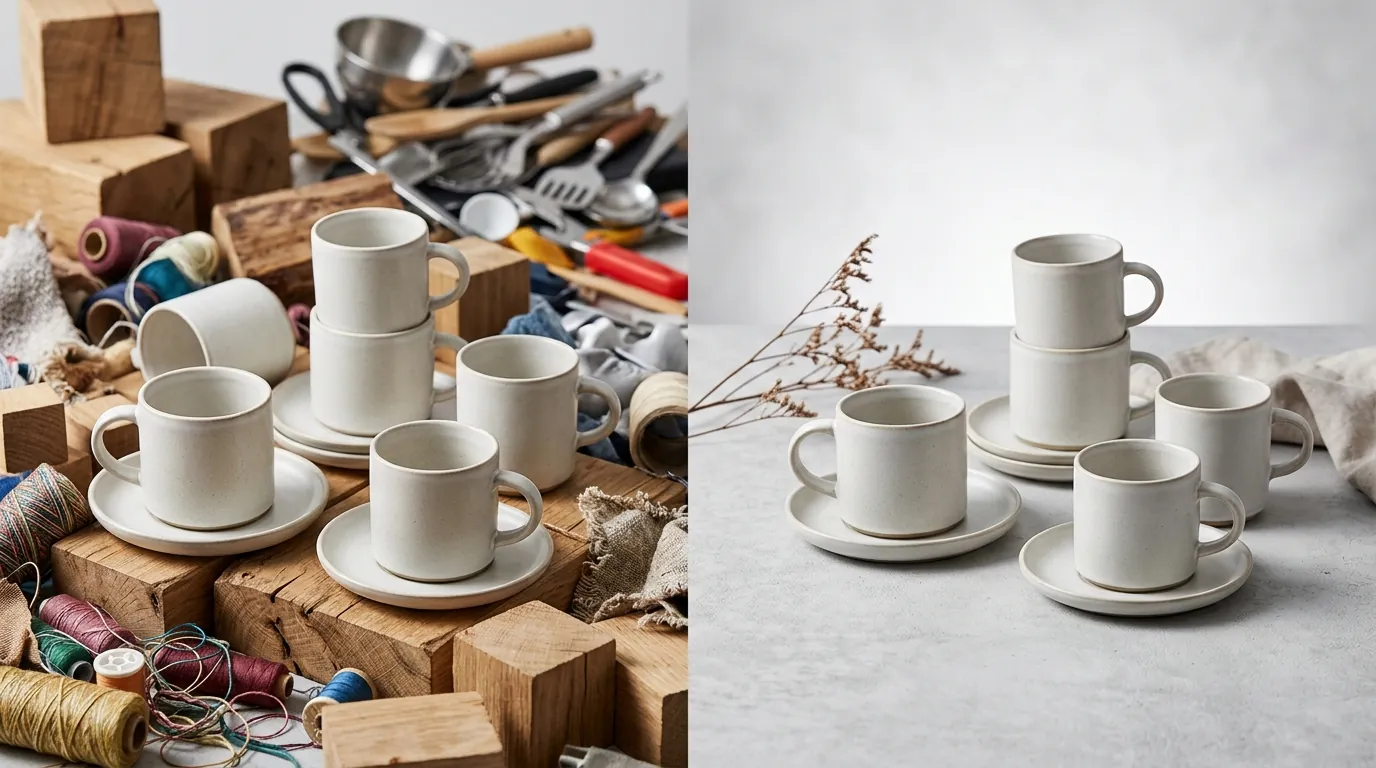
Run a “floating check” on every lifestyle image before uploading to your seller dashboard. The most common reason AI-generated backgrounds get rejected isn’t the background itself, but the lack of integration between the product and the environment.
AI Artifacts and Hallucinations
Amazon and Walmart Marketplace will suppress listings if images contain confusing or misleading elements. Krea 2 Turbo, in its pursuit of speed, can occasionally hallucinate “phantom objects”—a third chair leg, a floating spoon, or warped floorboards. These artifacts signal to the algorithm (and the customer) that the image is untrustworthy.
Flux.1 is significantly more stable, but it can still struggle with text or complex hands if they are part of the background. If your background includes a “cafe menu” or a “person holding the product,” inspect the text and fingers closely. Amazon’s policy on realistic portrayal means that if the background looks “off,” the product itself is viewed as potentially fraudulent.
File Size and Dimension Errors
TikTok Shop will hard-reject any upload exceeding 5MB. High-fidelity Flux generations, especially when exported as uncompressed PNGs, can easily exceed 8MB or 10MB. Sellers often make the mistake of thinking “higher quality is always better,” but a file that is too large will simply fail to upload, or worse, slow down your mobile page load speed, killing your conversion rate.
How to Fix Each Issue
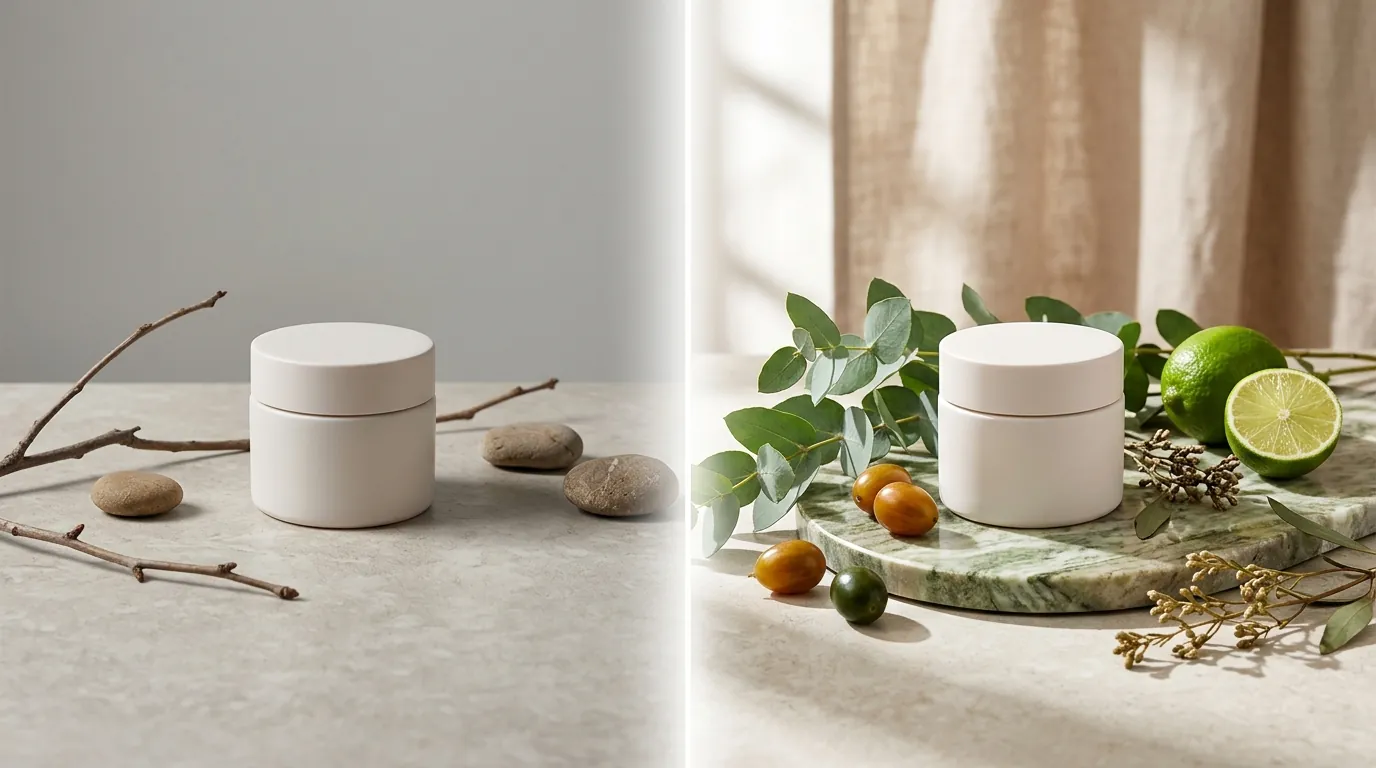
Implement an IC-Light (Imposing Consistent Light) workflow when using Flux to ensure your product doesn’t look like a “sticker” placed on top of a photo. This is the professional secret to passing platform compliance: the shadows must make sense.
Correcting Lighting with Flux
If you have a product photo taken under cool office lights but want to place it in a “warm sunset” background using Flux, the lighting mismatch will be glaring. Use a tool like PixelMatch which integrates lighting consistency algorithms. By analyzing the light direction and color temperature of the Flux-generated background, the software can relight your product cutout to match. This eliminates the “cut-and-paste” look that leads to manual review flags for “low-quality imagery.”
Upscaling Krea 2 Turbo Outputs
Since Krea 2 Turbo prioritizes speed, its raw output often lacks the crispness required for Amazon’s 1600px zoom requirement. To fix this:
- Generate your “concept” in Krea 2 Turbo.
- Once satisfied, run the image through an AI Upscaler (like the one built into PixelMatch or Topaz Photo AI).
- Set the output to exactly 2000 x 2000 pixels. This provides enough overhead for Amazon’s zoom without creating a file so large it hits the 10MB limit.
Compressing for TikTok Shop Compliance
To stay under the 5MB TikTok limit while using high-detail Flux backgrounds:
- Export as a JPEG with a quality setting of 80-90 rather than a PNG.
- Use TinyJPG or PixelMatch’s internal optimizer to strip metadata.
- Ensure the resolution is exactly 1200 x 1200 (double the minimum) for sharpness on high-res mobile screens without the file-size penalty of a 4K image.
Frequently Asked Questions
Can I use Krea 2 Turbo for my Amazon Main Image?
No, not directly. Amazon requires a pure white background (RGB 255, 255, 255) for the main image, whereas Krea is designed to generate stylized environments. You should use a background removal tool first, then use Krea or Flux only for your secondary lifestyle images to show the product in a real-world setting.
Is Flux.1 free for commercial use in my ecommerce store?
It depends on the version. Flux.1 [schnell] is released under an Apache 2.0 license, which generally allows for commercial use. However, the more powerful Flux.1 [dev] requires a commercial license or payment through a provider like Replicate or Fal.ai. Always check the current Black Forest Labs licensing terms before using these images in paid advertising.
Why do my AI backgrounds look blurry on mobile?
This usually happens when you don’t meet the platform’s minimum pixel requirements. If you upload a 512x512 image from an older AI model, the platform will stretch it to fit the screen. Ensure your backgrounds are at least 1000 pixels on the shortest side to maintain sharpness across all devices.
Will using AI backgrounds get my account banned?
No platform currently bans AI-generated backgrounds, provided they accurately represent the product. Amazon’s AI-generated content policy focuses on ensuring the product itself isn’t misrepresented. As long as your product is a real photo and only the background is AI, you are compliant with 2026 standards.
Official Source Links
| Source Name | Documentation / Policy Link | Key Data Point |
|---|---|---|
| Amazon Seller Central | Product Image Requirements | RGB 255,255,255 & 1600px zoom |
| TikTok Shop Seller Center | Image Guidelines | 600x600px min, 5MB max |
| Black Forest Labs | Flux.1 Model Specs | 12B parameter architecture |
| Krea.ai | Krea 2 Turbo Documentation | 8-step distillation speed |
| Replicate | Flux API Pricing | ~$0.03 per generation |
Ready to scale your listings?
PixelMatch generates white-background, lifestyle, and variant mockups from a single source photo — built specifically for multi-platform ecommerce sellers. 50 free images on signup, no credit card.
Start free →
Sources
- Amazon Seller Central: Product image requirements
- TikTok Shop Seller University: Product Image Specifications
- Black Forest Labs: FLUX.1 Model Release
- Hugging Face: Krea 2 Turbo Technical Card
- Krea.ai: Official Pricing and Tiers
- Replicate: Flux.1 [dev] API Costs