
Etsy AI Generated Listing Suspension Appeal Guide (2026)
Waking up to a “Your account has been suspended” email from Etsy is the ultimate nightmare for a multi-platform seller, especially when the cause is an automated flag for undisclosed AI content. As Etsy tightens its enforcement of the 2026 Creativity Standards, failing to signal that you used generative tools—even for simple lifestyle mockups—can result in an immediate delisting or a permanent shop ban.
If your Etsy listing was suspended for undisclosed AI content, you must update your listing description to include an AI disclosure and submit an appeal via the Policy Violations page. For permanently suspended accounts, you have exactly 6 months to file a formal appeal.
Quick Reference Table
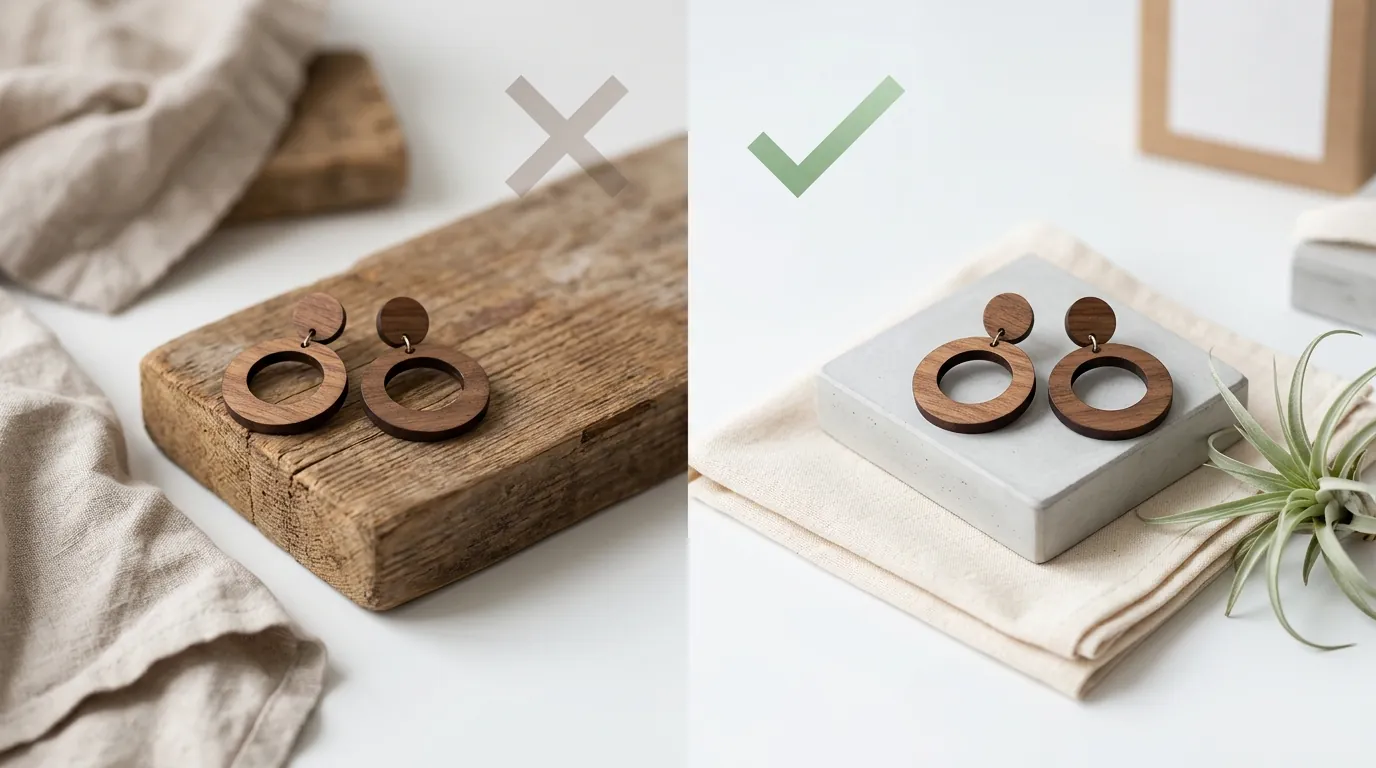
Related: TikTok Shop AI Generated Content Label Requirements (2026) · Etsy AI Image Crackdown: Shop Closure Risks & 2026 Policy Guide · TikTok Shop Account Health Rating Transition Guide
Audit your current listing descriptions for the phrase “Created with AI” or “AI-generated” before the next automated policy sweep. Use the table below to verify your compliance status against the latest 2026 requirements.
| Policy Component | Requirement / Specification | Official Source |
|---|---|---|
| Primary Policy | Etsy Creativity Standards (Updated 2026) | Etsy Legal |
| Disclosure Mandate | Must state if the item or images used AI | Etsy AI Disclosure |
| Appeal Window | 6 months from permanent suspension date | Etsy Help Center |
| Prohibited Content | Synthetic product renders (items that do not exist) | Etsy Seller Policy |
| Allowable AI Use | Background generation, lighting, and retouching | Etsy Creativity Standards |
Detailed Requirements
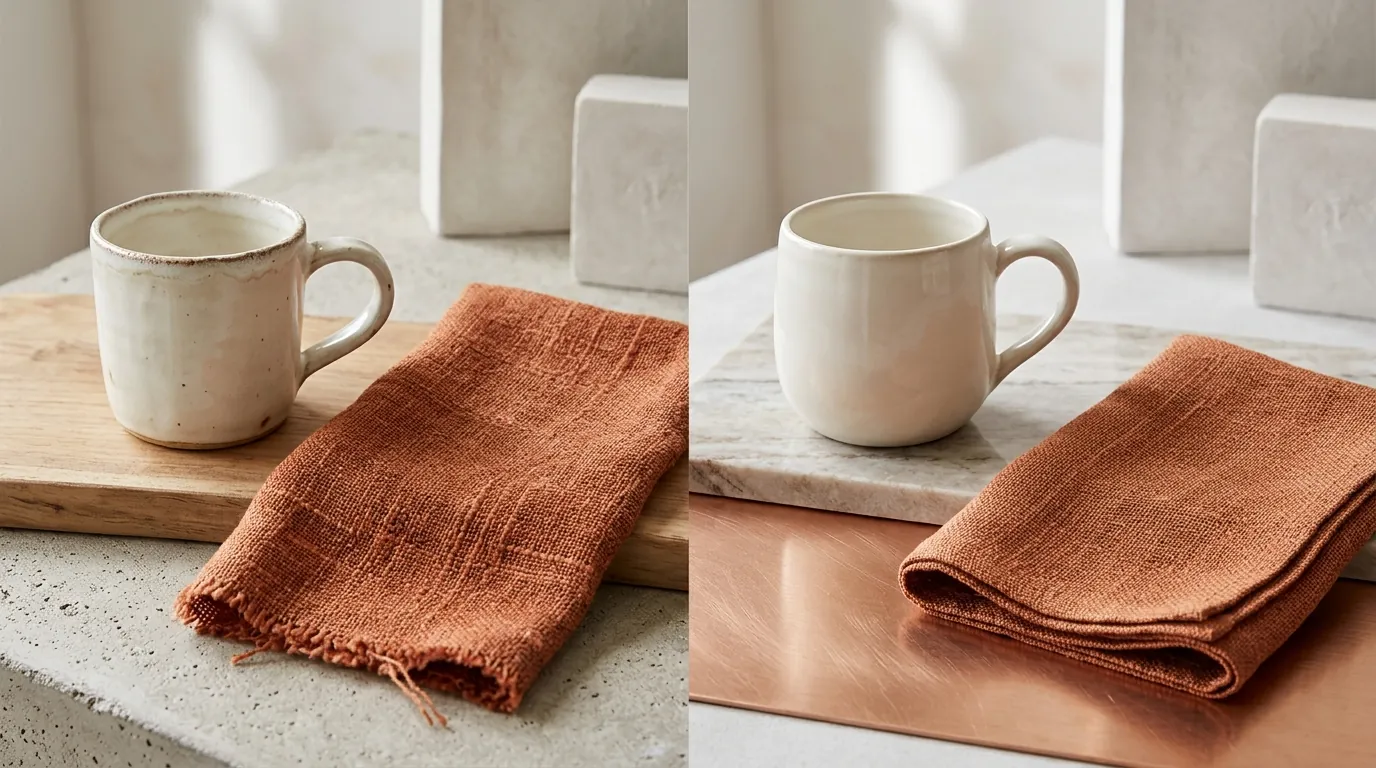
Verify your product creation method against the Etsy Creativity Standards checklist to ensure your shop remains active. Etsy’s 2026 policy update strictly regulates how artificial intelligence can be used in product creation and listing imagery to protect marketplace authenticity. The core of this policy is transparency; Etsy does not ban AI entirely, but it mandates that the buyer understands exactly what is human-made and what is machine-generated.
Sellers must explicitly label any active listing where the product, mockup, or written description was generated or heavily modified by AI tools. This includes the use of “text-to-image” prompts to create the primary hero photo. The marketplace’s stance is clear: AI assistance that preserves the actual physical product (such as background removal or lighting adjustments) is permitted, but generating a synthetic product that does not physically exist is banned.
Undisclosed AI listings have caused significant buyer trust issues across the platform. According to data from early 2026, refund rates on flagged synthetic items reached 19.3% in the first quarter of 2026. This high return rate is often driven by “expectation vs. reality” gaps, where a buyer receives a physical item that looks nothing like the hyper-perfected AI render used in the listing.
Image Generation vs. Image Enhancement
Etsy distinguishes between “Image Generation” (creating a product from scratch) and “Image Enhancement” (improving a photo of a real object).
- Image Generation (Restricted): Using a tool like Midjourney or PhotoAI to create a “photorealistic” image of a jewelry piece you haven’t manufactured yet. If the pixels representing the product itself are 100% AI-generated, Etsy considers this a violation of their “Physical Goods” policy unless sold as a digital download.
- Image Enhancement (Allowed with Disclosure): Using PixelMatch or Adobe Express to take a photo of your actual, physical product and placing it in a new, AI-generated kitchen or garden setting. This is considered a “mockup” and is allowed, provided you disclose the use of AI in the description.
Disclosure Placement Rules
Etsy’s automated crawlers look for specific keywords in your listing description. To remain compliant, you must place your disclosure in a prominent location—ideally within the first two paragraphs of your item description.
A compliant disclosure should look like this:
- “This product photo was created using AI-generated backgrounds to showcase the item in a lifestyle setting.”
- “The design on this t-shirt was generated with the assistance of AI and refined by our studio.”
Failure to include these specific phrases is the leading cause of “Shadow Suspending,” where your listings remain “active” in your dashboard but are stripped from Etsy search results entirely.
Common Rejection Reasons

💡 Skip the manual editing. PixelMatch batch-generates ecommerce-ready product images in 60 seconds — white background, lifestyle scenes, and variant mockups from a single source photo. Try PixelMatch free →
Run a reverse-image search on your own listing photos to see if they trigger “synthetic” flags or match known stock AI prompts. Many sellers are surprised to find their listings suspended because they used a popular AI mockup tool that thousands of other sellers also used, creating a “duplicate content” flag in Etsy’s system.
Recent independent audits suggest that roughly 68% of active Etsy sellers have violated these new disclosure standards, often unintentionally through unlabelled AI mockups.
The three most common reasons for AI-related rejections include:
- Missing AI Disclosure: This is the “low-hanging fruit” for Etsy’s enforcement bots. If you use a tool like Canva or Photoroom to generate a background and don’t mention it, you are at risk.
- Fake Product Renders: Using text-to-image prompts to generate a hero photo for an item that does not physically exist in that exact form. Even if you can make the item, the photo must be of the actual item you made.
- Misleading Mockups: Uploading lifestyle mockups that alter the core appearance, scale, or texture of the physical item. If your AI-generated mockup shows a 10oz candle as a 20oz candle, Etsy will side with the buyer in every dispute.
Before and After: Compliance Comparison
| Feature | Banned: Synthetic AI Render | Compliant: PixelMatch AI Lifestyle |
|---|---|---|
| Product Pixels | 100% AI-generated from a text prompt. | 100% Real photo of the physical product. |
| Background | AI-generated environment. | AI-generated environment. |
| Disclosure | None. | ”Background generated with AI.” |
| Authenticity | Fails; product doesn’t exist yet. | Passes; product is real and accurately sized. |
How to Fix Each Issue
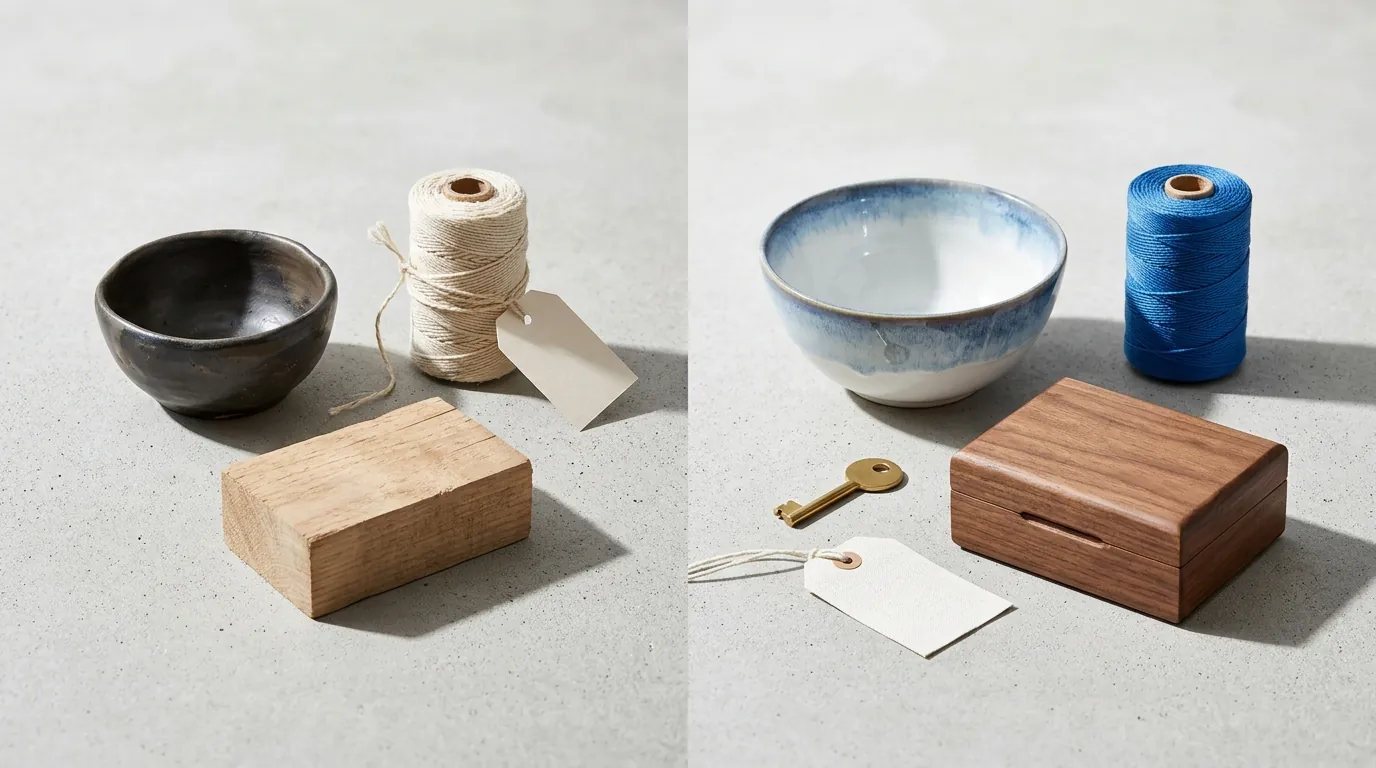
Submit your appeal documentation within 48 hours of the suspension notice to minimize revenue loss and show Etsy that you are an active, compliant partner. The longer a listing stays suspended, the more its SEO “quality score” drops, making it harder to regain your search ranking once reinstated.
For Missing Disclosures
If your suspension notice mentions “Policy Violation: Transparency,” the fix is straightforward.
- Go to your Shop Manager.
- Open the suspended listing (if editable).
- Add a clear statement: “Product imagery features AI-generated backgrounds.”
- Save and then proceed to the Policy Violations page to request a review.
For Fake Product Renders
If you were caught using a purely synthetic image (where the product itself was AI-generated), you must replace it.
- Take a high-resolution photograph of the actual physical product you are shipping.
- Ensure the lighting is natural and the colors match the physical item.
- Upload this as your Primary (Hero) Image.
- In your appeal, state: “I have replaced the synthetic render with an authentic photograph of the physical inventory.”
For Compliant Image Enhancement
To avoid future suspensions while still maintaining high-end aesthetics, change your workflow. Use tools like PixelMatch to batch-generate contextual lifestyle backgrounds around your real photographed product. This complies with Etsy’s requirement that the pixel-level product remains authentic. Unlike tools that might “hallucinate” details onto your product, PixelMatch locks the product pixels and only modifies the environment, ensuring the scale and texture remain 100% accurate to what the buyer will receive.
Drafting Your Appeal Letter
When you navigate to your Policy Violations page and select “View & Appeal,” you need to provide a professional explanation. Avoid emotional pleas. Instead, use a structured format:
- The Error: “I acknowledge that my listing [Listing ID] lacked the required AI disclosure for its lifestyle background.”
- The Correction: “I have updated the listing description to include a clear AI disclosure and replaced any ambiguous imagery with authentic product photos.”
- The Evidence: Attach a “behind-the-scenes” photo of your physical product sitting on your desk or in your workshop. This proves the item is real and you are a legitimate maker.
Using Compliant AI Tools
Switching to a compliant workflow is the best way to prevent a second strike. While tools like Pebblely or Booth.AI offer great results, ensure you are using their “background replacement” features rather than their “product generation” features.
Compliance Checklist for Tools:
- Removebg / Adobe Express: Excellent for clean, white-background shots which are rarely flagged.
- PixelMatch: Best for batch-generating lifestyle scenes while keeping the product’s physical dimensions and textures untouched.
- Photoroom: Pro tier at $12.99/mo provides batch editing, but you must still manually add the disclosure to Etsy.
Official Source Links

Bookmark the Policy Violations dashboard to monitor real-time account health and respond to warnings before they escalate to full suspensions.
- Review the official Etsy Creativity Standards for the exact policy wording on AI creations and seller-prompted artwork.
- Follow the steps in the Etsy Help Center guide on How to File an Appeal for a Permanently Suspended Account.
- Monitor your Etsy Account Health Dashboard regularly for any “Intellectual Property” or “Policy” warnings that often precede an AI-related suspension.
Frequently Asked Questions
Can Etsy detect AI images automatically?
Yes, Etsy uses sophisticated computer vision algorithms and metadata analysis to identify images generated by popular AI models. They also cross-reference images against known stock mockup databases to flag “duplicate” or “low-effort” listings that may violate their Creativity Standards.
Will my shop be permanently banned for one AI violation?
Typically, Etsy issues a warning or a single listing suspension for a first-time disclosure violation. However, if you have multiple listings flagged simultaneously for “synthetic product representation” (selling items that don’t exist), Etsy may move straight to a permanent account suspension.
How long does an Etsy appeal take in 2026?
Appeal response times vary based on the complexity of the case, but most sellers report receiving a decision within 7 to 14 business days. During peak holiday seasons, this can extend to 30 days, making it vital to submit a complete, evidence-backed appeal on the first attempt.
Do I need to disclose AI if I only used it for a white background?
Technically, Etsy’s policy requires disclosure for any AI-generated or “heavily modified” imagery. While simple background removal (like using Removebg) is generally considered a standard editing tool, if you use AI to generate a complex studio setting, a brief disclosure in the description is the safest way to avoid automated flags.
Ready to scale your listings?
PixelMatch generates white-background, lifestyle, and variant mockups from a single source photo — built specifically for multi-platform ecommerce sellers. 50 free images on signup, no credit card.
Start free →
Sources
- Etsy Creativity Standards (2024-2026): https://www.etsy.com/legal/creativity/
- Etsy Help Center - Filing an Appeal: https://help.etsy.com/hc/en-us/articles/115015672628-How-to-File-an-Appeal-for-a-Permanently-Suspended-Account
- Rewarx - Etsy AI Refund and Violation Stats: https://rewarx.com/etsy-banned-ai-prompts-what-sellers-should-do-next/
- Rewarx - 68 Percent of Etsy Sellers Violating Rules: https://rewarx.com/68-percent-etsy-sellers-broke-this-new-rule/
- Photoroom Pricing: https://www.photoroom.com/pricing
- Etsy Seller Policy: https://www.etsy.com/legal/sellers/