
Appaca AI Workspace for Ecommerce Operations & Image Guide
Managing a multi-channel catalog often feels like a constant battle against shifting technical specs and platform-specific rejection bots. When you are scaling across Amazon, Shopify, Etsy, and TikTok Shop, a single “non-compliant” background or a low-resolution thumbnail can trigger a listing suppression that halts your cash flow instantly.
Quick Reference Table

Related: Fixing Uncanny Valley in AI Food Photos for Ecommerce · Amazon AI Disclosure Label Appeal Process: 2026 Seller Guide · Etsy AI Disclosure Policy for Handmade Sellers: 2026 Guide
Reference this technical specification table before every batch upload to ensure your assets meet the minimum entry requirements for each marketplace. Use an appaca ai workspace for ecommerce operations to store these constants as “Validation Rules” so your team never has to guess which dimensions to export from your editor.
| Platform | Min/Max Dimensions | Max File Size | Required Background | Key Policy Link |
|---|---|---|---|---|
| Amazon | 1000px - 10,000px (Longest side) | 10 MB | Pure White (RGB 255,255,255) | Amazon Image Policy |
| Shopify | Up to 5000px x 5000px | 20 MB | No restriction (Lifestyle preferred) | Shopify Media Help |
| Etsy | 1500px wide recommended | 10 MB | Brand-consistent / Lifestyle | Etsy Image Guide |
| TikTok Shop | 600px x 600px minimum | 5 MB | Simple / High-contrast | TikTok Listing Rules |
Audit your current asset library against these thresholds today. If your master files are under 1000 pixels, you are likely losing the “Zoom” functionality on Amazon, which significantly correlates with lower conversion rates.
Detailed Requirements

Audit your current product catalog against these platform-specific granular rules to prevent “Shadow Suppressions” where your listing remains active but is buried in search results due to poor image quality scores.
Amazon FBA Image Rules
Amazon remains the strictest platform for visual assets. Your primary (HERO) image must be a professional photograph of the actual product being sold. Off-white backgrounds, even slightly grey (RGB 254, 254, 254), can result in automated listing removal. The product must occupy at least 85% of the image frame. Furthermore, Amazon prohibits the use of any text, logos, watermarks, or “inset images” (small pictures within the main picture) on the primary photo. While competitors like Photoroom offer Pro tiers at $12.99/mo to help with background removal, PixelMatch is specifically engineered to handle these Amazon-specific “85% fill” rules in massive batches, ensuring your AI-generated white backgrounds are mathematically pure RGB 255.
Shopify & Etsy Creative Freedom
Unlike Amazon, Shopify and Etsy prioritize brand storytelling. Shopify supports a wide range of formats including JPEG, PNG, WEBP, and even HEIC. On Shopify, you can upload up to 250 images, 3D models, or videos per SKU, allowing for deep lifestyle immersion. Etsy specifically recommends using a 2000px square image for the best “zoom” experience and now allows sellers to upload up to 20 photos per listing. This expansion means you need more content than ever; using an appaca ai workspace for ecommerce operations helps you track which of those 20 slots are filled with high-performing lifestyle shots versus basic studio shots.
TikTok Shop Authenticity Rules
TikTok Shop is highly sensitive to “misleading content.” If your product image shows a specific accessory or a variation that is not included in the SKU, TikTok will flag the listing for a Product Listing Violation. They require high-resolution images where the product is clearly visible against a simple background. Because TikTok is a mobile-first platform, images should ideally be optimized for vertical viewing or square formats (1:1 aspect ratio). Authenticity is the metric here; overly “plastic” or fake-looking AI generations will be flagged by their Video Pre-Check Tool. PixelMatch solves this by using your actual product photos as the seed, ensuring the physical geometry of the item remains 100% accurate while only the environment is AI-generated.
Common Rejection Reasons

💡 Skip the manual editing. PixelMatch batch-generates ecommerce-ready product images in 60 seconds — white background, lifestyle scenes, and variant mockups from a single source photo. Try PixelMatch free →
Scan your rejected listings for these four patterns to identify why your “Active” listings might suddenly be “Suppressed” or “Inactive.”
- The “Dirty White” Background: On Amazon, if your background is RGB 250, 250, 250, it looks white to the human eye but is “dirty” to the Amazon bot. This is a primary cause for image-related suppressions.
- The 85% Fill Rule Violation: Amazon requires the product to fill most of the frame. If you have too much “dead space” around a small product, the listing will be flagged. Conversely, if the product is “cropped” (edges touching the border), it will also be rejected.
- File Size Bloat on Shopify: While Shopify allows up to 20 MB files, uploading 100 images at that size will lead to significant page load lag. Slow page speeds increase bounce rates, which indirectly costs you money through wasted ad spend and Stripe’s 2.9% + $0.30 processing fees on orders that never happen because the customer left.
- Inconsistent Variations on TikTok: If you sell a “Blue” widget but the primary image shows a “Navy” widget, TikTok’s Listing Review will likely fail. This is especially common when using generic AI tools that hallucinate colors; PixelMatch prevents this by locking the product’s original colors during the background generation process.
How to Fix Each Issue
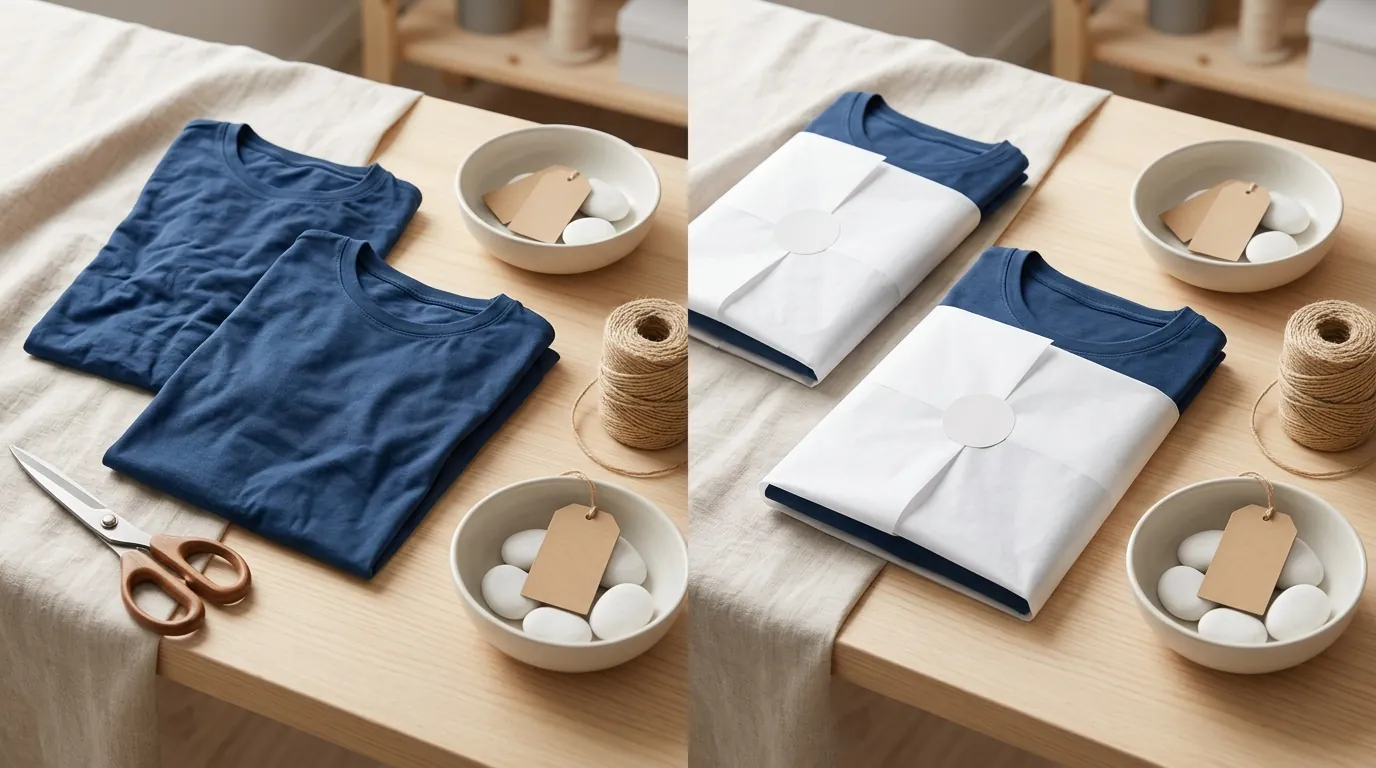
Deploy a combination of PixelMatch for asset generation and an appaca ai workspace for ecommerce operations for workflow management to resolve these issues at scale.
Step 1: Batch Process for Amazon Compliance
Run your entire catalog through PixelMatch’s “Amazon White” workflow. This tool automatically strips the background and replaces it with RGB 255, 255, 255 while centering the product to hit that 85% frame fill requirement.
Before/After Compliance Checklist:
- Before: Product on a wooden table, 60% frame fill, 800px resolution. (Result: Suppressed).
- After (via PixelMatch): Product on pure white, 90% frame fill, 2000px resolution. (Result: Amazon Choice eligibility).
Step 2: Build an Approval Dashboard in Appaca
Skip the messy email chains and Slack threads. Use an appaca ai workspace for ecommerce operations to create a custom internal tracker.
- Connect your SKU list: Import your Shopify or Amazon SKU list into Appaca.
- Add a “Status” field: Set options for “Needs Image,” “AI Generated,” “QA Approved,” and “Live.”
- Automate Notifications: Set a rule in Appaca: “When Status changes to QA Approved, move file to ‘Final Upload’ folder.” This ensures your team only pushes images that have been human-verified for policy compliance.
Step 3: Optimize for Search Ranking on Etsy and Shopify
Resize your images to meet the 1500-pixel width recommendation for Etsy to ensure your thumbnails are crisp in search results. For Shopify, use PixelMatch to generate “Lifestyle” backgrounds (e.g., a skincare bottle in a marble bathroom) to increase emotional resonance. Unlike basic tools like Adobe Express ($9.99/mo) which require manual prompting for every image, PixelMatch can batch-generate 100 lifestyle variations in minutes, which you can then organize within your Appaca workspace.
Step 4: Pass the TikTok Shop “Authenticity” Check
Ensure your TikTok images are clear and well-lit. If you are using AI, make sure the lighting on the product matches the lighting of the AI-generated background. PixelMatch uses “Global Illumination” logic to ensure that if the AI puts your product in a “Sunset” environment, the shadows on your product are adjusted to match the sun’s angle, passing TikTok’s Video Pre-Check Tool and avoiding listing removals.
Frequently Asked Questions
What is the minimum image size for Amazon zoom?
To enable the “Zoom” feature on Amazon detail pages, your images must be at least 1000 pixels on the longest side. However, Amazon recommends 1600 pixels or larger for the best customer experience. Images smaller than 500 pixels will generally be rejected entirely by the system.
Can I use AI-generated images on Etsy?
Yes, Etsy allows AI-generated images as long as they accurately represent the product you are selling. Etsy’s primary concern is that the main image is not blurry or dark and that it doesn’t use watermarks. Using an appaca ai workspace for ecommerce operations can help you keep track of which images are AI-enhanced versus original photography for transparency.
Why did TikTok Shop reject my product listing?
The most common reason for rejection on TikTok Shop is a mismatch between the promotional images and the actual product description. TikTok requires that images match the physical product exactly in terms of color, size, and quantity. If your image shows a pack of three but you are only selling one, the listing will be flagged for a policy violation.
How many images should I have per listing?
While requirements vary, Amazon allows up to 9 images (though only 7 usually show on the main page), and Etsy now allows up to 20 photos. Shopify supports up to 250 pieces of media. Generally, a “complete” listing should have at least 5-7 images: 1 HERO shot, 3 lifestyle shots, and 2-3 infographic/dimension shots.
Official Source Links

- Amazon Seller Central: Product image requirements
- Shopify Help Center: Uploading and managing files
- Shopify Help Center: Adding product media
- Etsy Help: Requirements and Best Practices for Images
- TikTok Shop Seller Center: Product Listing Guidelines
- Photoroom Pricing Plans
- Adobe Express Pricing
- Stripe Processing Fees
Ready to scale your listings?
PixelMatch generates white-background, lifestyle, and variant mockups from a single source photo — built specifically for multi-platform ecommerce sellers. 50 free images on signup, no credit card.
Start free →
Sources
- Amazon Seller Central. (2024). Product image requirements. Retrieved from https://sellercentral.amazon.com/help/hub/reference/1881
- Shopify Help Center. (2024). Uploading and managing files. Retrieved from https://help.shopify.com/en/manual/shopify-admin/productivity-tools/file-uploads
- Shopify Help Center. (2024). Product media. Retrieved from https://help.shopify.com/en/manual/products/product-media/add-media
- Etsy Help. (2024). How to Protect Listing Images. Retrieved from https://help.etsy.com/hc/en-us/articles/360000338067-How-to-Protect-Listing-Images
- TikTok Shop Seller Center. (2024). Product Listing Guidelines. Retrieved from
- Photoroom. (2024). Pricing. Retrieved from https://www.photoroom.com/pricing
- Stripe. (2024). Pricing & Fees. Retrieved from https://stripe.com/pricing
- Adobe. (2024). Adobe Express Pricing. Retrieved from https://www.adobe.com/express/pricing