TikTok Shop Symphony Digital Human: Fixing Clothing Clipping
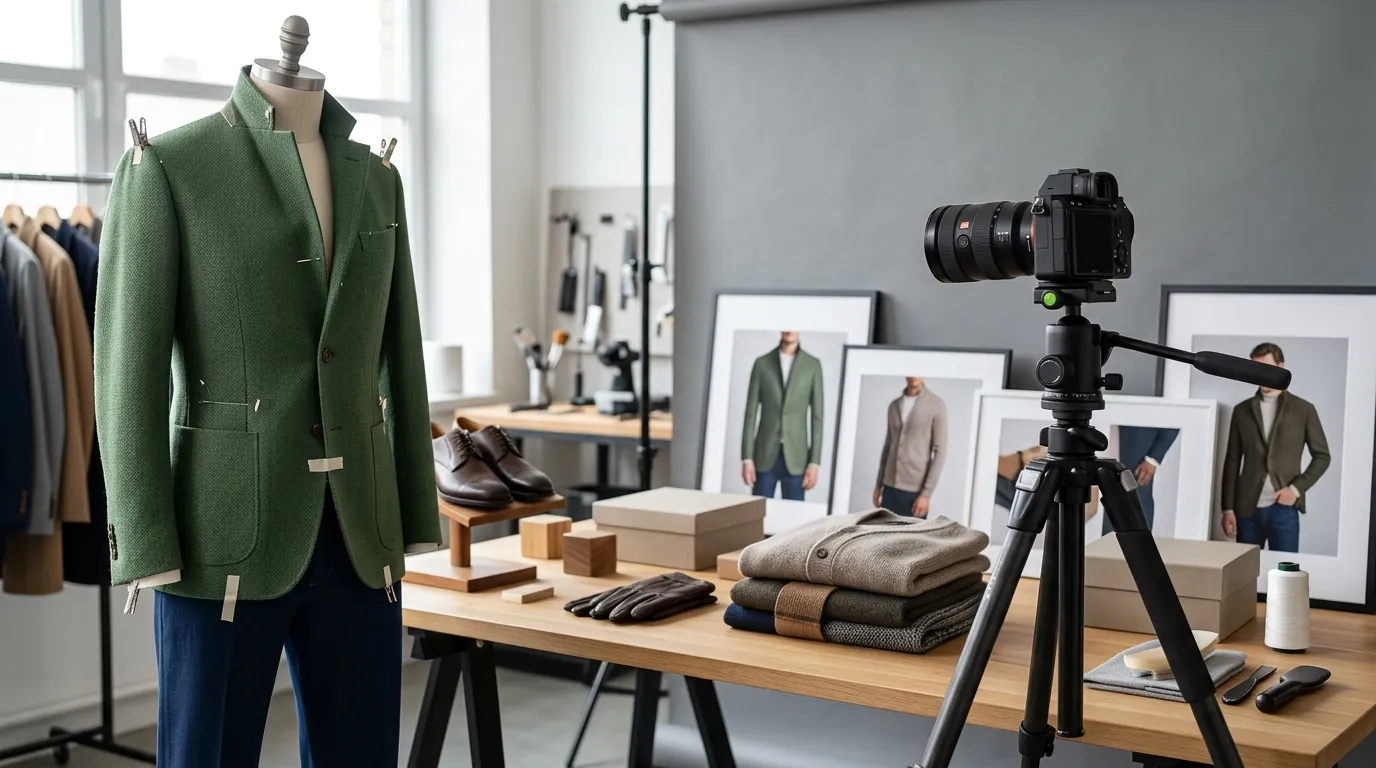
Your high-budget TikTok Shop ad just went live, but the digital human’s elbow is poking through your brand’s flagship hoodie, making the product look like a cheap CGI glitch. This “clothing clipping” is the primary barrier for multi-platform apparel sellers trying to scale video production using TikTok’s native AI tools.
TL;DR Verdict
Related: Midjourney v7 Stylize Amazon White Background Compliance · Krea 2 Turbo vs Flux 1 Schnell: Best AI Image Generator? · Shopify Magic vs Midjourney for Product Backgrounds: 2026 Guide
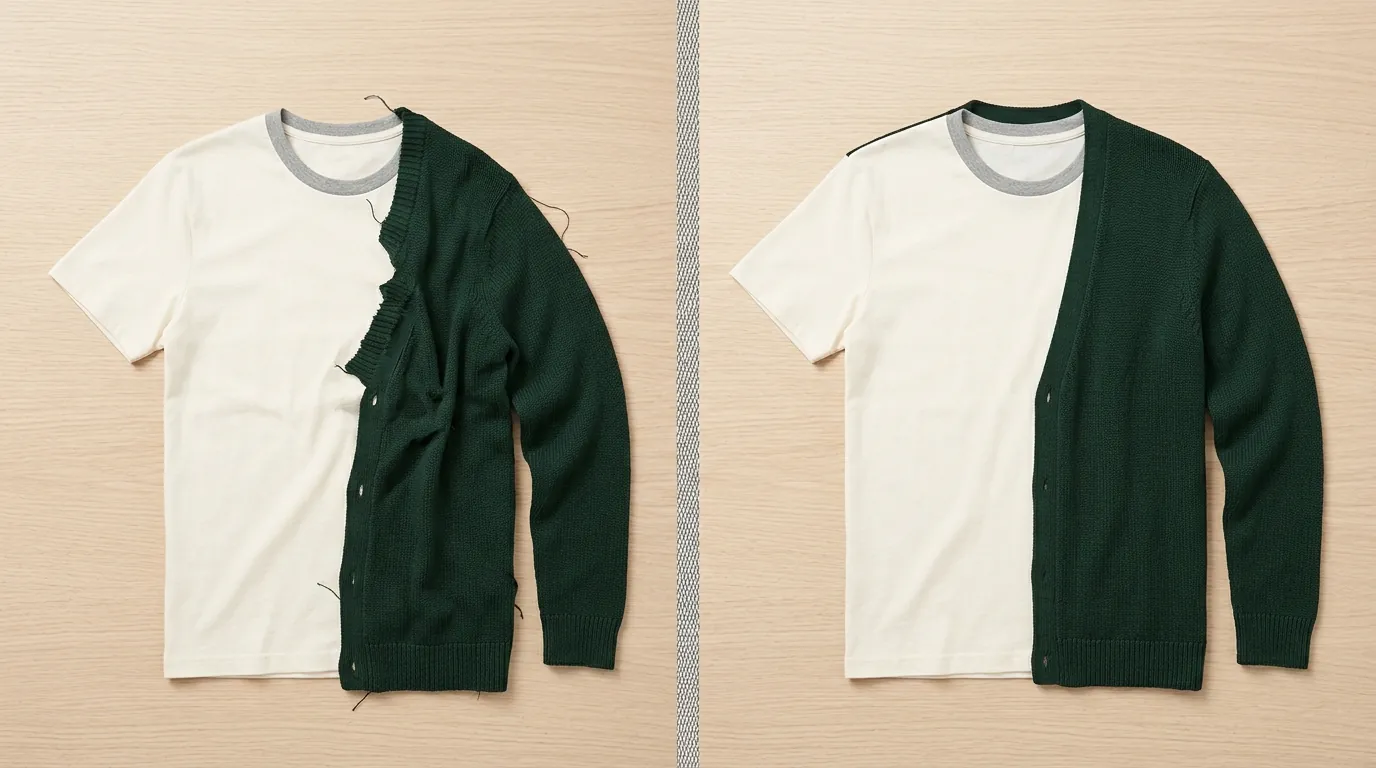
Run a side-by-side comparison of your best-selling SKU using both a Symphony video and a high-fidelity static image to see which yields a higher Click-Through Rate (CTR) in your TikTok Ads Manager. While TikTok’s Symphony Digital Avatars excel at multi-lingual talking-head ads, they frequently struggle with “clothing clipping”—a visual error where the 3D avatar’s limbs unnaturally intersect with the digital apparel overlay.
For sellers who need flawless, high-volume product presentation, dedicated AI tools are a necessity. PixelMatch is designed specifically for batch-generating AI product images that maintain the physical integrity of the fabric, while Photoroom provides a fast, mobile-friendly solution for background removal and basic AI staging.
| Feature | TikTok Symphony | PixelMatch | Photoroom |
|---|---|---|---|
| Primary Output | Video (AI Avatar) | Static (On-Model/Product) | Static (Product/Background) |
| Apparel Fidelity | Medium (Clipping common) | High (Physics-accurate) | Medium (Background focus) |
| Batch Capacity | Low (One by one) | High (Full catalog) | 50 images per batch |
| Multi-Platform | TikTok Only | Amazon, Shopify, TikTok, Etsy | General Purpose |
| Best Use Case | Explainer/Talking Head Ads | On-model apparel catalogs | Quick background swaps |
Side-by-Side Feature Table
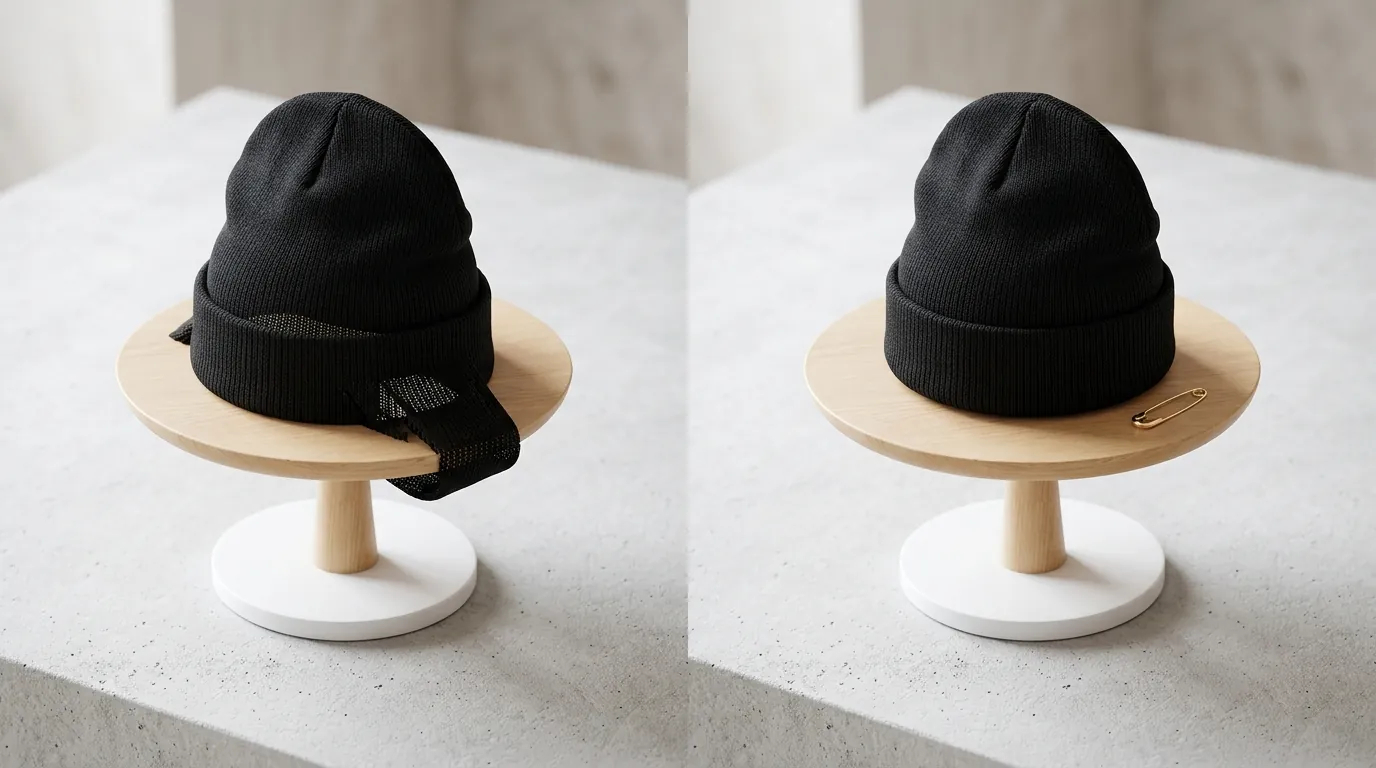
Standardize your image aspect ratios to 1:1 or 3:4 before uploading to any AI tool to ensure your product remains the focal point across all sales channels. When you compare these tools, the choice depends on whether you are optimizing for movement or for the “perfect” product shot.
TikTok Symphony Creative Studio is a powerhouse for video. It allows you to select a “Stock Avatar” or create a “Custom Avatar” that speaks in multiple languages, effectively acting as a 24/7 spokesperson. However, its apparel rendering is secondary to the avatar’s movement. If your product has complex textures, ruffles, or oversized fits, the 3D mesh often fails to calculate the fabric’s drape, leading to the clipping issues that drive sellers toward a clothing clipping fix.
PixelMatch takes the opposite approach. Instead of trying to wrap a 2D image around a moving 3D body, it uses advanced diffusion models to generate the model and the clothing as a single, cohesive image. This eliminates clipping because the “clothing” and the “human” are not separate layers; they are generated in the same mathematical space. This makes it the superior choice for multi-platform apparel sellers who need to populate Amazon A+ Content and TikTok Shop product carousels simultaneously.
Photoroom serves as the middle ground. It is the most accessible tool for background removal. If you already have a great photo of a person wearing your clothes but the background is a messy warehouse, Photoroom’s Pro features can swap that background for a high-end studio look in seconds. It does not, however, “fix” the clothing itself—it only modifies the environment around it.
Pricing Comparison
💡 Skip the manual editing. PixelMatch batch-generates ecommerce-ready product images in 60 seconds — white background, lifestyle scenes, and variant mockups from a single source photo. Try PixelMatch free →
Audit your monthly SaaS spend against your SKU count to determine your “Cost Per Usable Asset.” In the high-volume world of ecommerce, a tool that seems expensive may actually be cheaper if it reduces the need for manual retouchers.
- TikTok Symphony: Currently available at no additional cost for advertisers with an active TikTok Ads Manager account. This makes it an attractive entry point for video, though the “cost” is often paid in the time spent trying to fix clipping glitches.
- Photoroom: The Pro plan is priced at $12.99/month (or approximately $7.50/month if billed annually). This plan unlocks batch exports and removes the Photoroom watermark, which is essential for professional TikTok Shop listings.
- PixelMatch: Pricing varies by plan based on the volume of images generated. It is built for professional batch-generating AI product images, offering a more scalable solution for sellers who need hundreds of clipping-free images per month.
- Transaction Fees: When subscribing to these tools, remember that most use standard payment rails. For example, if you pay via a platform that uses Stripe, the merchant typically absorbs a 2.9% + $0.30 processing fee, but you should monitor your own business credit card statements for any international transaction fees if the tool is based outside your home country.
Best For (By Seller Profile)
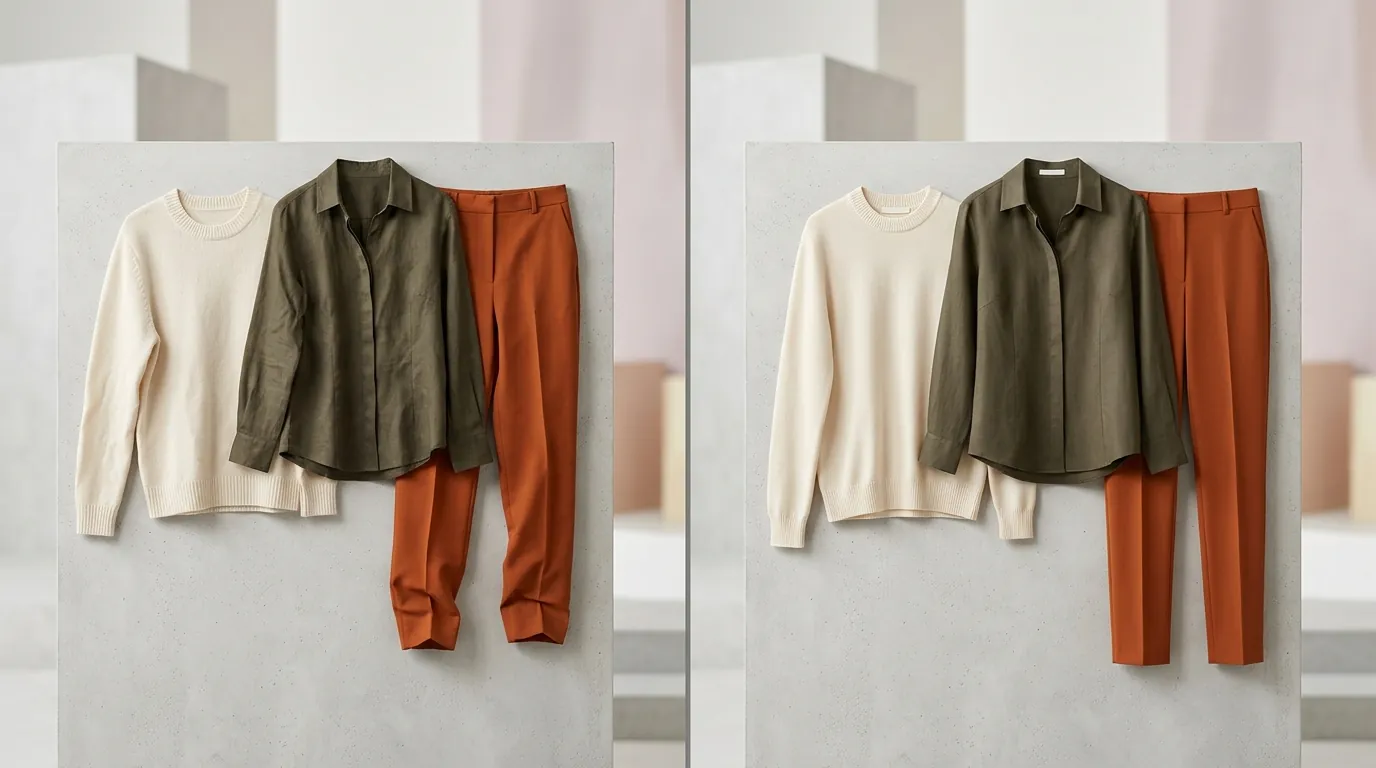
Segment your inventory by visual complexity to decide which tool handles which SKU. Not every product requires a high-fidelity AI render, but your “Hero” products certainly do.
The Video-First Brand: TikTok Symphony
If your store relies on “Storytime” ads or explainer videos where a person describes the benefits of a product (like a supplement or a simple gadget), Symphony is your best bet. Since the focus is on the face and the script, minor clothing clipping on a basic t-shirt is often unnoticeable to the average scroller.
The Multi-Platform Apparel Powerhouse: PixelMatch
If you are selling fashion across TikTok Shop, Amazon, and Shopify, consistency is your biggest challenge. PixelMatch is the “clothing clipping fix” you need because it generates high-fidelity, on-model photos from simple flat-lays or mannequin shots. It ensures that the model’s body never “breaks through” the fabric, providing a professional look that meets Amazon’s strict main image requirements and TikTok’s aesthetic standards.
The Solopreneur & Reseller: Photoroom
For those flipping vintage clothes or running a small boutique with low SKU counts, Photoroom is the most efficient tool. It doesn’t require a complex setup. You can take a photo on your phone, remove the background, and add a “Retouch” filter to clean up minor wrinkles. It is the gold standard for speed, though it lacks the “batch-generating AI product images” scale required by larger enterprises.
Where Each Falls Short
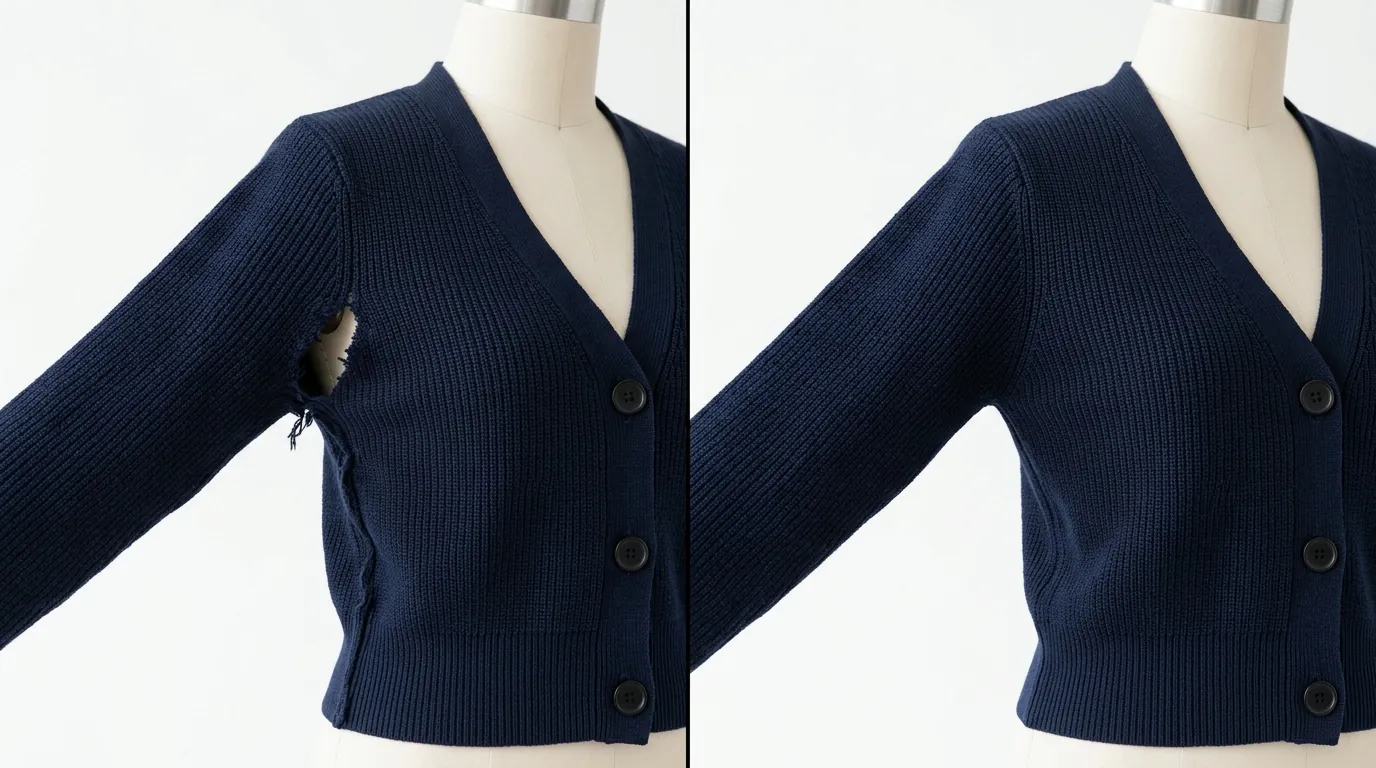
Monitor your rejection rates in TikTok Shop Seller Center. If your AI-generated images look too “uncanny” or have visible clipping, TikTok’s moderation team may flag them as misleading content.
TikTok Symphony’s greatest weakness is its “Custom Avatar” clothing physics. Because the avatar is a 3D model and your clothing is often a 2D image “mapped” onto it, the software doesn’t always know where the sleeve ends and the arm begins. This results in the dreaded clipping. Furthermore, Symphony cannot currently host live sessions; it is strictly for pre-recorded ad content.
Photoroom is limited by its batch processing cap. The Pro plan limits you to 50 images per session. If you are a multi-platform apparel seller with a catalog of 500 items, each with 5 different angles, Photoroom becomes a bottleneck. You will spend more time clicking “next” than actually marketing your products.
PixelMatch focuses exclusively on static imagery. While it provides the highest quality “clipping-free” apparel renders on the market, it does not currently generate talking-head video. If you want a digital human to speak your script, you will need to use PixelMatch for the product photos and a separate tool for the video production.
Recommendation
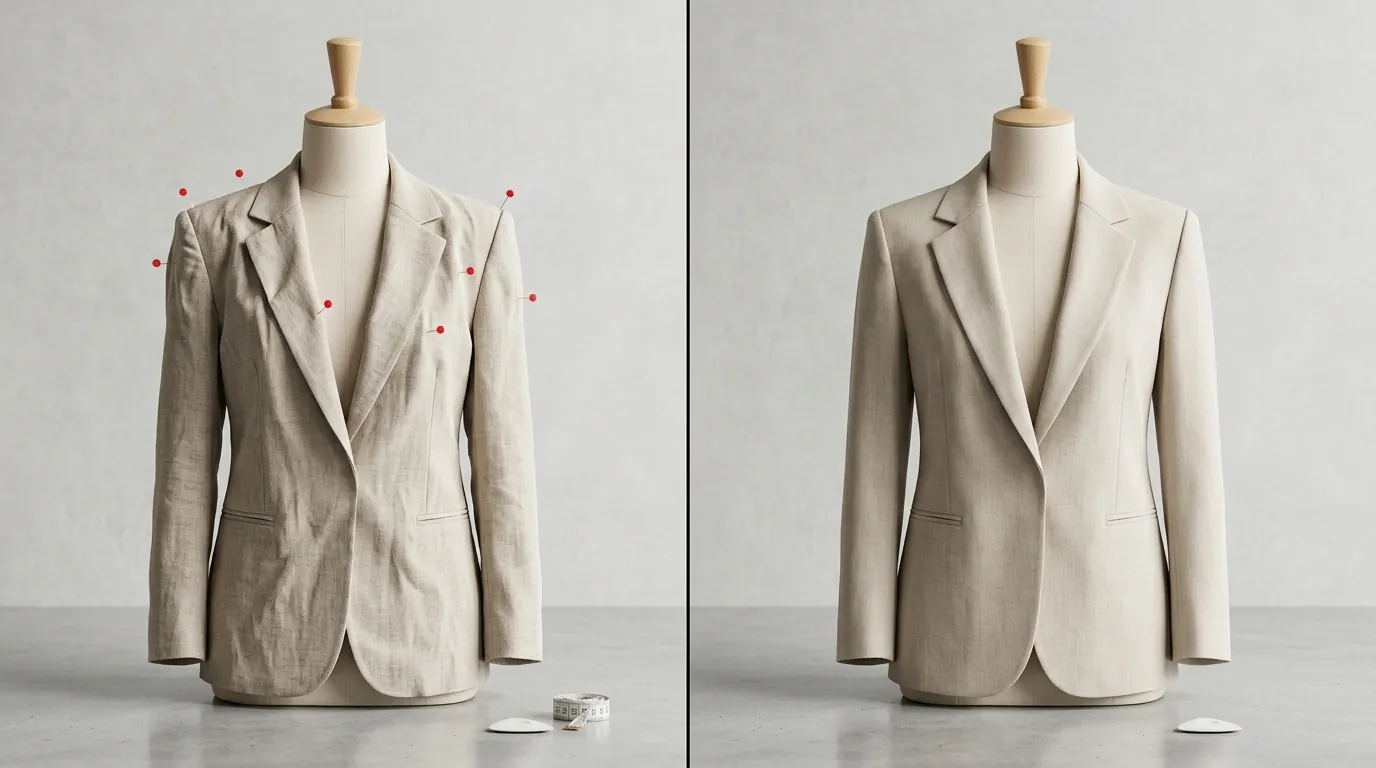
Execute a hybrid content strategy to maximize both engagement and professional credibility. Do not rely on a single tool to do everything; instead, use each for its specific strength.
- For Video Ads: Use TikTok Symphony. To avoid the clothing clipping fix headache, use the avatar’s “Stock” clothing rather than trying to overlay your own custom apparel if the physics aren’t lining up. Mention your product in the script and use “Green Screen” effects to show the product behind the avatar.
- For Product Listings: Use PixelMatch. Download your renders in PNG or JPG format at a minimum of 600 x 600 pixels. These images will serve as your high-conversion “Main Images” on TikTok Shop, Amazon, and Shopify.
- For Social Media Teasers: Use Photoroom to quickly turn a lifestyle snap into a polished “Deal of the Day” graphic.
By using PixelMatch to generate the high-fidelity base images, you can then import those clipping-free assets into TikTok’s Creative Studio to build slideshow ads. This gives you the “human” element of TikTok’s ecosystem without the visual glitches that turn customers away.
Frequently Asked Questions
Why does my clothing clip in TikTok Symphony?
Clothing clipping occurs because the AI is trying to wrap a 2D product image around a 3D digital human mesh. If the dimensions of your product image don’t perfectly match the avatar’s body proportions, or if the avatar moves in a way the software can’t calculate, the “body” will appear to poke through the “fabric.”
What is the best image size for TikTok Shop in 2026?
TikTok Shop recommends a 1:1 aspect ratio with a minimum of 600 x 600 pixels. However, for the best quality on high-resolution mobile screens, many sellers use 1200 x 1200 pixels to ensure the product remains sharp when customers zoom in.
Can I use AI-generated models on Amazon?
Yes, as long as the images meet Amazon’s technical specifications, including a pure white background for the main image and no distracting text or watermarks. Using a tool like PixelMatch helps ensure these images look realistic enough to pass Amazon’s quality checks.
How many images can I batch-process in Photoroom?
Photoroom Pro allows you to process up to 50 images at once in their Batch Mode. This is ideal for small collections but may be slow for large-scale multi-platform apparel sellers who need to update entire catalogs.
Ready to scale your listings?
PixelMatch generates white-background, lifestyle, and variant mockups from a single source photo — built specifically for multi-platform ecommerce sellers. 50 free images on signup, no credit card.
Start free →
Sources
- TikTok Business: Symphony Creative AI Suite
- TikTok Shop Seller University: Product Image Specifications
- Photoroom Pricing and Plans
- Photoroom Blog: Using Batch Mode
- Stripe: Standard Processing Fees
- Amazon Seller Central: Product Image Requirements