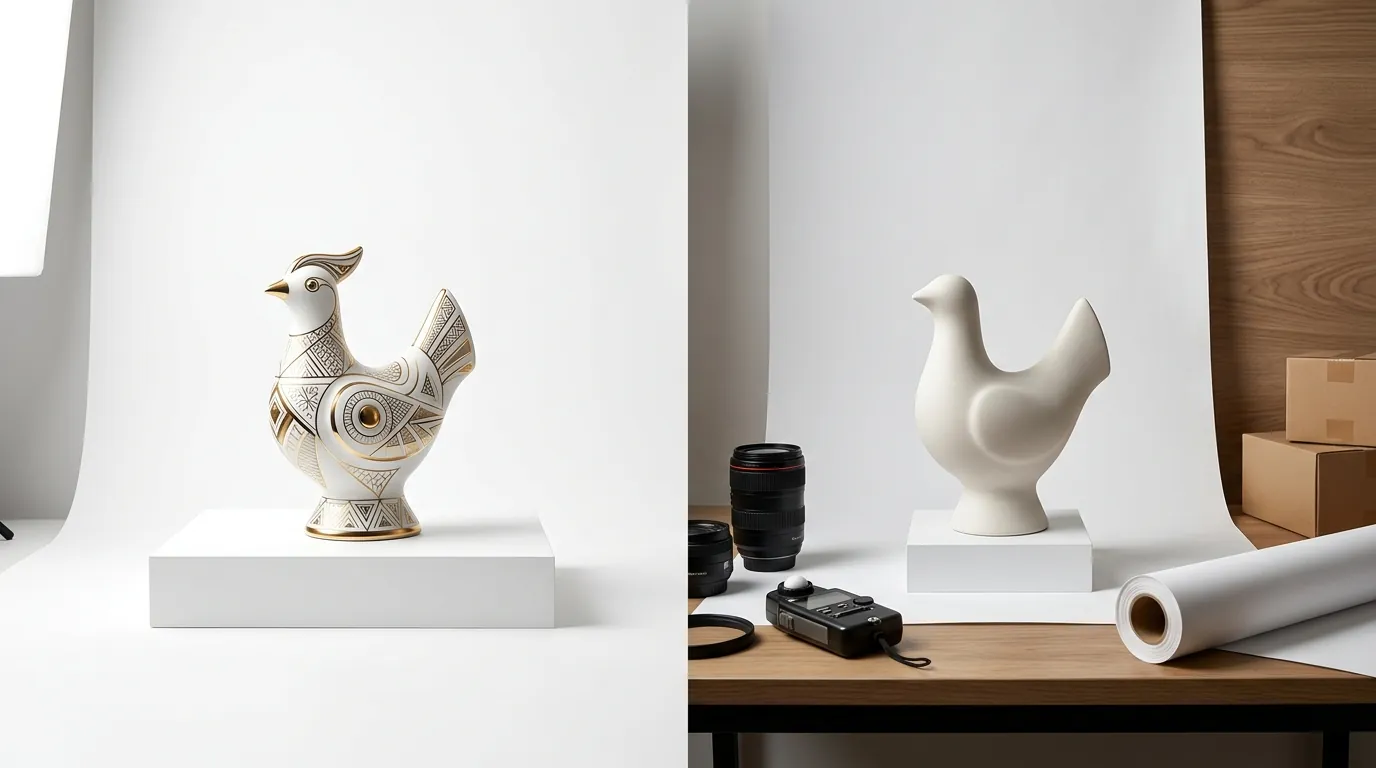
Midjourney v7 Stylize Amazon White Background Compliance
Stop wasting hours in Photoshop trying to bleach Midjourney’s “artistic” shadows into Amazon-legal pure white. If your listings are getting suppressed because your AI-generated backgrounds are actually RGB 254, 254, 254, you need a workflow that prioritizes technical compliance over creative flair.
TL;DR Verdict
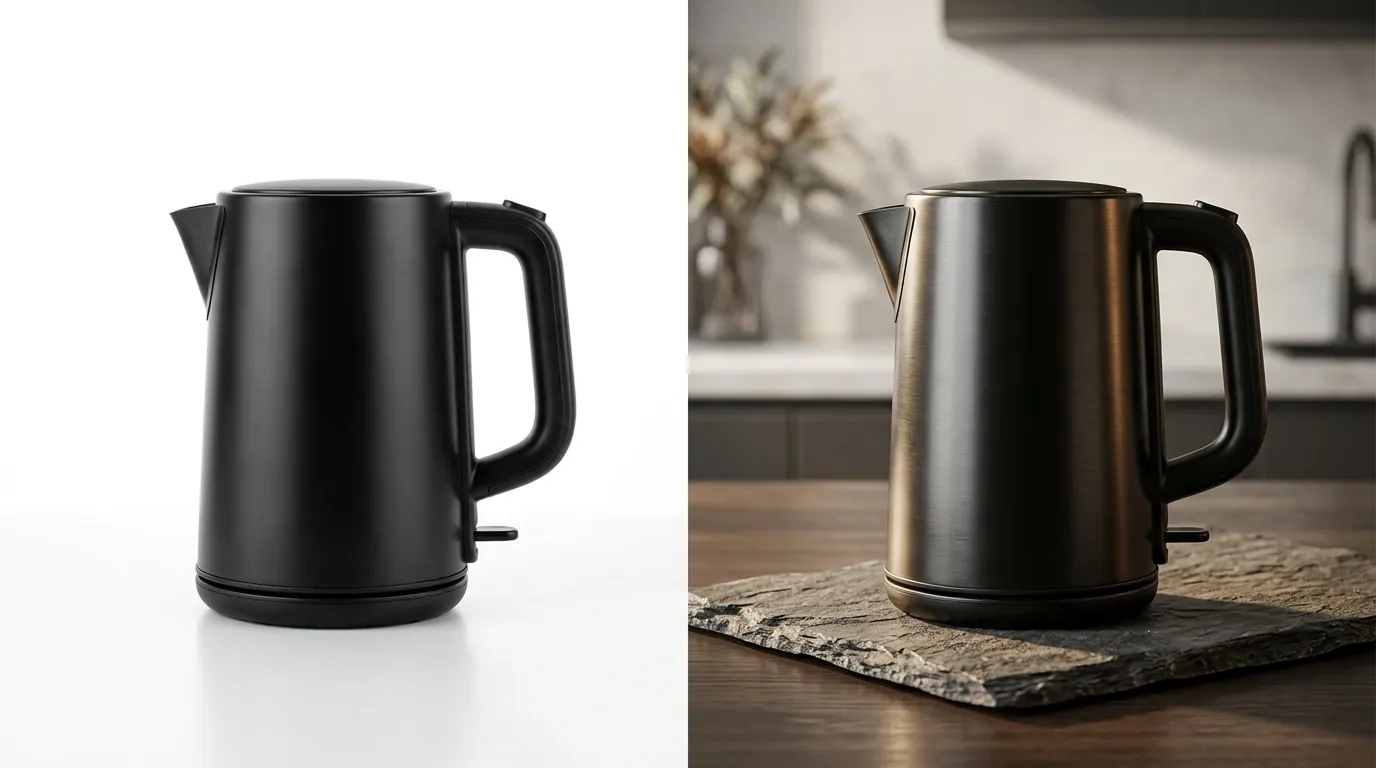
Related: Krea 2 Turbo vs Flux 1 Schnell: Best AI Image Generator? · Shopify Magic vs Midjourney for Product Backgrounds: 2026 Guide · Amazon Amelia vs Rufus: Search Hallucination Fixes for Sellers
Download a “Color Picker” browser extension today to verify that your “white” background is exactly RGB 255, 255, 255 before uploading to Seller Central. Midjourney v7, released in April 2025, introduced sophisticated lighting and texture controls, but its core engine still struggles with the clinical sterility required by Amazon. Even with the most precise prompting, the --stylize parameter (which controls how much “artistic” liberty the AI takes) tends to introduce subtle gradients and soft shadows to ground the object. These shadows are aesthetically pleasing but technically non-compliant for a Main Image.
PixelMatch solves this by decoupling the product generation from the background environment. While Midjourney tries to “paint” a product on a white sheet, PixelMatch generates the product with an intrinsic understanding of Amazon’s pure white RGB 255, 255, 255 requirement. For a multi-platform seller, the difference is between a 10-second automated export and a 15-minute manual retouching session per SKU.
- Midjourney v7: Best for high-end lifestyle photography, social media content, and “hero” images where shadows and atmosphere drive conversions.
- PixelMatch: Best for batch-generating 100% compliant Main Images that pass Amazon’s automated image validation every single time.
Side-by-Side Feature Table
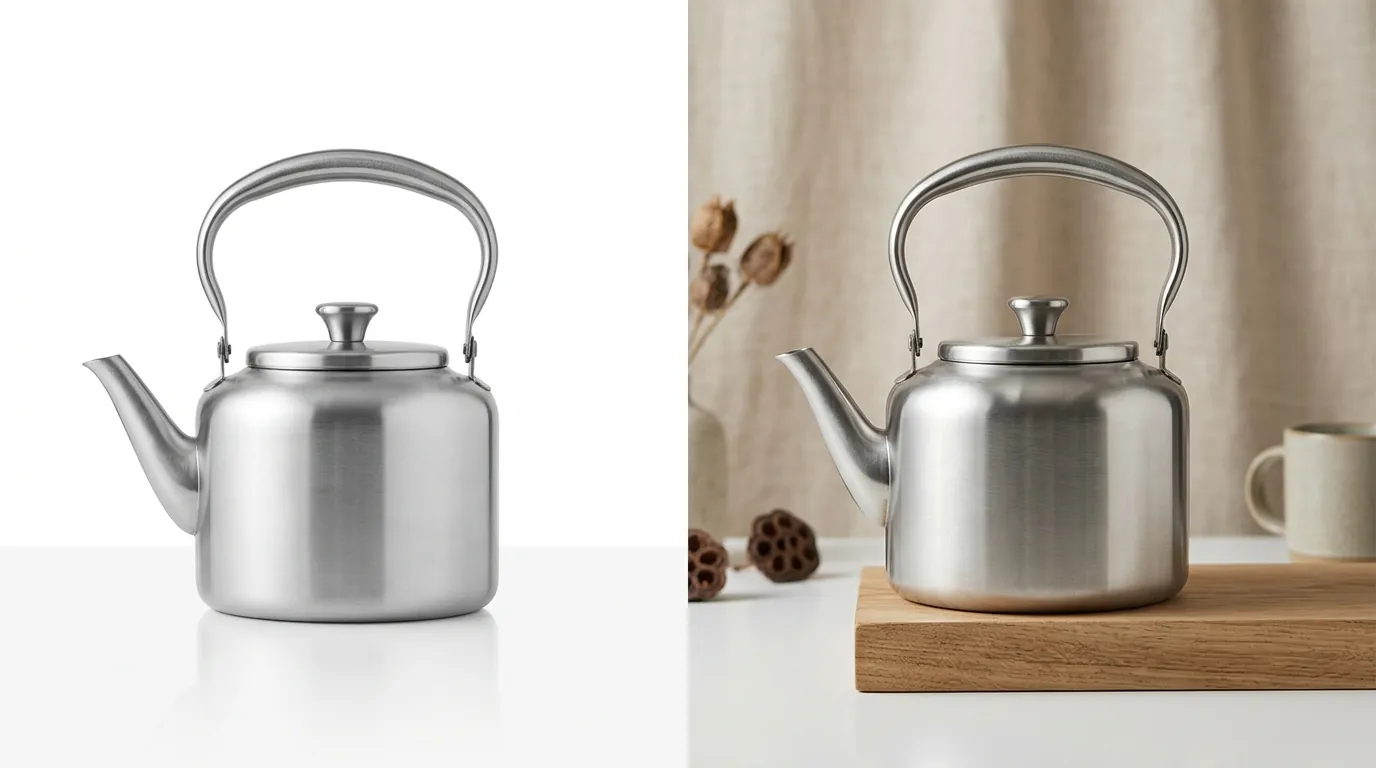
Run a 10-SKU test batch in both tools to measure your “Time to Compliance”—the total minutes spent from the initial prompt to a live, unsuppressed listing. Most sellers find that while Midjourney is faster at creating “pretty” pictures, the post-processing required to meet Amazon’s 85% frame fill rule makes it slower for catalog management.
| Feature | Midjourney v7 | PixelMatch |
|---|---|---|
| Primary Use Case | Creative Lifestyle & Branding | Compliant Product Cataloging |
| Stylize Control | Range 0-1000 (High = More Shadows) | Automated Compliance (Zero Shadows) |
| Batch Processing | Limited (Manual prompting per variant) | Native Batch Generation for Multi-SKU |
| Background Accuracy | Variable (Often off-white/greyish) | Guaranteed RGB 255, 255, 255 |
| Amazon Compliance | Requires manual cropping/editing | Native 85% frame fill enforcement |
| File Resolution | Up to 2048x2048 (Standard) | Optimized for 1600px+ zoom |
| Stealth Mode | Only on Pro/Mega plans | Included in all commercial tiers |
Pricing Comparison
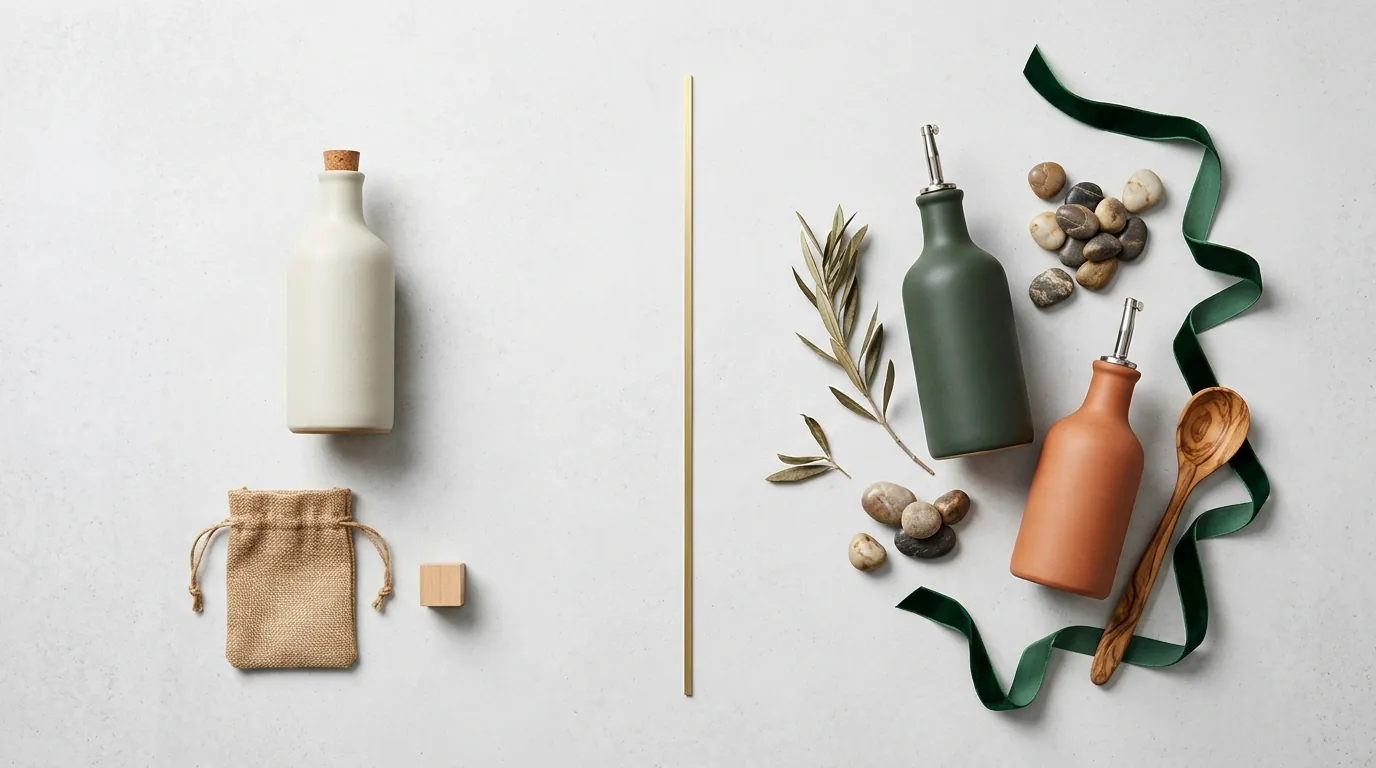
💡 Skip the manual editing. PixelMatch batch-generates ecommerce-ready product images in 60 seconds — white background, lifestyle scenes, and variant mockups from a single source photo. Try PixelMatch free →
Review your annual image budget; if you are paying for the $60/month Midjourney Pro plan just to access Stealth Mode, evaluate if a dedicated ecommerce tool provides better ROI for high-volume batching. In 2026, Midjourney’s pricing remains structured around GPU hours rather than SKU count, which can be inefficient for sellers who only need a few perfect frames but must generate hundreds to get there.
Midjourney’s 2026 pricing tiers are:
- Basic Plan: $10/month (3.3 hr/month of GPU time).
- Standard Plan: $30/month (15 hr/month of GPU time).
- Pro Plan: $60/month (30 hr/month of GPU time + Stealth Mode).
- Mega Plan: $120/month (60 hr/month of GPU time + Stealth Mode).
For an Amazon seller, the Pro Plan at $60/month is essentially the entry point. Without Stealth Mode, your unreleased product designs are visible in the public Midjourney gallery, allowing competitors to see your upcoming launches before they hit the market.
PixelMatch pricing is built specifically for the ecommerce workflow. Instead of buying “GPU hours,” you select a plan based on the number of SKUs you need to process. This allows for predictable scaling as you expand your catalog. Because PixelMatch is a purpose-built tool, you aren’t subsidizing the high compute costs of users generating 4K digital art or complex architectural renders; you are paying specifically for the AI models trained on product photography and compliance.
Best For (By Seller Profile)
Map your product launch calendar to your image needs: use Midjourney for the “mood board” and lifestyle phase, and use PixelMatch for the “cataloging” phase.
When to Use Midjourney v7
Midjourney v7 is the undisputed king of lifestyle imagery. If you need to show your stainless steel water bottle sitting on a sun-drenched granite countertop in a minimalist kitchen, Midjourney’s --stylize parameter is your best friend.
- Creative Directors: When you need a specific “vibe” or aesthetic that goes beyond a simple product shot.
- Social Media Managers: For generating high-engagement content for Instagram, TikTok, or Pinterest where Amazon’s “sterile” rules don’t apply.
- Pre-Launch Prototyping: When you want to see how a product might look in various real-world environments before committing to a manufacturing run.
To get the best results for ecommerce in Midjourney v7, you must master the --stylize (or --s) parameter. A high stylize value (e.g., —s 750) will make the image look more photographic and professional, but it will also add complex lighting that makes background removal nearly impossible. For “white background” attempts, sellers often have to drop to --s 50 or --s 0, which frequently results in flatter, less realistic textures.
When to Use PixelMatch
PixelMatch is designed for the operations-focused seller. If you have 50 new SKUs arriving at an FBA warehouse and you need compliant images by tomorrow morning to avoid a “Search Suppressed” status, PixelMatch is the correct tool.
- High-Volume FBA Sellers: When you need to generate Main Images, Alt-text images, and basic feature callouts for hundreds of variations (colors, sizes, bundles).
- Multi-Platform Sellers: If you sell on Amazon, Walmart, and eBay, you know that while all want “white backgrounds,” their specific padding and margin requirements differ. PixelMatch allows you to toggle between these platform presets in one click.
- Efficiency-First Teams: For teams that don’t have a dedicated in-house graphic designer to clean up AI artifacts or fix background colors.
Where Each Falls Short
Check your Amazon “Account Health” dashboard for “Search Suppressed” listings caused by non-compliant images. This is where Midjourney’s lack of ecommerce specialization becomes a liability.
Midjourney v7 Shortfalls
The biggest weakness of Midjourney v7 for Amazon sellers is consistency. Because it is a generative art tool, it does not “understand” what a background is versus what a product is. It sees them as a single cohesive composition. This leads to:
- Color Bleed: A red product will often cast a faint pink hue onto the “white” background.
- Shadow Anchoring: Midjourney insists on placing a shadow under the product to make it look “real.” Amazon’s Main Image guidelines are notoriously strict about “prominent” shadows, and automated bots often flag these as non-compliant.
- Aspect Ratio and Padding: Amazon requires the product to occupy 85% or more of the image frame. Midjourney often generates images with excessive negative space, requiring you to manually crop and resize every output.
PixelMatch Shortfalls
PixelMatch is a specialized tool, which means it is not built for:
- Abstract Art: You cannot use PixelMatch to generate a “cyberpunk city in the year 2077.” It is trained on products.
- Highly Complex Scenes: While it handles lifestyle backgrounds (like a park or a desk), it won’t match Midjourney’s ability to create surreal or hyper-stylized artistic environments. It prioritizes “believable and clean” over “artistic and complex.”
Recommendation
Standardize your main image workflow by setting a 1600x1600 pixel minimum for all exports. This ensures that your images not only meet the 1000px minimum requirement but also trigger the high-quality zoom functionality that increases conversion rates.
For the modern multi-platform seller, the most efficient strategy is a hybrid approach:
- Use PixelMatch for all Main Images. Don’t fight the Midjourney engine to get a pure white background. Use PixelMatch to batch-generate your primary listing photos. This guarantees compliance, ensures your product fills 85% of the frame, and keeps your backgrounds at a perfect RGB 255, 255, 255.
- Use Midjourney v7 for “Hero” Lifestyle Images. Once your listing is live and compliant, use Midjourney to create those beautiful, atmospheric shots for your A+ Content (EBC) and social media. These are the images where the
--stylizeparameter can shine without risking a suppressed listing. - Batch-generate AI product images in PixelMatch to handle the volume. If you are launching a product with 10 color variations, PixelMatch can generate all 10 compliant main images in the time it takes to write a single Midjourney prompt.
By separating “Compliance” from “Creativity,” you protect your Amazon account health while still benefiting from the cutting-edge aesthetics of modern AI.
Frequently Asked Questions
Why does Amazon reject my Midjourney white background images?
Amazon’s automated systems check for a pure white background, which must be exactly RGB 255, 255, 255. Midjourney’s --stylize parameter often adds “off-white” pixels, soft shadows, or reflections to make the image look more realistic, which the Amazon bot interprets as a violation.
What is the best Midjourney stylize setting for product photography?
For lifestyle images where you want high realism, a stylize value between 250 and 750 is usually best. However, for white background images, you should use --s 0 or --s 50 to minimize background artifacts, though this often reduces the overall quality of the product’s texture.
Does Midjourney v7 have a batch mode for ecommerce?
No, Midjourney does not have a native “ecommerce batch mode” that can take a list of SKUs and generate compliant images for each. It requires manual prompting for every image. Tools like PixelMatch are built specifically to handle batch ai product photography for large catalogs.
What are the Amazon product image guidelines for 2026?
The core requirements remain strict: the main image must have a pure white background (RGB 255, 255, 255), the product must fill at least 85% of the frame, and the image must be at least 1000 pixels on the longest side (though 1600px is recommended for zoom).
Ready to scale your listings?
PixelMatch generates white-background, lifestyle, and variant mockups from a single source photo — built specifically for multi-platform ecommerce sellers. 50 free images on signup, no credit card.
Start free →
Sources
- Amazon Seller Central: Product Image Requirements
- Midjourney Documentation: Stylize Parameter
- Eesel.ai: Midjourney Pricing Guide 2026
- YouTube: Midjourney v7 Feature Overview