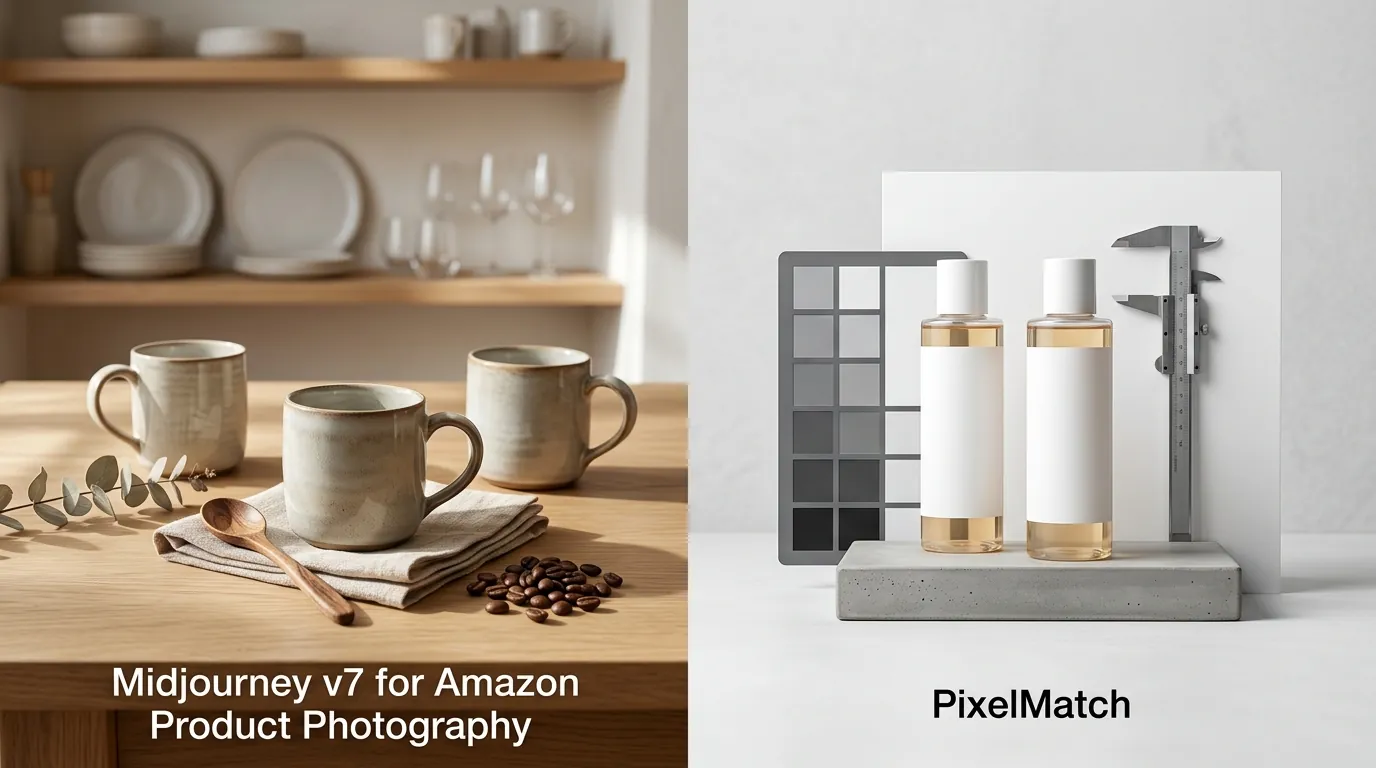
Midjourney v7 for Amazon Product Photography vs PixelMatch
Stop wasting hours on manual Photoshop masking only to have Amazon reject your listing for a “non-pure white” background. As you scale your FBA brand in 2026, the choice between using a general-purpose artistic AI like Midjourney v7 and a dedicated ecommerce tool like PixelMatch determines whether you spend your week launching new SKUs or fighting with prompt engineering.
Midjourney v7 excels at moodboards but struggles with exact product preservation. For Amazon compliance, PixelMatch is better suited for accurate, batch-generated product photos.
TL;DR Verdict
Related: TikTok Shop Symphony Digital Human: Fixing Clothing Clipping · Midjourney v7 Stylize Amazon White Background Compliance · Krea 2 Turbo vs Flux 1 Schnell: Best AI Image Generator?
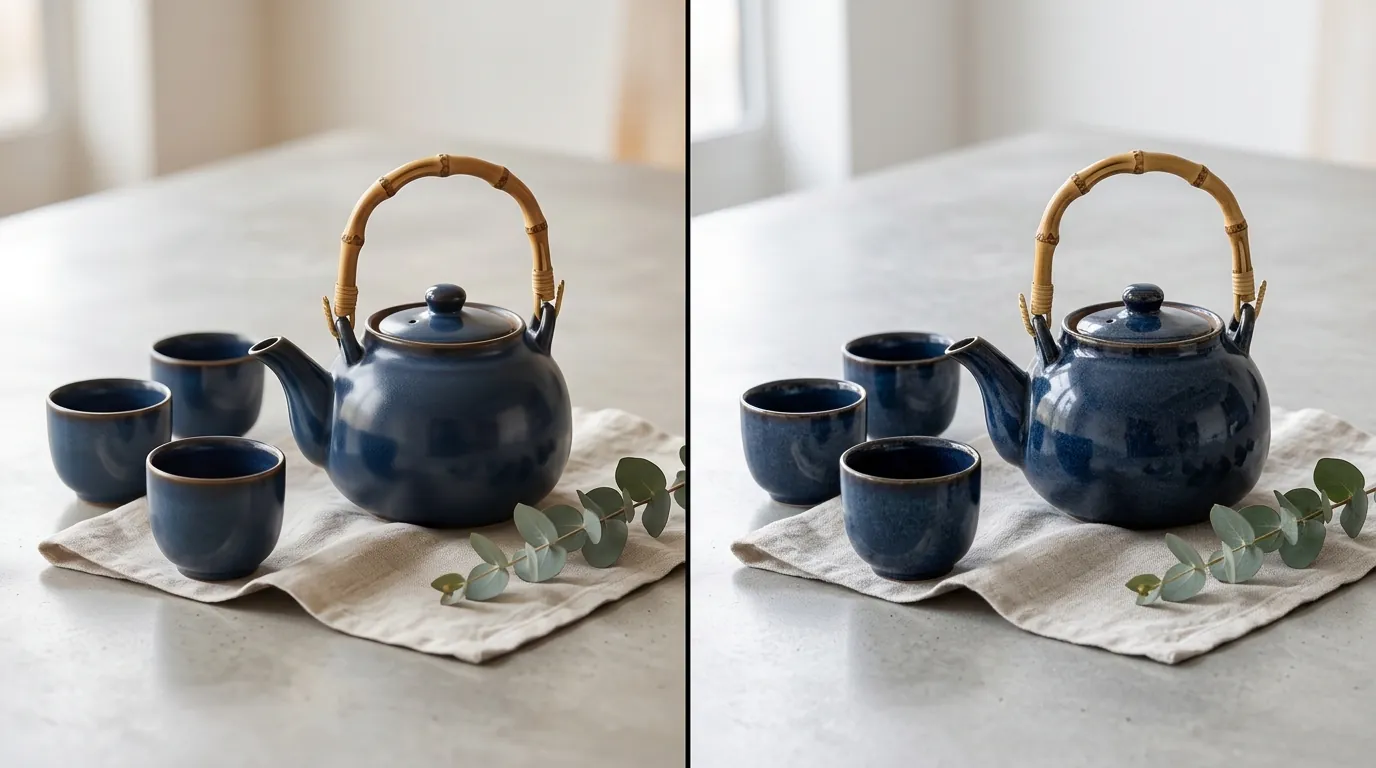
Run a quick audit of your current “Item Not as Described” return rates before deciding which AI tool to integrate into your workflow. If your returns are higher than the category average (typically 5-15%), your images likely look “too good” or “too different” from the physical product.
- Midjourney v7 (released April 2025) introduced Draft Mode and Omni Reference, making it significantly faster for creative exploration and conceptualizing brand aesthetics. It is a powerhouse for “vibe” and social media content.
- The Hallucination Barrier: Despite the v7 updates, Midjourney still struggles to retain exact brand details, labels, and specific dimensions required for high-conversion Amazon listings. It creates a version of your product, not your product.
- PixelMatch Efficiency: PixelMatch is purpose-built for ecommerce, ensuring your actual product is preserved while generating lifestyle backgrounds at scale. It eliminates the “re-roll” fatigue that kills productivity for high-volume sellers.
Side-by-Side Feature Table
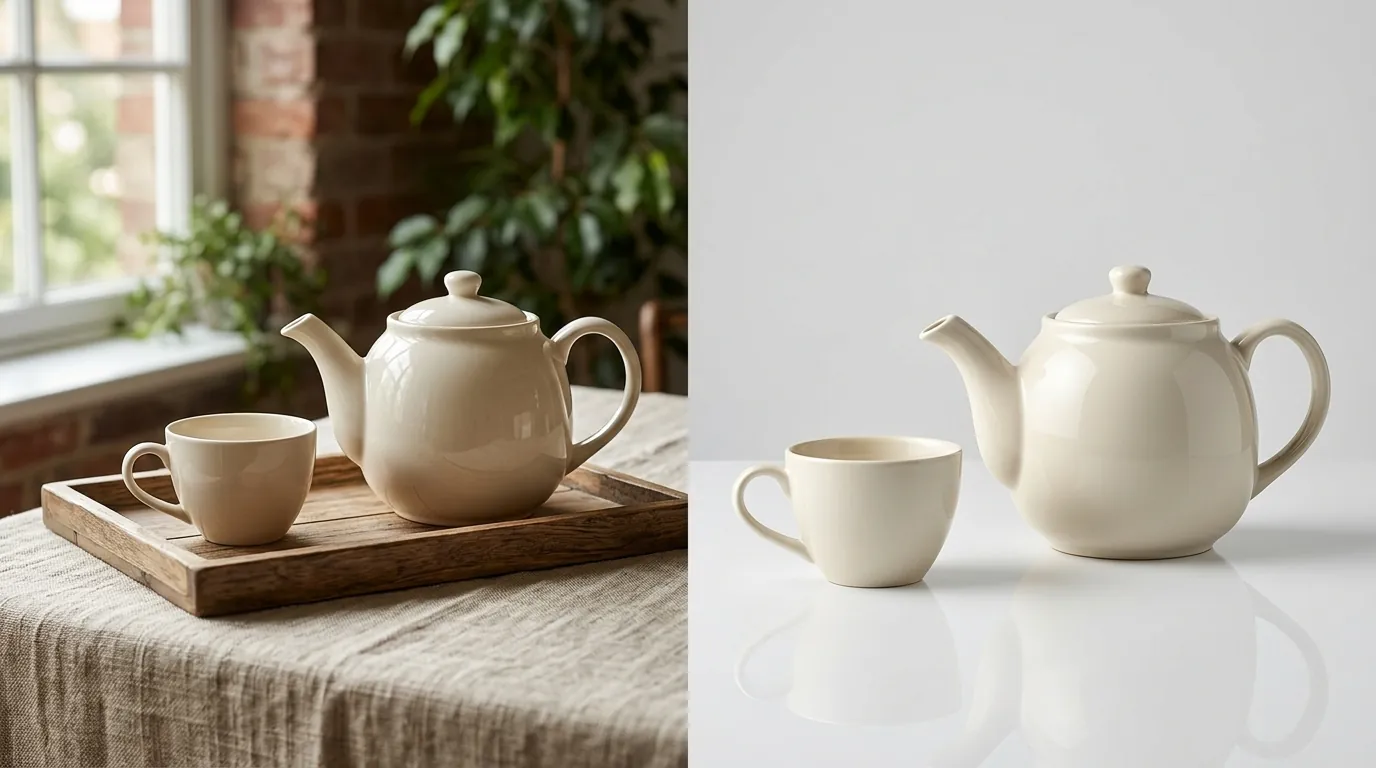
Audit your current main images today using a simple RGB color picker tool to ensure your backgrounds are exactly 255, 255, 255. If your “white” background is even slightly off-white (e.g., 253, 254, 255), Amazon’s automated suppression bots may flag your listing.
| Feature | Midjourney v7 | PixelMatch |
|---|---|---|
| Product Accuracy | High (with Omni Reference), but prone to “AI drift” on labels. | Pixel-perfect; locks the original product geometry and text. |
| Background Control | Prompt-based; requires --no parameters to avoid clutter. | One-click pure white background or AI lifestyle scenes. |
| Aspect Ratio | Defaults to 1:1, but requires --ar flags for others. | Native 1:1 square ratio presets for Amazon. |
| Batch Processing | Limited to 4 variations at a time; manual downloads. | Automated batch generation for 100+ SKUs simultaneously. |
| Compliance Check | Manual; no built-in Amazon policy guardrails. | Built-in Amazon Main Image compliance modes. |
| Resolution | Up to 2048x2048 (with upscaling). | Native 1600px+ output for optimal zoom. |
Midjourney requires complex prompting to achieve specific aspect ratios and compliance standards. For example, if you don’t explicitly prompt for a “minimalist studio setting with pure white background,” Midjourney v7 will often add artistic shadows or reflections that violate Amazon’s strict main image rules. PixelMatch automates these technical requirements so you can focus on the creative direction.
Pricing Comparison
💡 Skip the manual editing. PixelMatch batch-generates ecommerce-ready product images in 60 seconds — white background, lifestyle scenes, and variant mockups from a single source photo. Try PixelMatch free →
Calculate your “Cost Per Usable Image” by dividing your monthly subscription fee by the number of images that actually pass your internal QA and get uploaded to Seller Central. For many sellers using Midjourney, this cost is higher than it appears due to the “prompt tax”—the time spent generating dozens of unusable images to find one that doesn’t hallucinate your logo.
- Midjourney Pricing: Midjourney no longer offers a free tier. Its Basic plan starts at $10/month, providing roughly 3.3 hours of Fast GPU time. The Standard plan is $30/month for 15 hours of Fast GPU time, which is usually necessary for sellers managing more than five SKUs. The Pro plan at $60/month adds “Stealth Mode,” which is critical if you don’t want your competitors seeing your prompts and product concepts in the public Midjourney gallery.
- PixelMatch Pricing: PixelMatch pricing varies by plan but focuses on per-SKU batch generation. Unlike Midjourney, which charges for the time you spend experimenting, PixelMatch is designed to deliver a final, usable asset quickly. This makes it significantly more cost-effective for large catalogs where you need a consistent look across 50, 100, or 500 variations.
- The Hidden Time Cost: Factor in the hidden cost of Midjourney: the time spent re-rolling prompts to get a usable, accurate product image. If an employee earning $25/hour spends 45 minutes trying to get a single product bottle to look “right” in Midjourney, that image just cost you nearly $20 in labor alone.
Best For (By Seller Profile)
Categorize your current catalog into “Conceptual” SKUs (where the vibe is more important than the exact stitching) and “Functional” SKUs (where customers buy based on specific features, text, or dimensions).
When to Use Midjourney v7
Midjourney v7 is best for brand agencies, conceptual designers, and sellers needing highly stylized, non-literal moodboards. If you are in the “Pre-Launch” phase and need to visualize what a product could look like for a pitch deck or a Kickstarter video, Midjourney’s artistic flair is unmatched.
It is also the superior tool for:
- Social Media Content: Generating “aesthetic” lifestyle shots for Instagram or TikTok where the product doesn’t need to be the central focus.
- Hero Banners: Creating abstract backgrounds that you will later overlay with real product photography in Canva or Photoshop.
- Trend Research: Using the
--sref(Style Reference) feature in v7 to see how your brand colors look in different seasonal settings (e.g., “Cyberpunk Summer” or “Organic Minimalist”).
When to Use PixelMatch
PixelMatch is best for high-volume Amazon FBA sellers, multi-platform brands, and agencies needing strict product accuracy across hundreds of SKUs. When you have a physical product and need it to appear in 10 different lifestyle settings—a kitchen counter, a gym bag, a bedside table—PixelMatch ensures the product itself remains identical in every shot.
Use PixelMatch when:
- Launching 10+ SKUs: You need a repeatable workflow that doesn’t require a “prompt engineer” on staff.
- Amazon Main Images: You need to meet the 85% frame coverage rule without manual cropping.
- A+ Content Creation: You need “lifestyle” images that accurately show the scale and texture of your product to reduce customer confusion.
- Multi-Platform Sync: You need to quickly export images for Shopify, Etsy, and TikTok Shop, each of which has slightly different preferred image dimensions and file sizes.
Where Each Falls Short
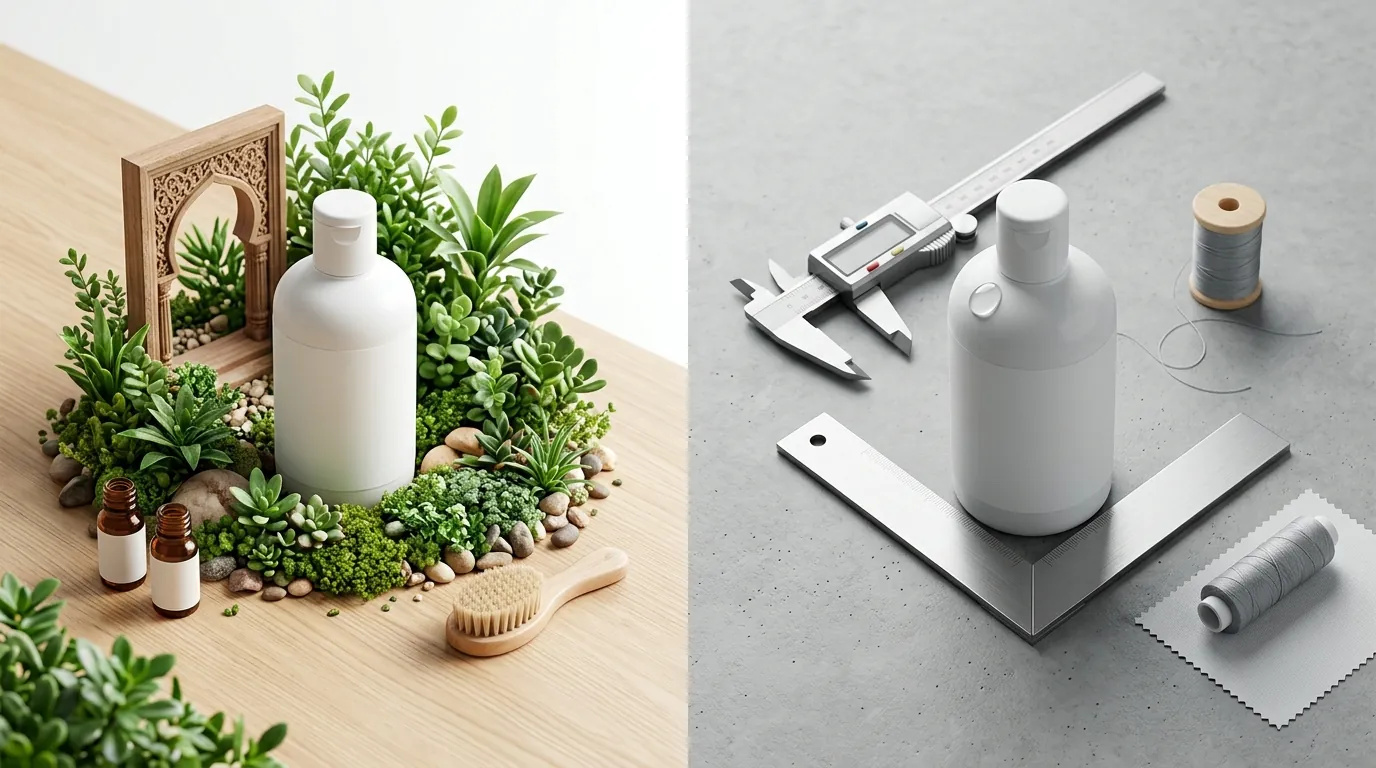
Run a “text-legibility” stress test on your next batch of AI images. Upload a product with a complex label (small ingredients list or specific font) to Midjourney v7. In 2026, while Midjourney’s text rendering has improved, it still frequently fails on “fine print,” which can lead to compliance issues or customer complaints.
Midjourney’s Hallucination Problem
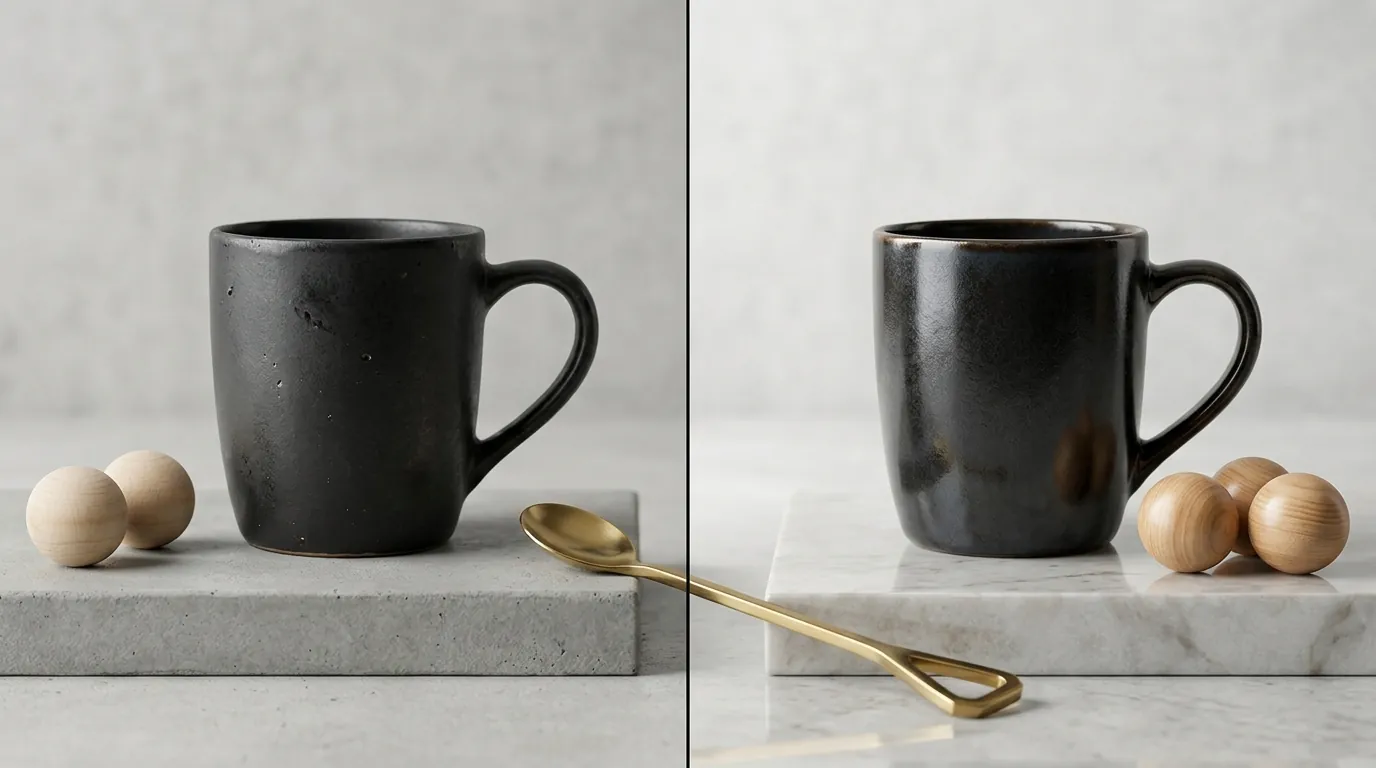
Midjourney v7’s biggest flaw for ecommerce is hallucination: it will invent details, alter text, or change the shape of your product. If your supplement bottle has 30 capsules, Midjourney might render it as a slightly different shape or add a “glow” that doesn’t exist in reality. For Amazon, this is a recipe for negative reviews stating “product does not look like the picture.”
Furthermore, Midjourney requires third-party upscaling or complex internal commands to cleanly meet the 1600 pixels or larger requirement for Amazon’s zoom feature. While v7 has an “Upscale” button, the resulting file can sometimes lose the “photorealistic” edge, looking more like a digital painting than a real photograph.
PixelMatch’s Specialization
PixelMatch is highly specialized for product photography, meaning it lacks the broad, unrestricted artistic generation capabilities of Midjourney. You cannot ask PixelMatch to “draw a dragon eating a taco in the style of Van Gogh.” It is a tool built for business growth, not artistic expression. If you are looking for a tool to create abstract brand art or complex digital illustrations, PixelMatch is not the right choice.
Recommendation
Establish a “Reference First” workflow for your 2026 product launches. If you are doing Amazon product photography, exact product representation is non-negotiable to avoid high return rates and negative reviews. Amazon’s algorithms increasingly favor listings with high “Image-to-Cart” conversion rates, and nothing kills that conversion faster than a product that looks “fake.”
- Use Midjourney v7 for brainstorming: When you are in the “moodboard” phase, use Midjourney to experiment with lighting styles, color palettes, and campaign concepts. It is your creative sandbox.
- Use PixelMatch for production: Once you have your physical product (or a final 3D render), upload it to PixelMatch. This ensures that every image—from the Amazon-compliant main image to the lifestyle secondary images—is an accurate representation of what the customer will receive.
- The Hybrid Strategy: Many top-tier 1% sellers use both. They use Midjourney to generate a “Background Reference” image, then use PixelMatch to composite their real product into that specific aesthetic. This gives you the creative power of Midjourney with the factual accuracy of PixelMatch.
Skip the third-party retoucher and the expensive studio rental. By using PixelMatch for your core Amazon assets, you ensure that your Amazon image compliance is handled automatically, leaving you more time to focus on PPC optimization and inventory management.
Frequently Asked Questions
Does Amazon allow AI-generated product images in 2026?
Yes, Amazon allows AI-generated images as long as they accurately represent the product and comply with all standard image requirements. The main image must still be a professional photograph (or a highly realistic render) of the actual product on a pure white background, without any added promotional text or watermarks.
Can Midjourney v7 generate the 255, 255, 255 white background required by Amazon?
It can, but it is inconsistent. Even with the --no shadows, reflections parameters, Midjourney often adds subtle gradients or “off-white” tints to make the image look more artistic. To ensure a pure white background, you usually have to use a secondary tool like Removebg or Adobe Express, or use a dedicated tool like PixelMatch that handles this natively.
How many pixels should my Amazon images be for the zoom feature?
Amazon requires a minimum of 1000 pixels on the longest side, but for the best customer experience and to enable the “Zoom” function properly, 1600 pixels or larger is recommended. PixelMatch generates images at these high resolutions by default, whereas Midjourney may require an additional “Upscale” step.
What is the biggest risk of using Midjourney for product photos?
The biggest risk is “Product Drift.” This occurs when the AI subtly changes the proportions, colors, or textures of your product. If a customer receives a product that feels “cheaper” or “different” than the AI-enhanced photo, they are likely to leave a 1-star review, which is significantly more expensive to fix than the cost of a proper photography tool.
Ready to scale your listings?
PixelMatch generates white-background, lifestyle, and variant mockups from a single source photo — built specifically for multi-platform ecommerce sellers. 50 free images on signup, no credit card.
Start free →
Sources
- Amazon Seller Central: Product image requirements
- Midjourney Official Documentation: Subscription Plans
- Midjourney Official Documentation: Model Versions
- Shopify Help Center: Product Media Types and Specs
- Amazon Seller Central: Customer Product Reviews
- Statista: E-commerce return rates by category