
Flux 1.1 Pro Ultra vs Midjourney v6.1: Best AI for Ecommerce?
Stop wasting thousands of dollars on physical lifestyle shoots that end up looking dated three months after you upload them to your Shopify storefront. As of July 8, 2026, the choice between Flux 1.1 Pro Ultra and Midjourney v6.1 is no longer just about “which image looks prettier”—it is about which model fits into your automated multi-platform inventory workflow without breaking your margins.
TL;DR Verdict

Related: Claude Fable 5 vs GPT 5.6 for Sellers: Which AI Wins? · Krea 2-Turbo vs Midjourney v7 for Lifestyle Images · Shopify Magic vs Adobe Firefly for Products: 2026 AI Guide
Run a calibration test today by generating the same product prompt in both engines: if the text on your packaging hallucinates or the spatial positioning of your product looks “floating,” you are using the wrong model for your specific SKU.
- Flux 1.1 Pro Ultra is the top choice for sellers needing strict prompt adherence, accurate text overlays for ad creatives, and API-driven batch generation. It is the “workhorse” model designed for high-volume catalog management.
- Midjourney v6.1 remains the king of aesthetic, editorial-style lifestyle backgrounds but lacks an official API, requiring manual generation via Discord or its web interface. It is the “artist” model best suited for hero banners and brand mood boards.
- For multi-platform sellers scaling their catalogs, Flux’s predictable output and integration capabilities make it the more practical business tool. While Midjourney offers unmatched “vibe,” Flux offers unmatched “utility.”
Side-by-Side Feature Table
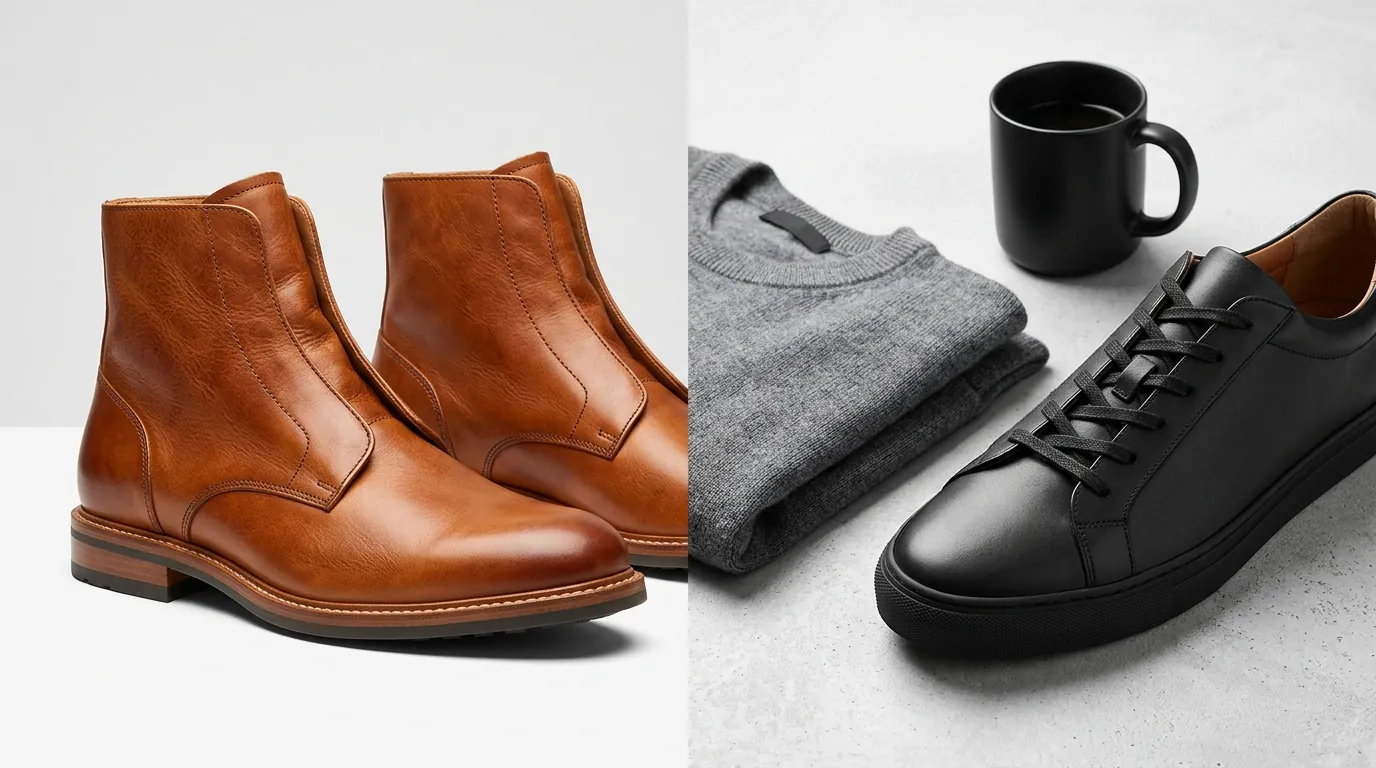
Audit your current image pixel dimensions against the table below to see if your current generation tool is actually meeting the requirements for high-DPI displays on platforms like Amazon and Shopify.
| Feature | Flux 1.1 Pro Ultra | Midjourney v6.1 |
|---|---|---|
| Max Native Resolution | Up to 4MP (e.g., 2048x2048) | ~1MP (1024x1024) natively; requires upscaler for more |
| Generation Speed | ~10 seconds per image | ~25% faster than v6 (approx. 30-50s) |
| API Access | Official API (Fal.ai, Replicate, BFL) | No official API (Web/Discord only) |
| Text Rendering | High accuracy (Full sentences/paragraphs) | Improved, but struggles past 4-5 words |
| Workflow Fit | Batch automation & SaaS integration | Manual “one-off” creative work |
| Pricing Model | Pay-per-image (~$0.06) | Monthly Subscription ($10 - $120) |
Flux 1.1 Pro Ultra delivers up to 4MP natively, which is a critical threshold for multi-platform sellers. Amazon’s 1600px zoom requirement is easily met by Flux without the “hallucination” artifacts often introduced by secondary upscalers. In contrast, Midjourney v6.1 relies on its “Subtle” and “Creative” upscalers to reach these resolutions, which can occasionally alter the fine texture of your product’s material.
Speed is the second major differentiator. Flux 1.1 Pro Ultra can generate images in 10 seconds per sample in Ultra mode. While Midjourney v6.1 is significantly faster than version 6, it still lags behind Flux in raw throughput, making it less ideal for a seller trying to refresh 500 listings in a single afternoon.
Pricing Comparison

💡 Skip the manual editing. PixelMatch batch-generates ecommerce-ready product images in 60 seconds — white background, lifestyle scenes, and variant mockups from a single source photo. Try PixelMatch free →
Calculate your monthly image volume today to choose a billing model that won’t eat into your customer acquisition cost (CAC). If you are generating 1,000+ images a month for A/B testing social ads, the pay-as-you-go model of Flux usually beats the high-tier subscription costs of Midjourney.
Flux 1.1 Pro Ultra operates on a pay-per-image model via API providers like fal.ai and Replicate, typically costing around $0.06 per image. This granular pricing is perfect for sellers who have “burst” needs—such as a seasonal product launch—where you might generate 2,000 images in one week and zero the next. You only pay for what you use, and there is no “use it or lose it” credit system on many API platforms.
Midjourney v6.1 requires a flat monthly subscription, starting at $10 per month for the Basic plan, which gives you roughly 3.3 hours of GPU time. For high-volume sellers, the Pro Plan at $60/month or the Mega Plan at $120/month is necessary to access “Stealth Mode” (hiding your images from the public gallery) and faster generation speeds.
For the multi-platform seller, managing API credits and keys is a technical headache. Tools like PixelMatch abstract these API costs into a single SaaS subscription. This allows you to benefit from Flux 1.1 Pro Ultra’s high-end output without the need to monitor your fal.ai balance or write a single line of Python code. You get the enterprise-grade model at a predictable monthly cost, which is essential for bookkeeping and tax reporting.
Best For (By Seller Profile)
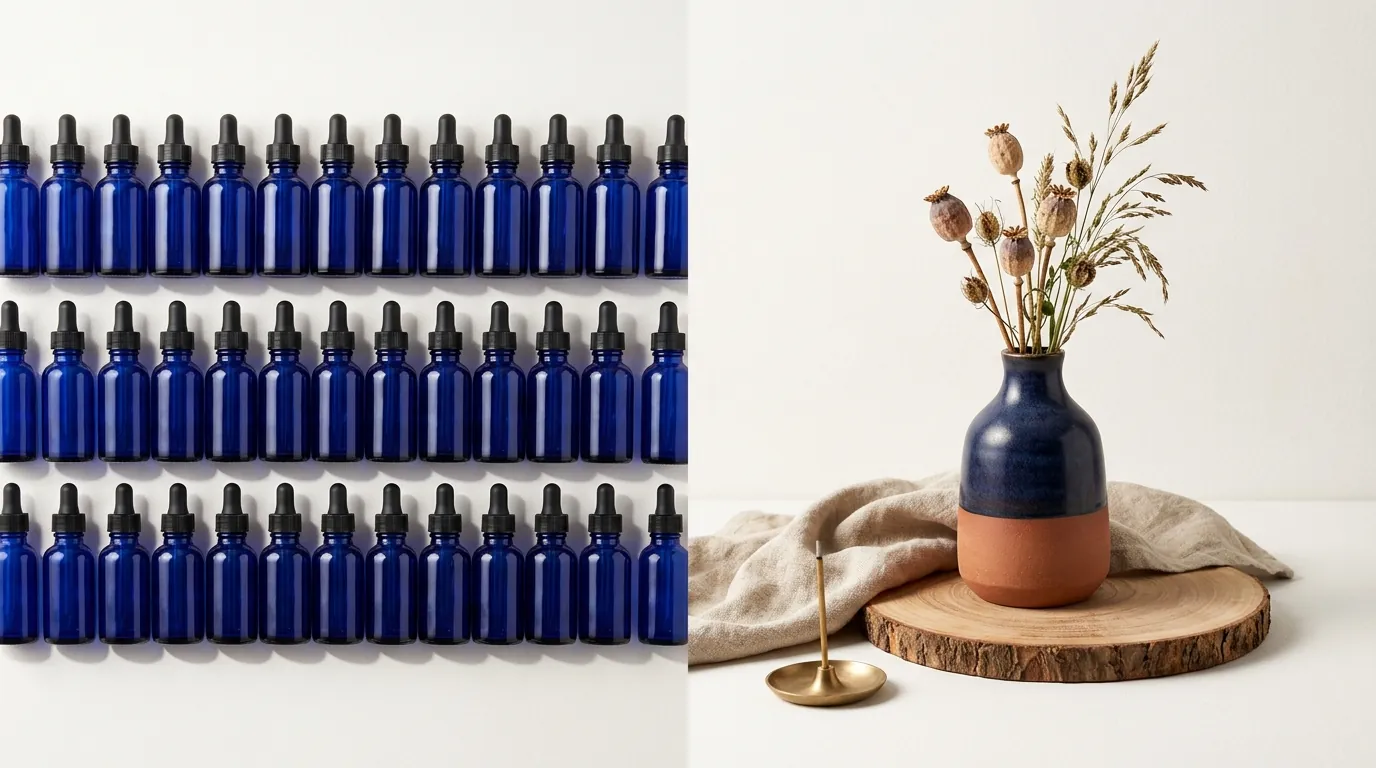
Apply the “—q 2” parameter in Midjourney or the “Raw Mode” toggle in Flux to a single product prompt this week to compare texture density—you will quickly see which one matches your brand’s visual identity.
When to Choose Flux 1.1 Pro Ultra
Flux 1.1 Pro Ultra is the undisputed winner for multi-platform sellers running automated workflows. If you are using a tool like PixelMatch to batch-generate platform-compliant product images, the engine under the hood is likely Flux.
- Social Media Ad Creatives: Flux’s ability to render accurate text means you can prompt for “A bottle of organic serum on a marble countertop with a sign next to it saying ‘50% OFF TODAY’” and actually get readable text. Midjourney still tends to turn long sentences into “vibe-text” or gibberish.
- Realistic Product Lifestyle Shots: Flux’s “Raw Mode” provides an authentic, candid aesthetic. While Midjourney’s images often look “too perfect” or like a 3D render, Flux’s Raw Mode mimics the slight imperfections of a high-end DSLR camera, which builds more trust with savvy shoppers on TikTok Shop and Instagram.
- Batch Catalog Updates: If you need to move your entire catalog from a summer theme to a winter theme, Flux’s API allows for programmatic updates that Midjourney simply cannot handle without manual labor.
When to Choose Midjourney v6.1
Midjourney v6.1 remains the gold standard for boutique brands, Etsy sellers, and solo founders who prioritize “the look” above all else.
- Hero Banners: For your homepage’s main banner, where you only need one perfect, high-impact image, Midjourney’s artistic flair is unbeatable. It understands lighting, atmosphere, and “mood” better than any other model on the market.
- Hyper-Realistic Editorial: Midjourney’s new —q 2 mode (Quality 2) adds extra texture for hyper-realistic editorial shots. If you are selling high-end jewelry or luxury home goods where the “texture” of the gold or the “grain” of the wood is the main selling point, Midjourney’s artistic interpretation often looks more expensive.
- Creative Brainstorming: If you aren’t sure what your brand’s aesthetic should be, Midjourney is a better brainstorming partner. Its tendency to be “opinionated” about lighting and composition can give you ideas you hadn’t considered.
Where Each Falls Short
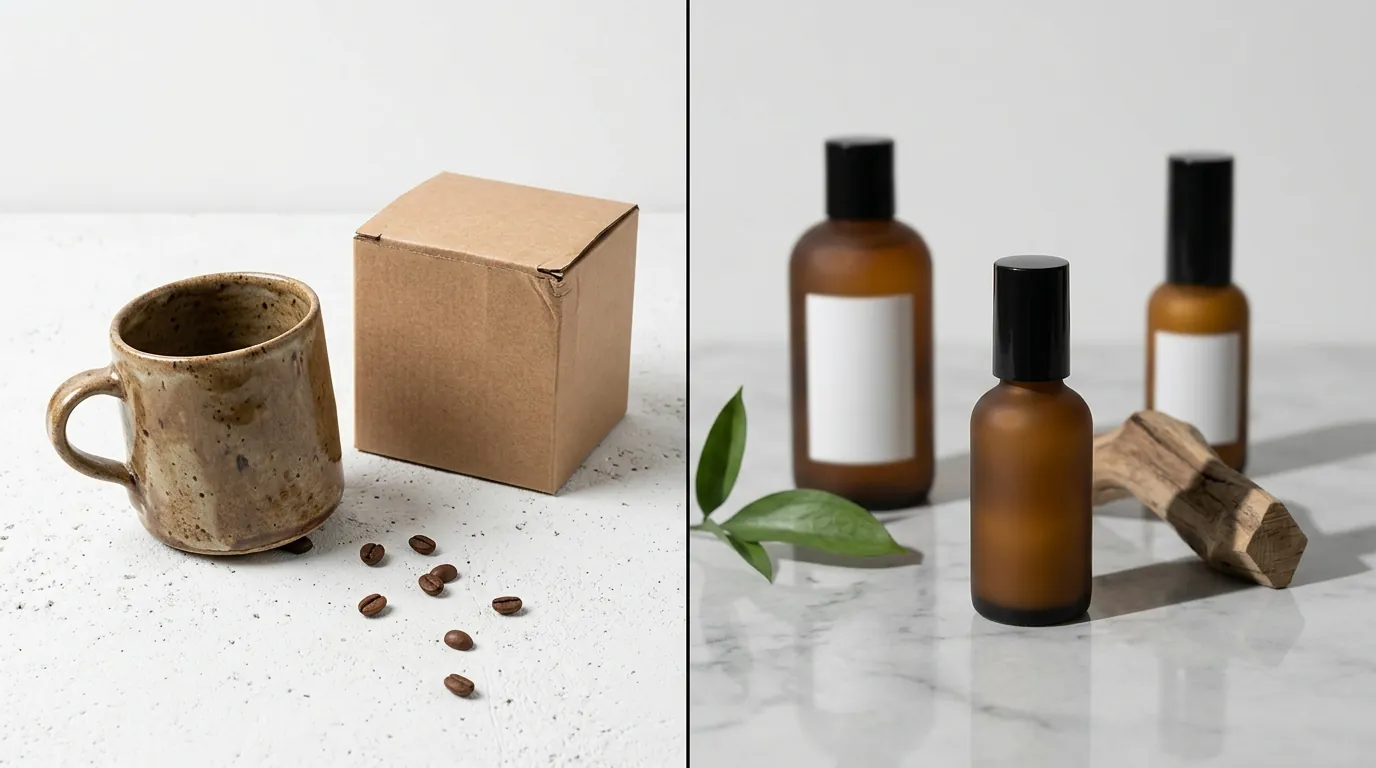
Test a 10-word text string in both models today to identify the “hallucination threshold” for your specific brand font style. You will find that while both have improved, they each have distinct “failure states” that can ruin a listing.
Midjourney v6.1’s biggest weakness is its lack of an official API. For a growing ecommerce business, manual work is the enemy of scale. You cannot easily link Midjourney to your Shopify backend or your PIM (Product Information Management) system. Furthermore, Midjourney still requires manual compositing or complex inpainting workarounds for precise product placement. If you want your specific bottle—not just a “generic” bottle—in the scene, Midjourney often struggles to maintain the exact label details without significant post-processing.
Flux 1.1 Pro Ultra’s weakness is its literalism. Because it is so good at following prompts, it can sometimes feel “dry” or lack the cinematic flair that Midjourney provides out-of-the-box. To get a “breathtaking” image in Flux, you often have to write a more detailed prompt including specific camera lenses (e.g., “35mm f/1.8”) and lighting setups (e.g., “Golden hour rim lighting”).
Additionally, Flux’s per-image API pricing can add up quickly if you are rapidly prototyping. If you generate 500 variations just to find one you like, you’ve spent $30. In Midjourney’s $30 “Standard” plan, those 500 variations are essentially covered by your unlimited Relaxed generation mode. This makes Flux better for “one-shot” precision and Midjourney better for “endless” exploration.
Recommendation

Standardize your output to 2048 x 2048 pixels to ensure your assets meet the requirements for Amazon, Shopify, and TikTok Shop simultaneously. This resolution is the “sweet spot” for 2026 ecommerce, providing enough detail for mobile zoom without creating massive file sizes that slow down page load times.
For scalable ecommerce product photography, Flux 1.1 Pro Ultra is the superior engine. Its precise spatial control, unmatched text capabilities, and official API access make it a legitimate business tool rather than just a creative toy. It allows you to maintain Amazon image requirements across thousands of SKUs with minimal human intervention.
Midjourney v6.1 remains a fantastic supplementary tool. Use it for your “Big Idea” brainstorming or for generating one-off hero banners that need that extra 5% of artistic magic. But do not try to build a high-volume ecommerce workflow on top of it; the lack of automation will eventually become a bottleneck for your store’s growth.
If you want to leverage Flux’s capabilities without coding your own API integration or managing complex prompt engineering, PixelMatch is the solution. It uses advanced AI models to batch-generate platform-compliant product images instantly, allowing you to focus on selling while the AI handles the photography. By abstracting the technical complexity of Flux 1.1 Pro Ultra, PixelMatch gives you the power of a professional photo studio for the price of a single SaaS subscription.
Frequently Asked Questions
Can I use Flux 1.1 Pro Ultra images for Amazon listings?
Yes, provided you ensure the output meets Amazon’s main image requirements, such as a pure white background (RGB 255, 255, 255). Flux is particularly good for this because its high resolution (4MP) exceeds Amazon’s 1600px zoom requirement, ensuring your customers can see every detail of your product.
Which AI is better for rendering text on product packaging?
Flux 1.1 Pro Ultra is significantly better at text rendering than Midjourney v6.1. While Midjourney can handle short words or phrases in quotes, Flux can accurately render entire sentences and brand names with consistent font styling. This makes Flux the better choice for creating “Lifestyle” images where your product’s label must be perfectly legible.
Is Midjourney’s pricing better than Flux’s API pricing?
It depends on your volume. If you generate more than 1,000 images a month, Midjourney’s $30 or $60 flat-rate plans are often more cost-effective. However, for most sellers who need high-quality, “one-shot” accuracy for specific catalog updates, Flux’s ~$0.06 per image cost is more efficient because it reduces the time spent “rerolling” bad results.
Do I need a professional prompt engineer to use these tools?
Not necessarily, but Flux requires more technical prompting to achieve “artistic” results compared to Midjourney. If you prefer a “point and click” experience, using a dedicated ecommerce AI tool like PixelMatch is better, as it handles the complex prompting and model tuning behind the scenes specifically for product photography.
Ready to scale your listings?
PixelMatch generates white-background, lifestyle, and variant mockups from a single source photo — built specifically for multi-platform ecommerce sellers. 50 free images on signup, no credit card.
Start free →
Sources
- Fal.ai Flux 1.1 Pro Ultra Pricing & Specs: https://fal.ai/models/fal-ai/flux-pro/v1.1-ultra
- Replicate Flux 1.1 Pro Ultra Technical Details: https://replicate.com/black-forest-labs/flux-1.1-pro-ultra
- Midjourney Official Subscription Plans: https://www.midjourney.com/plans
- Amazon Seller Central Product Image Requirements: https://sellercentral.amazon.com/help/hub/reference/external/G1881
- Midjourney v6.1 Speed and Feature Analysis:
- Shopify Product Media Requirements: https://help.shopify.com/en/manual/products/product-media/product-media-types
- Etsy Listing Photo Requirements: https://help.etsy.com/hc/en-us/articles/115015663347-Requirements-for-Listing-Photos